snom technology AG • 37
[ SNOM 360 USER MANUAL V1.00 ]
3
in the address book that matches the beginning of the number you have
already typed in.
If the displayed number is not the one you want, you can either
keep pressing the “#” key (in alphanumeric modes) to get the next
matching number, continue typing your desired number, or press the
/ function key to temporarily switch off number guessing for this
session of editing a phone number.
Terminating a call
End calls by placing the handset on its cradle, pressing the hook
switch, or pressing . The snom 360 will terminate the call and return
to the idle state.
Incoming call
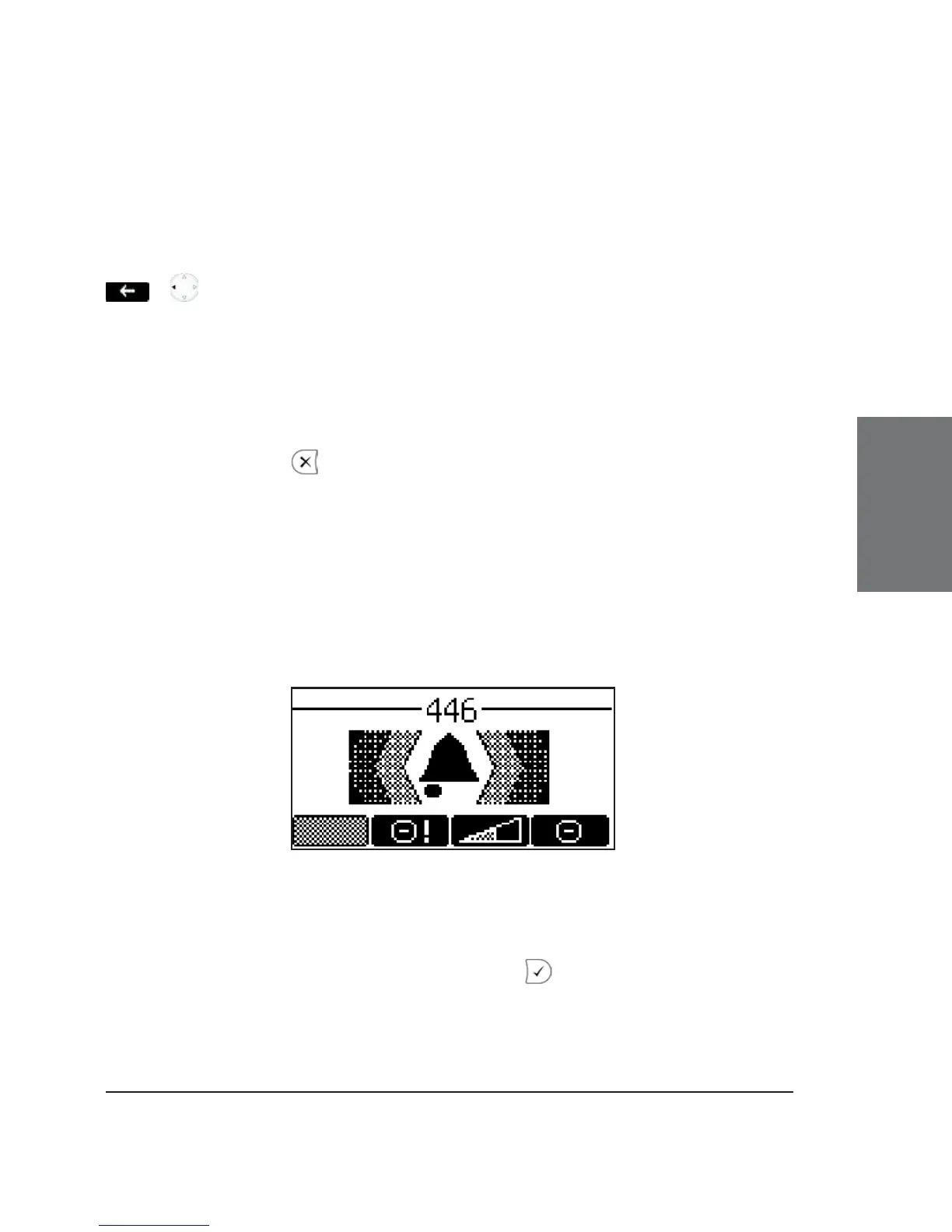
When your snom 360 is called, it rings and displays the following
screen:
Accepting a call
Picking up the handset or pressing will accept the call. The
snom 360 is now in a call.





 To Next Page