snom technology AG • 21
[ SNOM 360 USER MANUAL V1.00 ]
1
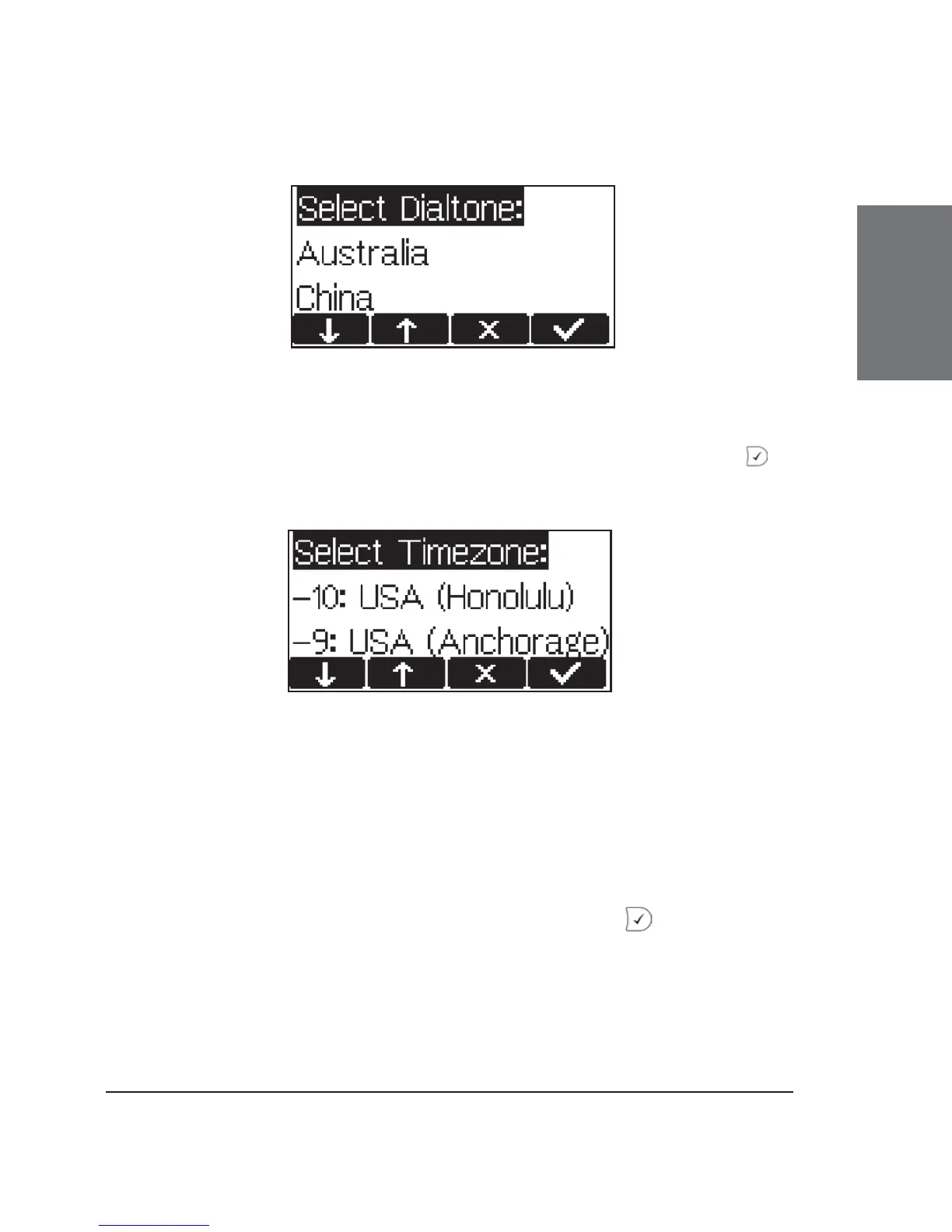
Selecting the Timezone
Select the timezone to be used on the phone by moving through
the different timezone options available in the menu and pressing to
confi rm your selection.
If the settings explained above are set up properly, the phone will
ask for the fi rst account registration.
Logging on the fi rst account
If no number is assigned to the phone yet, you will be prompted
to type in your account name. Confi rm your input with .





 To Next Page