26 • Logon
[ SNOM 360 USER MANUAL V1.00 ]
2
Identity Handling
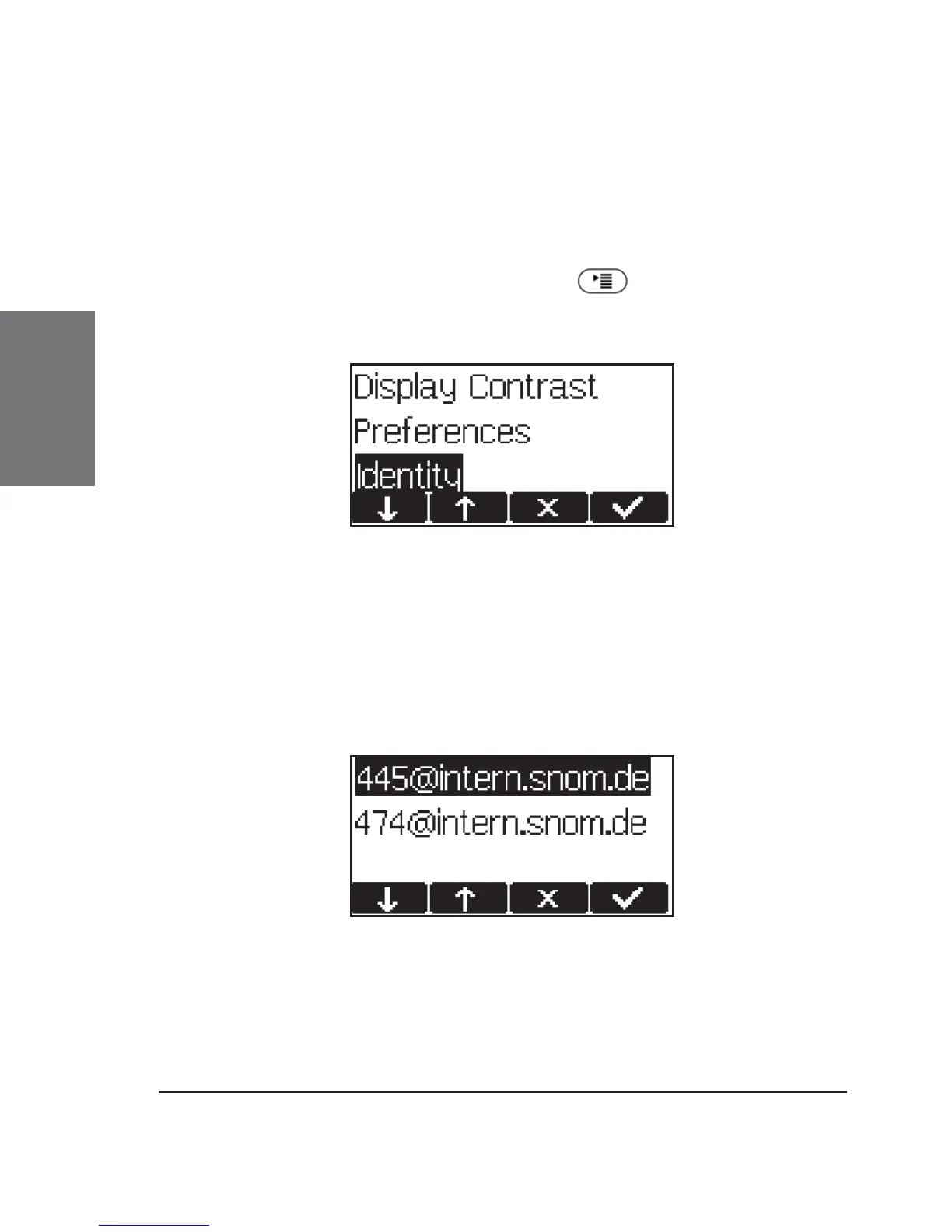
In idle screen press the menu key to call up the following
menu, where you will fi nd the menu item “Identity”.
The following submenu items are available.
Outgoing Identity
Selecting this menu item will provide a list of currently registered
SIP lines.
By choosing a different line, your originator phone number is
changed to this line. This means that different people can start calls from
the same phone with their own originator phone number, and the called
phone will display the current outgoing line information. The current





 To Next Page