20 • Installation
[ SNOM 360 USER MANUAL V1.00 ]
1
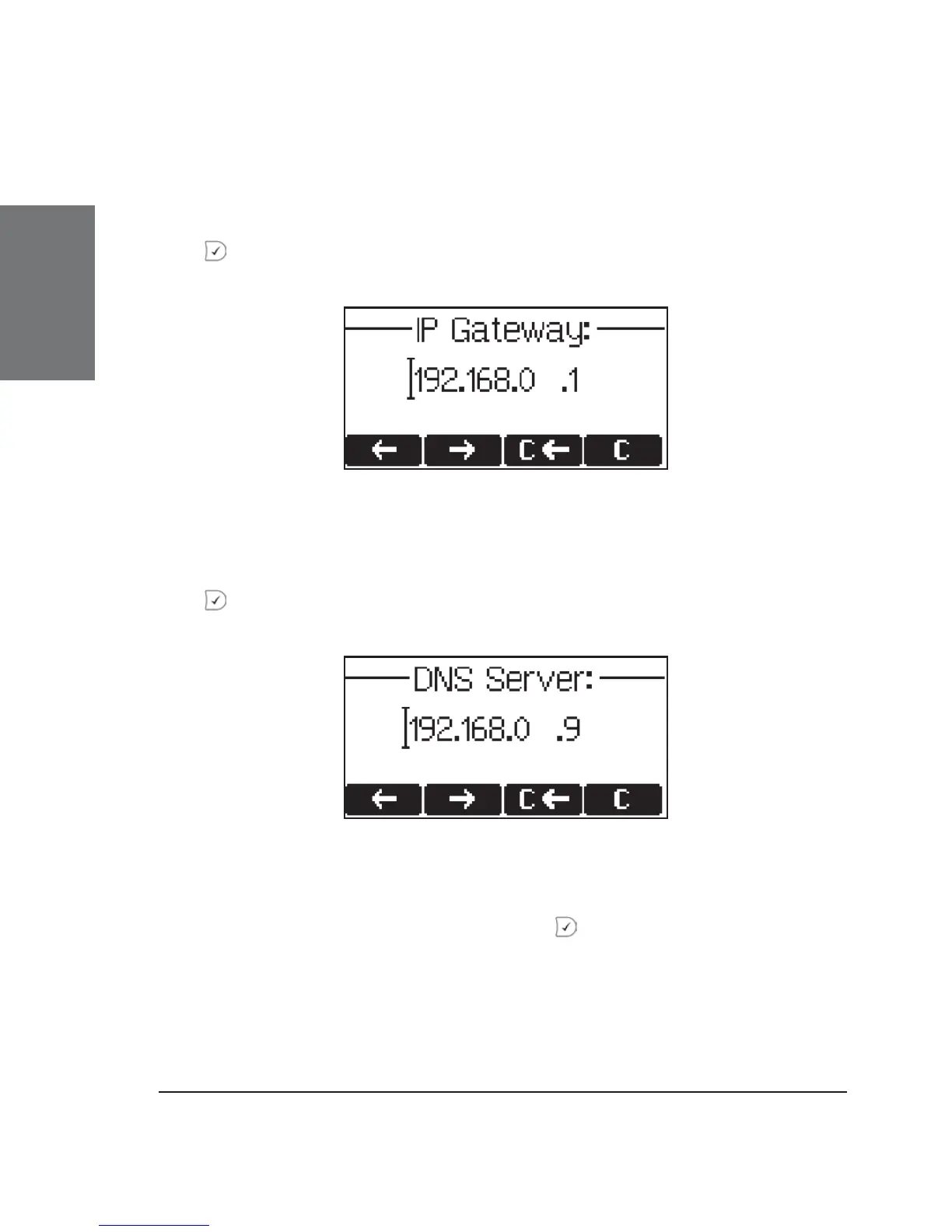
Setting the IP Gateway
If a valid Netmask has been provided, the user will be asked for
the IP address of the IP gateway. After entering the information, confi rm
with
Setting the DNS Server
The last item for this series of network-related confi gurations is
the IP address for the DNS server. After entering the information, confi rm
with .
Selecting the Tone Scheme
The user will then be asked for the tone scheme to be used on the
phone. After selecting one, confi rm with .




 To Next Page