snom technology AG • 41
[ SNOM 360 USER MANUAL V1.00 ]
3
Handset / Handsfree / Headset
The snom 360 supports calls made using the handset or the
handsfree capability. During a call, it is possible to switch between both
modes by pressing the function keys / or the Speaker key
on the upper-left side.
If a headset is connected and the audio output is set to headset,
the snom 360 will treat the headset as the output device for calls, which
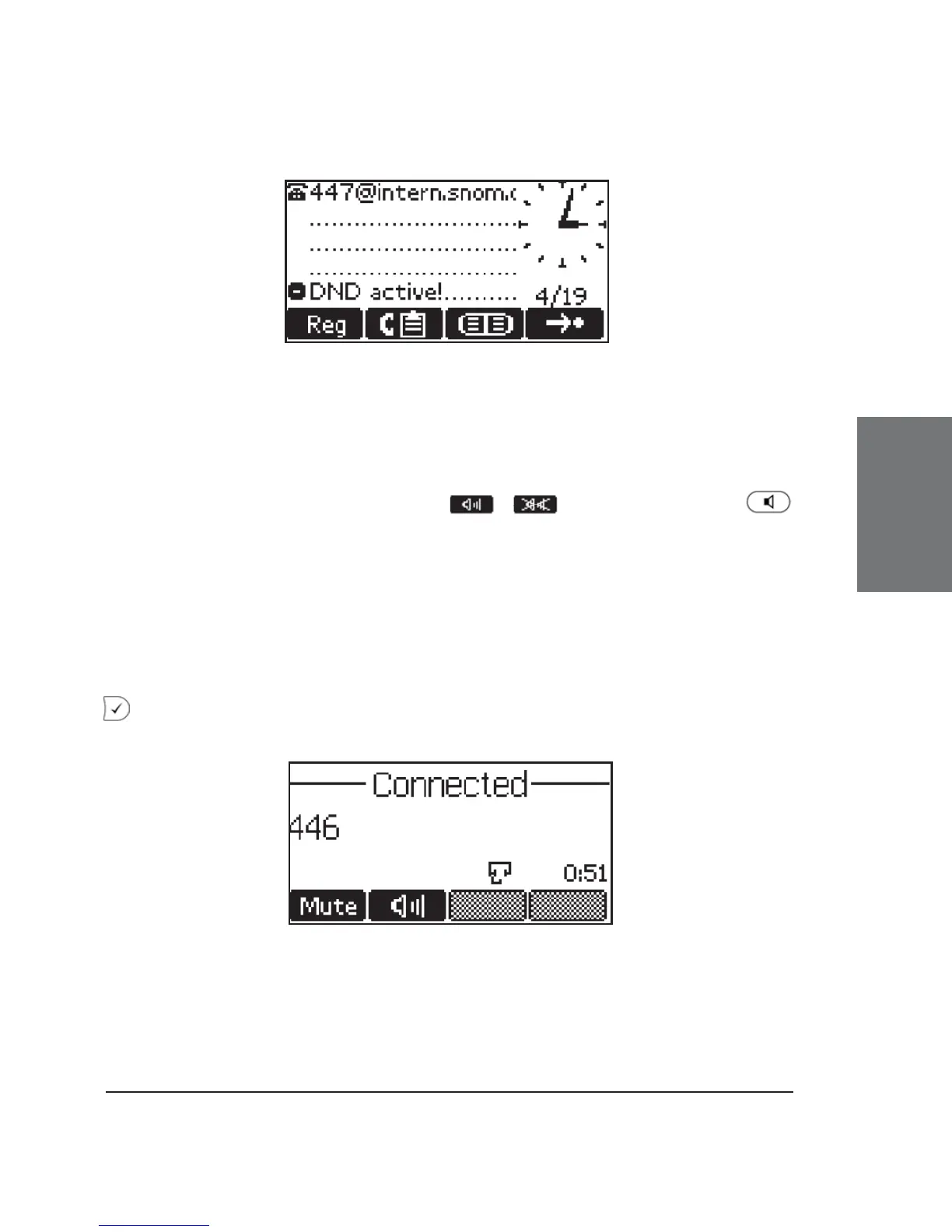
is indicated during a call by a small headset symbol on the bottom line.
When the snom 360 is used in a call center environment, the connected
headset will usually be the default setting for speaking on the phone. The
key is therefore used to accept incoming calls.





 To Next Page