snom technology AG • 25
2
Logon
Mobility
In business offi ce environments, desktops are sometimes shared
by different employees at the same time or at different points in time
(e.g., employees working different shifts, etc). The phones located at the
desktops need to be able to cater to this.
To ease the effort of assigning the appropriate phone number to
the phone for each individual employee, the snom 360 offers so-called
mobility features, which are described in the following subchapters.
Logon wizard
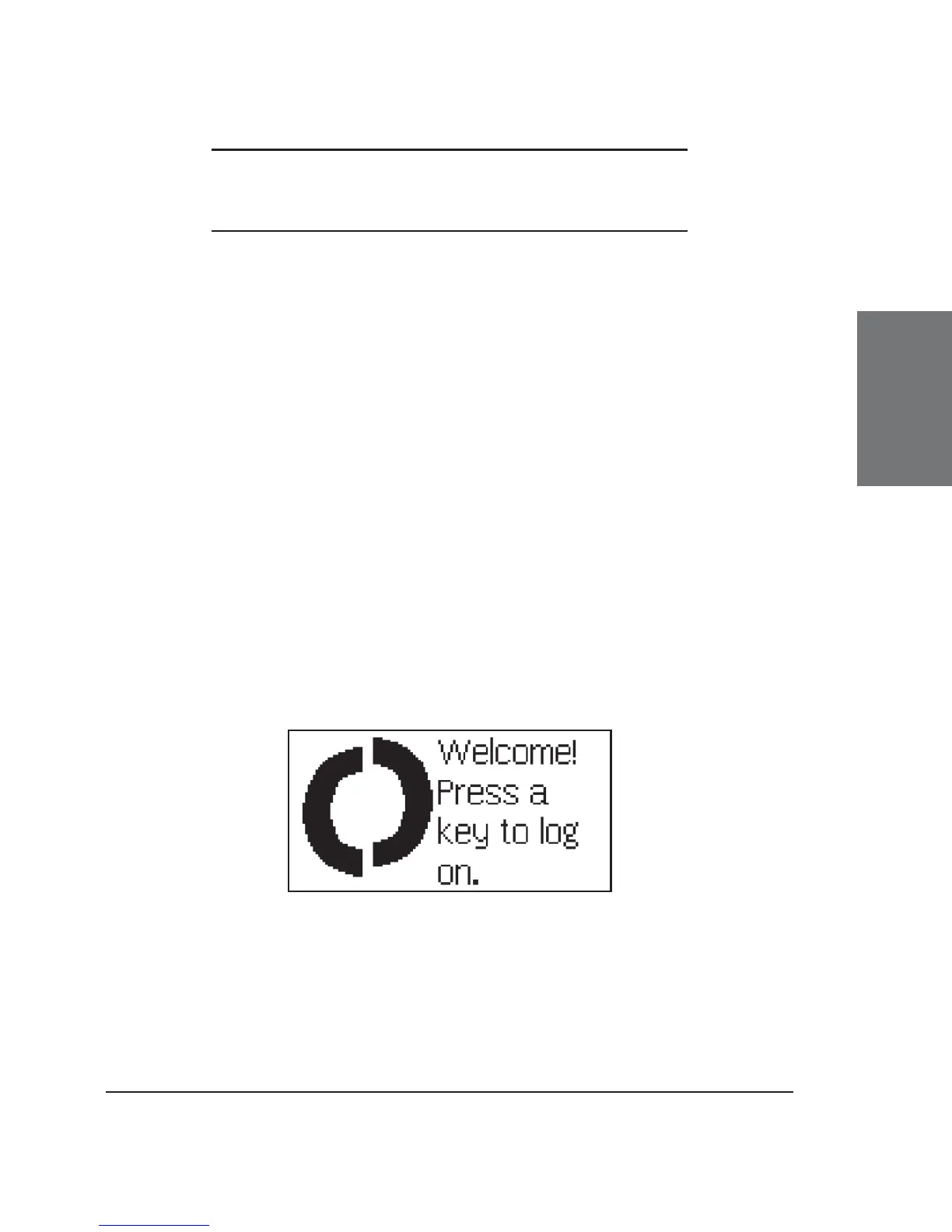
If no number is assigned to the phone, it displays a logon
screen.
Follow the instructions in the preceding section, chapter Logging
on the First Account.





 To Next Page