snom technology AG • 39
[ SNOM 360 USER MANUAL V1.00 ]
If you decide to press , the caller will be placed on the deny
list and will always be denied automatically. If is not displayed, it
is switched off in the settings. You can enable it via the web interface
(“Deny All” feature).
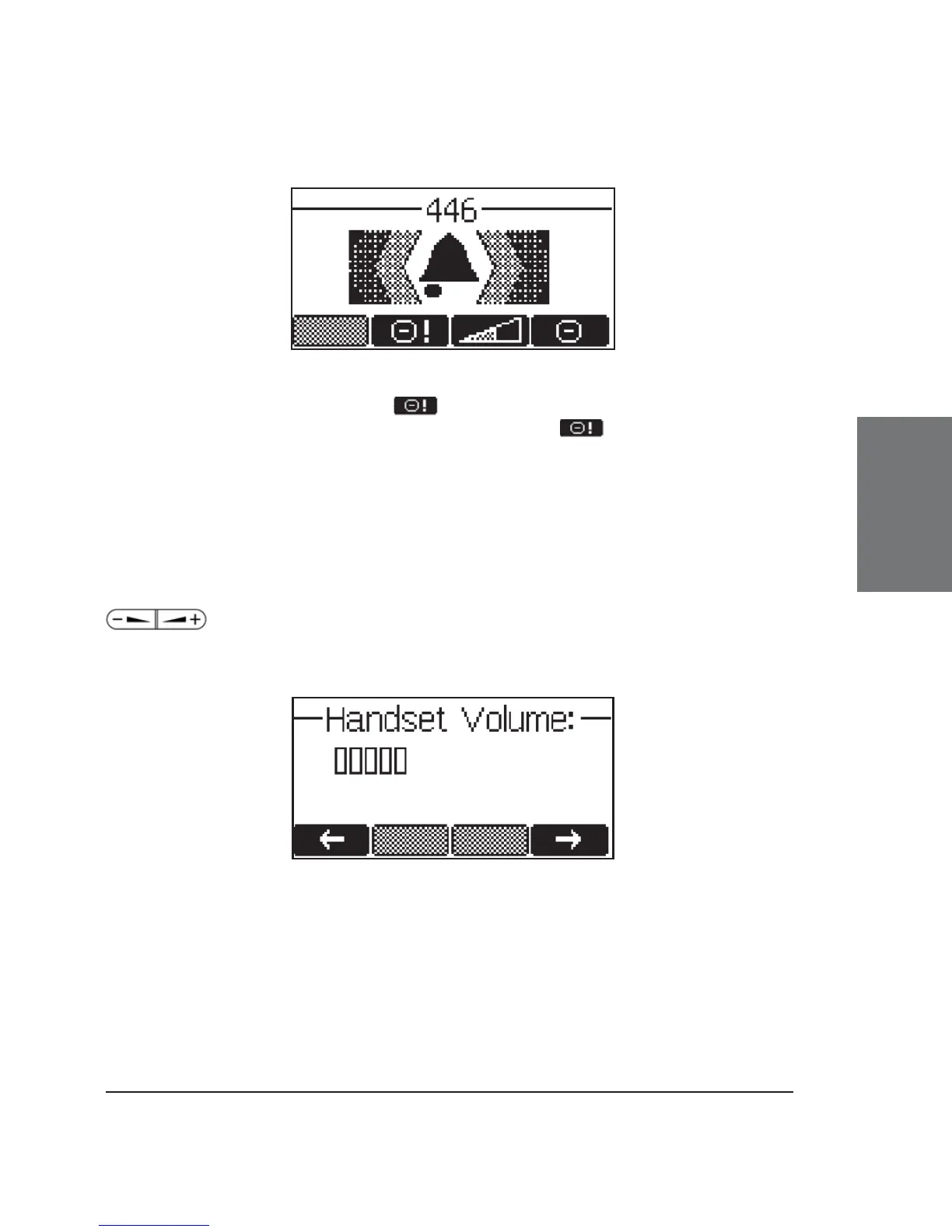
Adjusting the volume
In idle state or while making a call, you can use the keys
to increase or lower the volume. The audio device (casing
speaker, handset, headset) that you are currently using can be adjusted.
3





 To Next Page