snom technology AG • 27
[ SNOM 360 USER MANUAL V1.00 ]
2
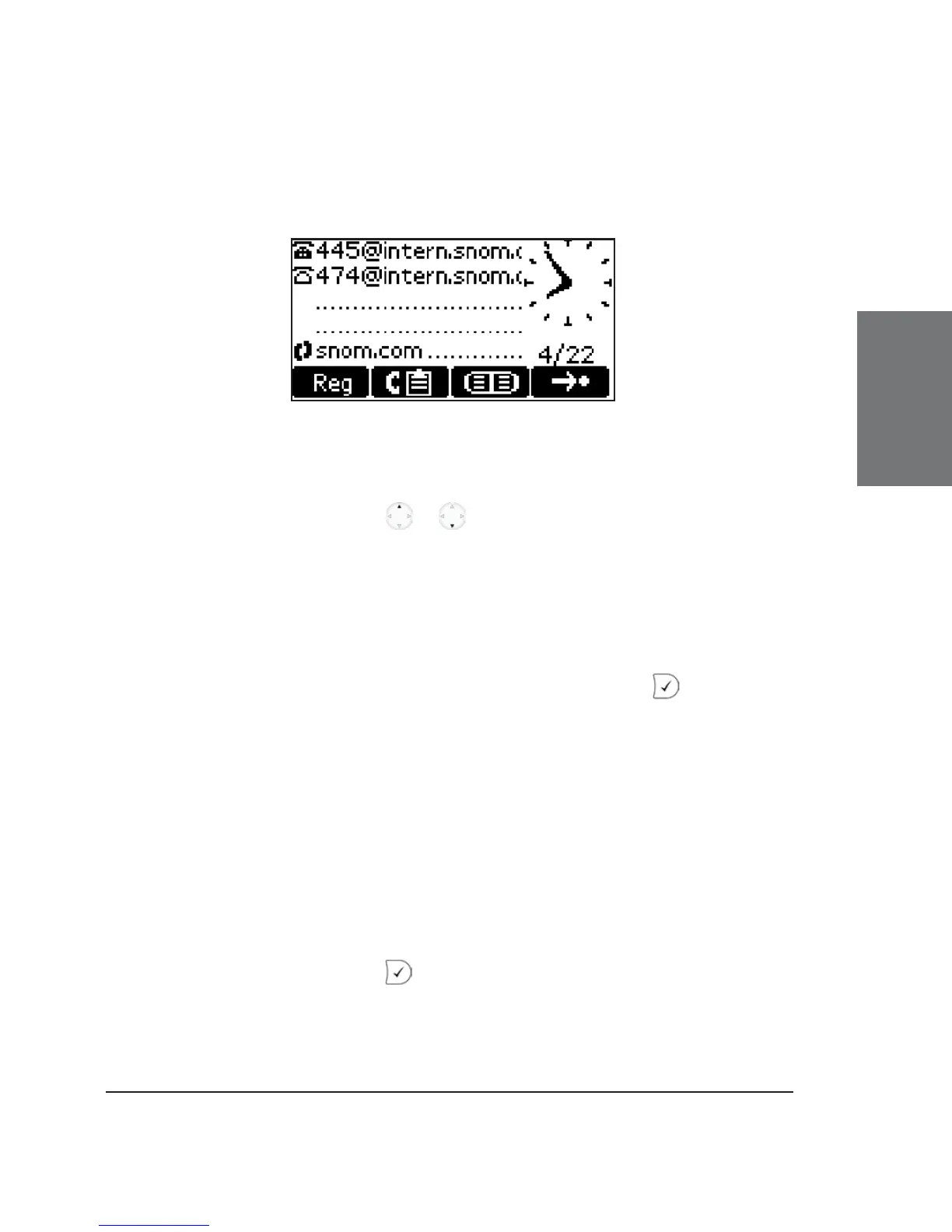
outgoing line is marked on the idle screen with a black-colored phone icon
in front of the registered SIP line.
This selection list can also be accessed via the “Reg” soft key in
idle state.
The navigation key / can also be used to move to the
currently registered lines directly on the idle screen in order to change
the outgoing identity!
Reregister User
A list of all existing registrations is presented, from which you can
select a single one to reregister it by confi rming with the key.
Edit User
If you select this item, you can register an additional account to
the phone. Up to seven accounts can be assigned in this way. Additionally,
existing registrations can also be changed.
Logoff user
Here, you are able to log off a registered account. A list with
the currently assigned registrations is shown. Select the registration you
want to log off and press the key. The selected registration is logged
off and, if it was the only one registered, the logon wizard, if enabled, is
displayed again. Otherwise, the idle screen is displayed.





 To Next Page