18 • Installation
[ SNOM 360 USER MANUAL V1.00 ]
1
Initialization
Booting
The booting process comprises a series of different confi guration
steps that set up the phone for future use by any user.
Selecting the language
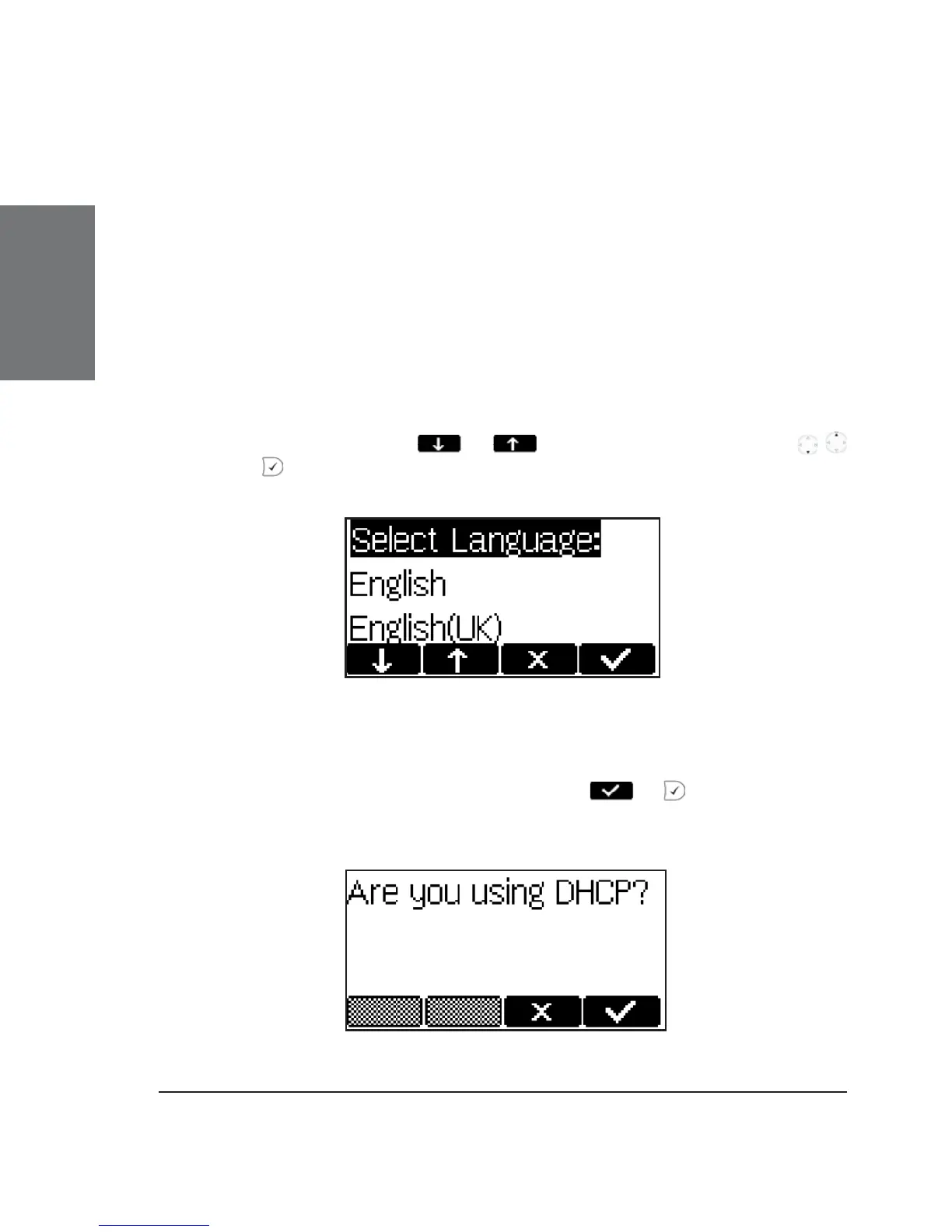
The default language setting is English. Upon startup, the phone
offers you the option to select the language of your choice. To change to a
different language, use the
or keys or the navigation key /
and press to confi rm.
DHCP Confi guration
If your network supports DHCP, press or when this screen
appears:





 To Next Page