snom technology AG • 69
[ SNOM 360 USER MANUAL V1.00 ]
Import
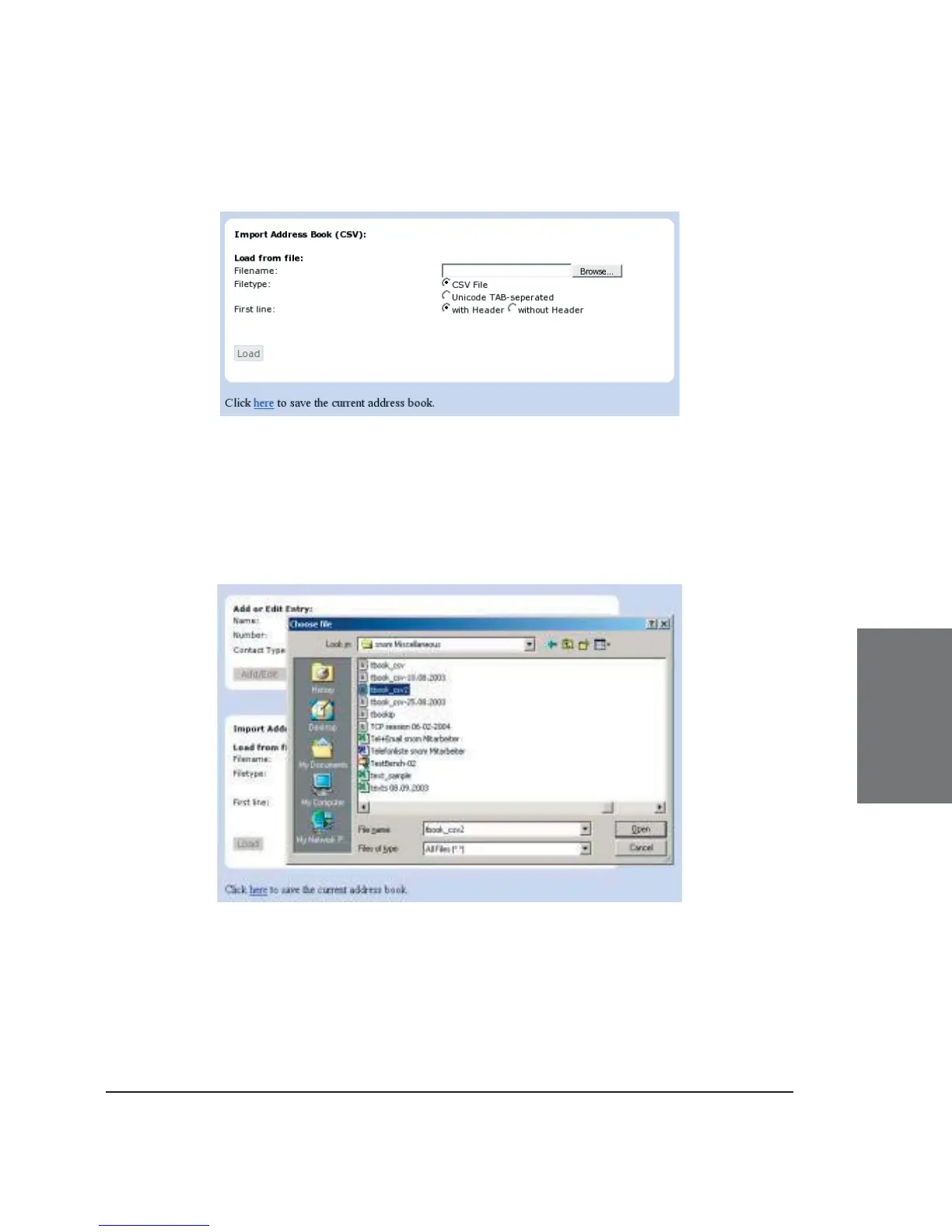
To load an Address book from a fi le, click on the Browse button on
the page Phone / Phonebook in the section entitled “Import Address Book
(CSV)”. Select the pre-stored csv fi le from the storage medium and then
press the ‘Load’ button just below the edit box.
It does not matter if some of the entries already exist in the
phone book. They will not be duplicated if both name and number are
exactly the same. If the number fi eld is the same but the name is not,
the fi le entries will replace the old ones (just like editing the old entry to
save a different name). If the name is the same but the number is not, a
new entry will be made.
5





 To Next Page