66 • Call Register
[ SNOM 360 USER MANUAL V1.00 ]
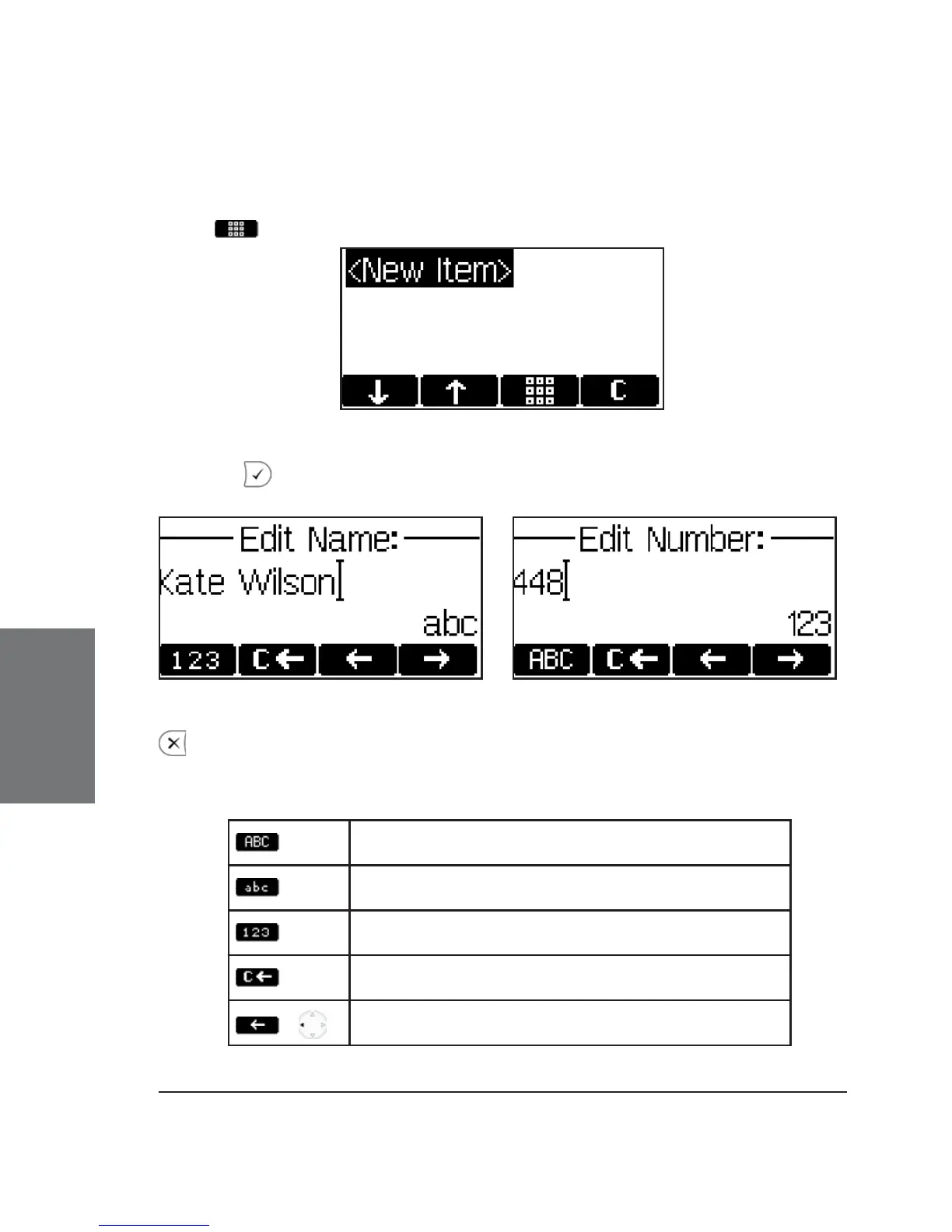
Adding an entry
In order to add a new entry, select the list item <New item> and
press
.
Enter the name and phone number and confi rm each item by
pressing .
The title of the window indicates which input is expected. Pressing
aborts the addition of a new entry.
Key mapping:
Change input mode to capital letters
Change input mode to small letters
Change input mode to numbers
Delete the character to the left of the cursor
/
Move the cursor to the left
5





 To Next Page