snom technology AG • 47
[ SNOM 360 USER MANUAL V1.00 ]
3
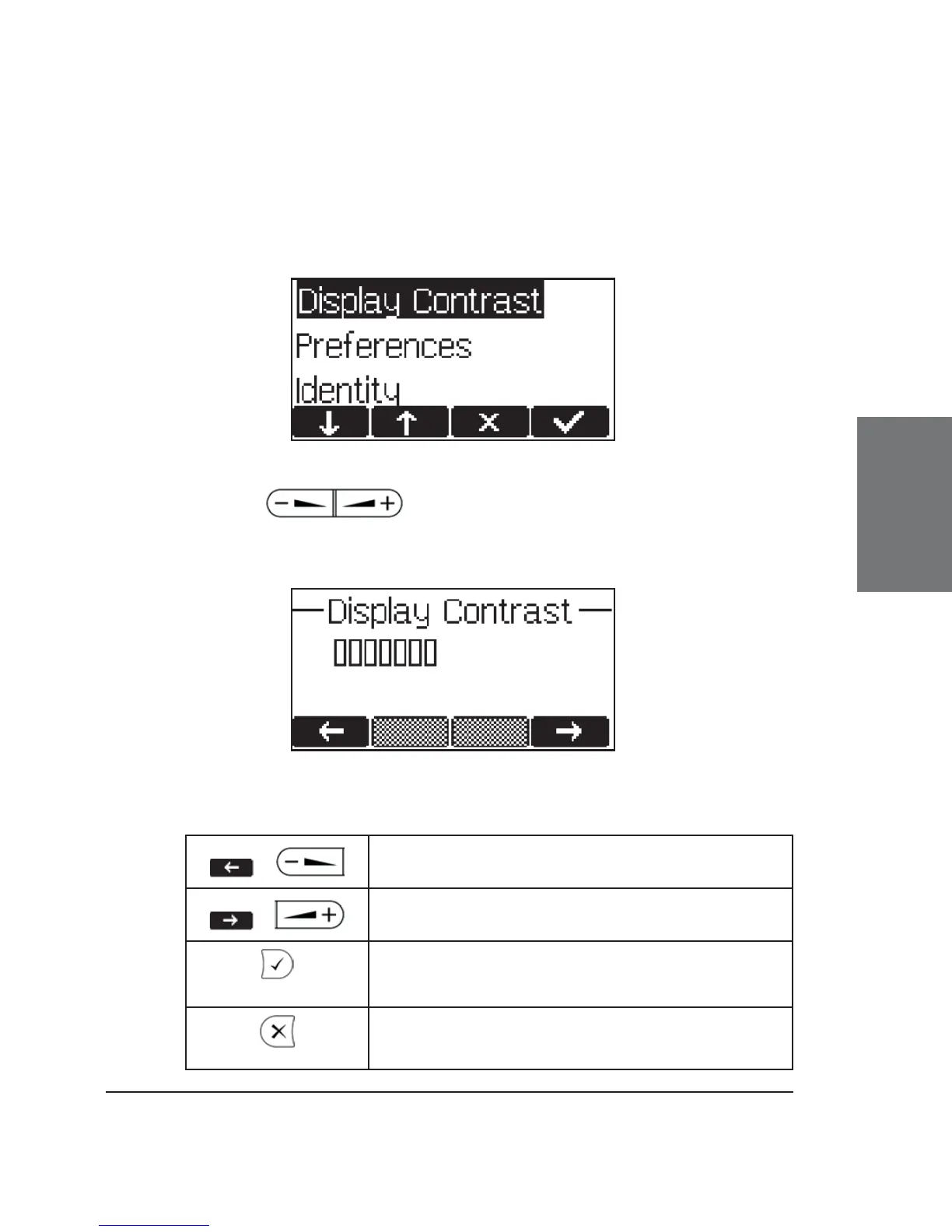
Adjusting the Display Contrast
Via the menu item “Preferences”, the Display Contrast menu item
can be selected:
Use the keys to increase or decrease the display
contrast.
Key mapping:
/
Reduce the contrast in steps
/
Increase the contrast in steps
Set contrast and return to idle state
Return to idle state without setting the
contrast





 To Next Page