70 • Call Register
[ SNOM 360 USER MANUAL V1.00 ]
Preview
A preview feature is available while importing fi les for the phone
book. One way to do this is to use a Comma-Separated Values (CSV)
fi le (perhaps one you previously exported from a phone). A CSV fi le has
entries separated by a comma (and without spaces between the comma
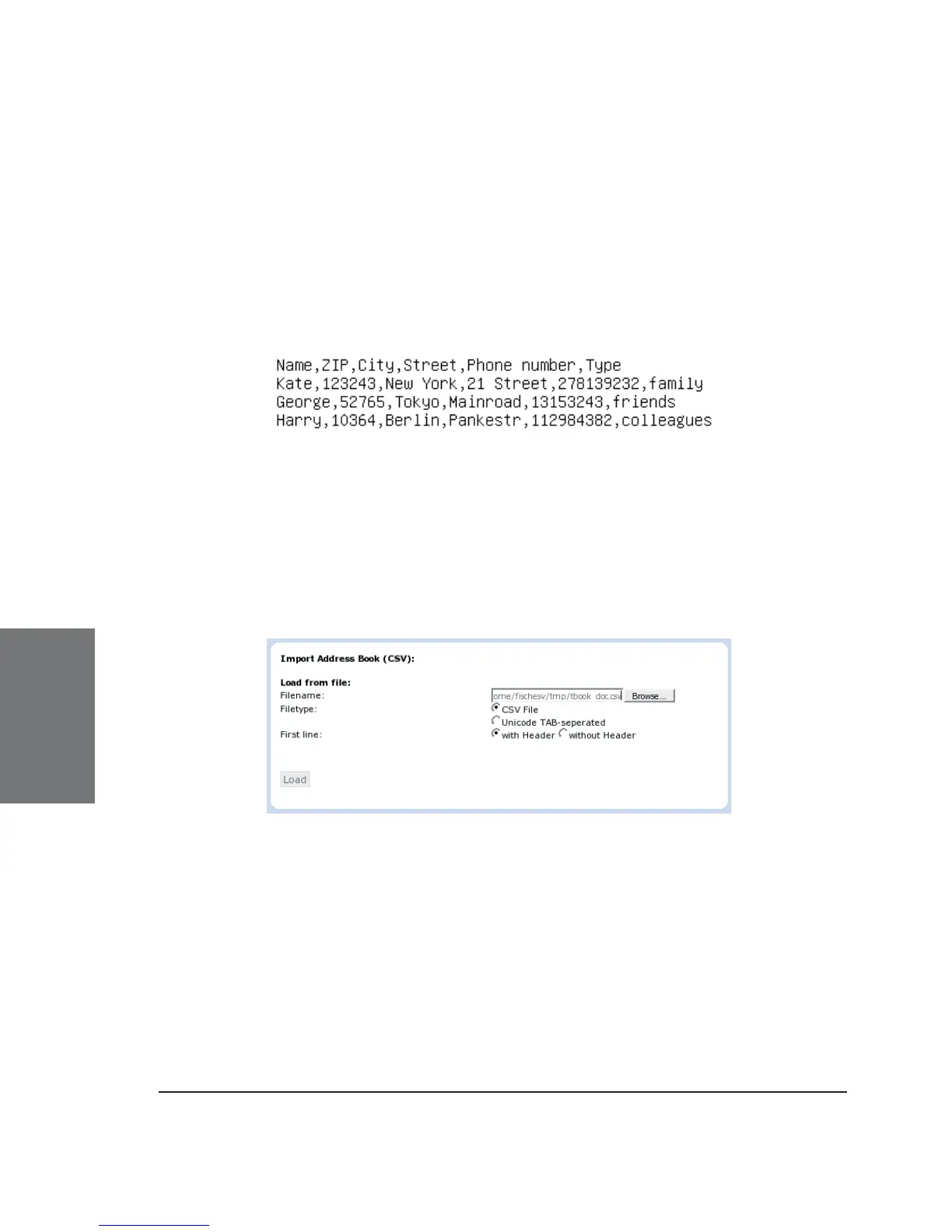
and the preceding and following entry). It can look like this:
The fi rst line represents the header, which shouldn’t be imported,
which is why the option “without header” has to be selected in this case.
Selecting a CSV or Unicode TAB-separated fi le is possible through
the web interface, as shown in the following:
After choosing a fi le, a preview of the selected fi le contents will
be shown.
Now assign the three possible data types (name, number, contact
type) that can be imported to the columns in the preview representing
those kinds of data.
5





 To Next Page