snom technology AG • 77
Settings
A long list of different settings is available, which can be used to
control the behavior of the snom 360. These settings are explained in the
white paper “Confi guring snom phones for Mass Deployment”, which you
will fi nd at http://www.snom.com. The white paper “How can I update
a snom phone?” describes the different options available to update the
phone, also via settings fi le.
You can specify and change the settings via the phone or the
phone’s webpage.
Settings via Phone
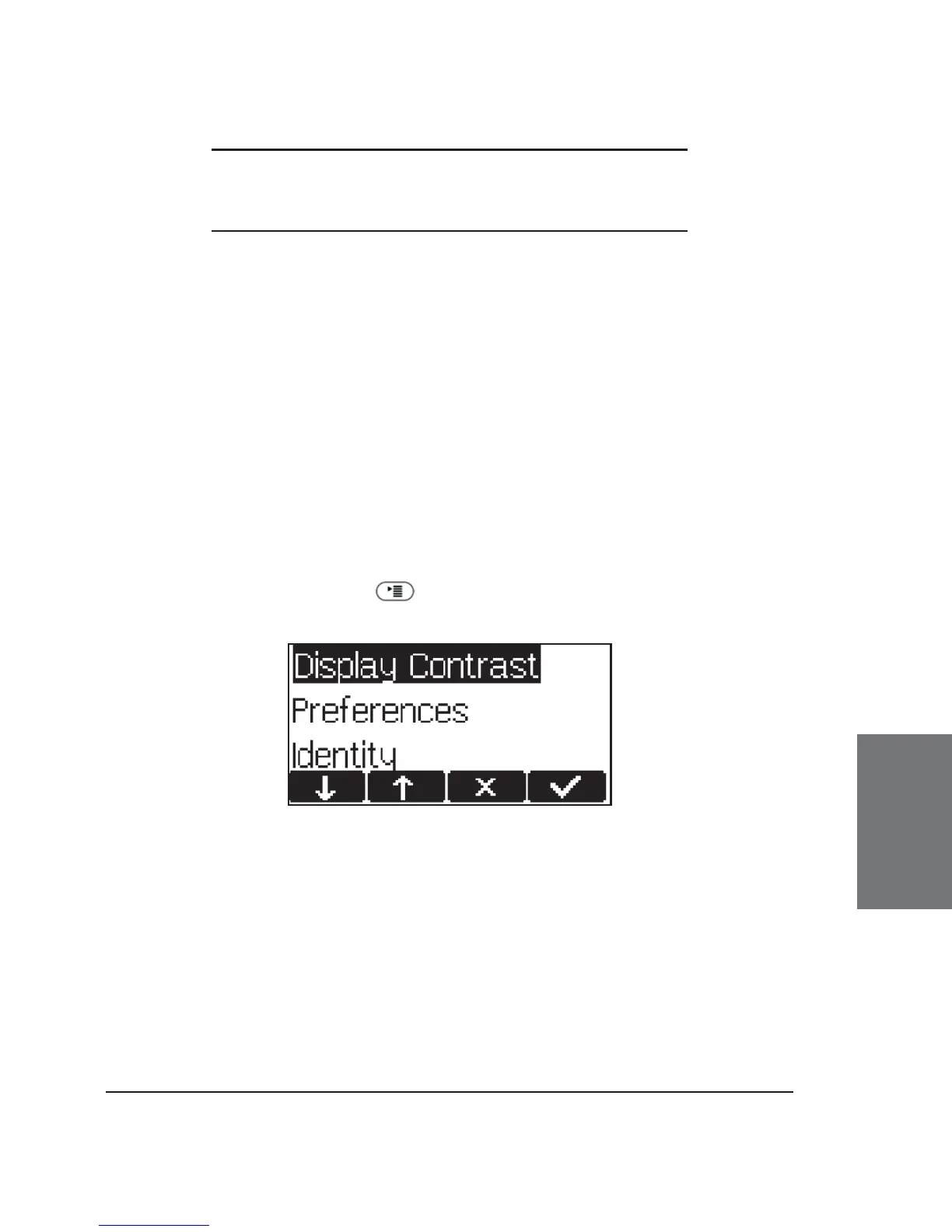
Press the Menu key to get to this menu:
which has the following submenus:
Display Contrast Redirection
Preferences Network
Identity RTP
Phone Behavior Key Mapping
The menu items Display Contrast, Identity, and parts of
Preferences are described in chapter 3, Basic Functions, Settings via
Phone, the others in the chapter on Settings via Web Browser, below.
6





 To Next Page