snom technology AG • 87
[ SNOM 360 USER MANUAL V1.00 ]
6
Setup Lines 1-7
On these pages you can set up the SIP lines you wish to use on
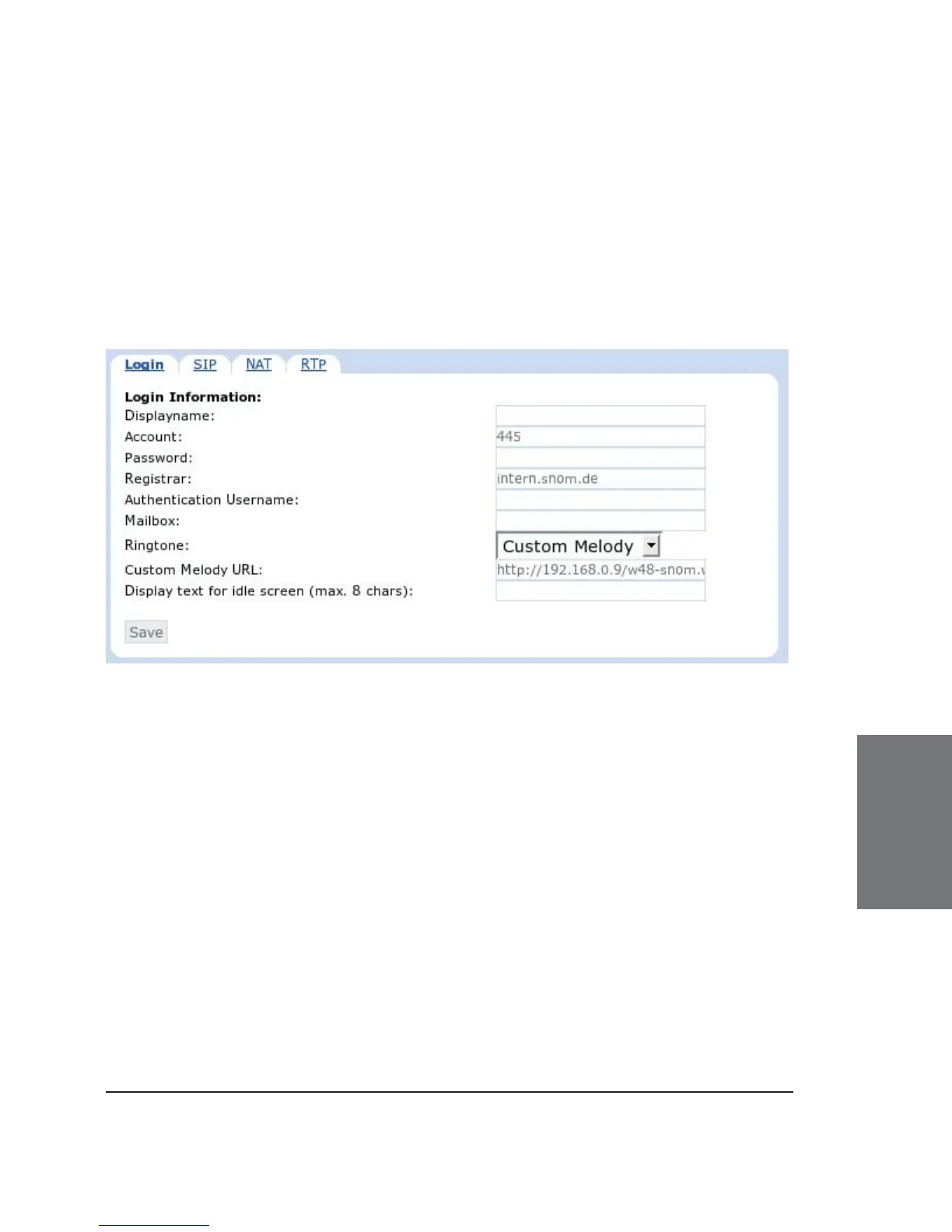
your phone. It is possible to set up seven lines. Each line setting page
looks like the following illustration. Click on the tabs to access “Login”,
“SIP”, “NAT” and “RTP”.
Login Information
Displayname: Set the name you would like to associate with
each line, e.g. “John Smith”. This information is also sent out to any party
you are calling.
Account: This is the account with which you register to a registrar/
proxy. It could be alphanumeric, e.g. “js”, or based on digit like “445” in
the screenshot above.
Password: This is the password to be used for challenge
responses. In order to protect them from unauthorized use, passwords
are not displayed in their true form, but as a series of asterisks.
Registrar: Specify the IP or DNS address of the registrar/proxy
where you want to register this account. After a successful registration,
the registrar knows how to reach this specifi c line and can route requests
(e.g., incoming calls) from other registered parties to this phone.





 To Next Page