88 • Settings
[ SNOM 360 USER MANUAL V1.00 ]
6
Authentication Username: Registrar environments may need
different user names for registration and authentication.
Mailbox: If you have set up a mailbox, specify the account name
for that mailbox here to associate it with this particular SIP line. This is
important for contacting your mailbox - by pressing the
key - when
there are no new messages indicated or when the MWI message does not
include the proper mailbox SIP URI.
Ringtone: Select a ring tone from this pull-down menu that will
alert you when a call comes in on this particular line.
Custom Melody URL: Specify an URL to your own ringing melody.
The type of fi le that should be supplied to the phone is: „PCM 8 kHz 16
bit/sample (linear) mono WAV”. This only has an effect when you have
chosen “Custom Melody” from the “Ringtone” pull-down menu and when
the incoming call matches this SIP line.
Display text for idle screen: If you enter a name of up to 8
characters in this fi eld, then this name will be shown on the idle screen
associated with this particular line instead of the name you have entered in
the “Displayname” fi eld, if any. This information is not sent out to anyone,
but is merely shown on the phone’s display for your information.
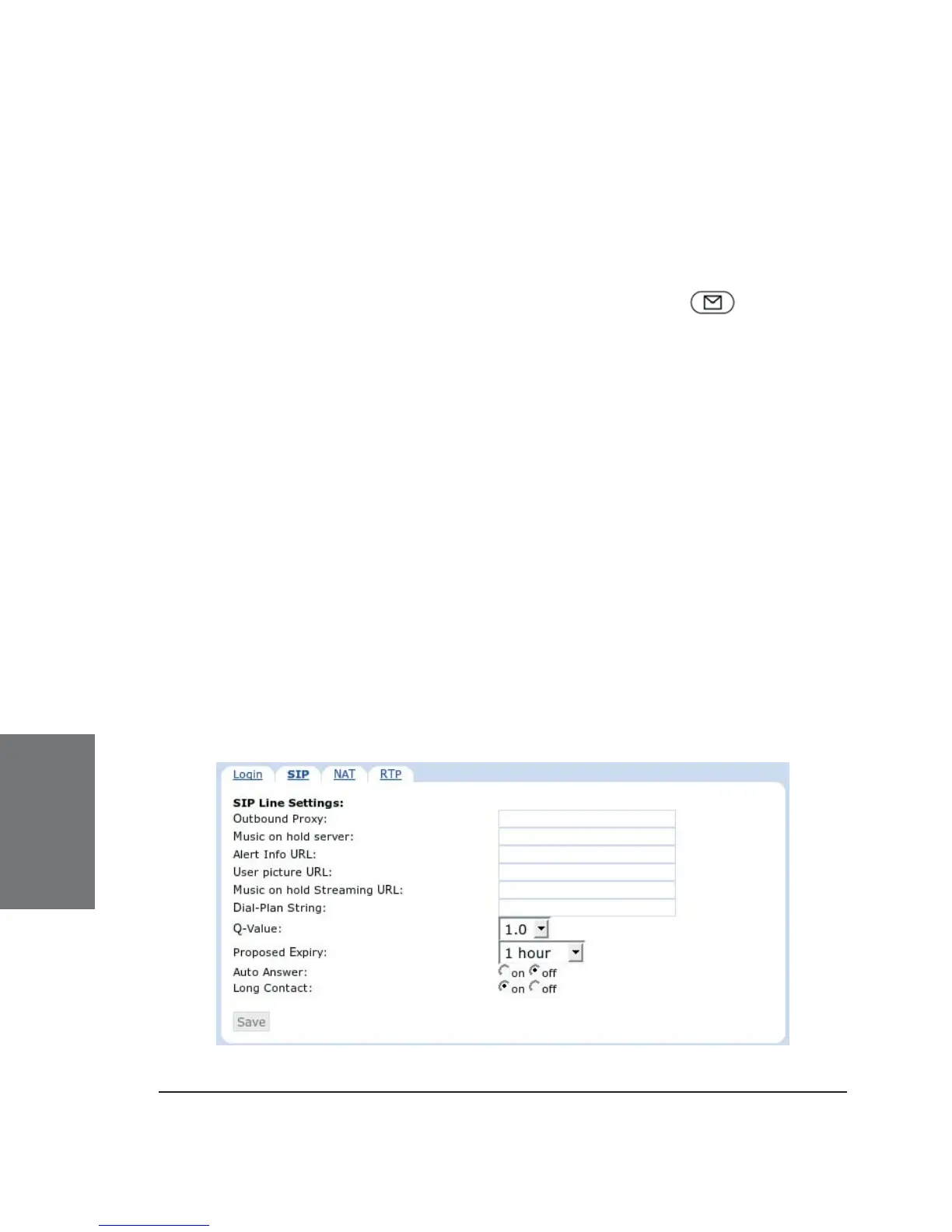
SIP Line Settings





 To Next Page