58 • Advanced Functions
[ SNOM 360 USER MANUAL V1.00 ]
4
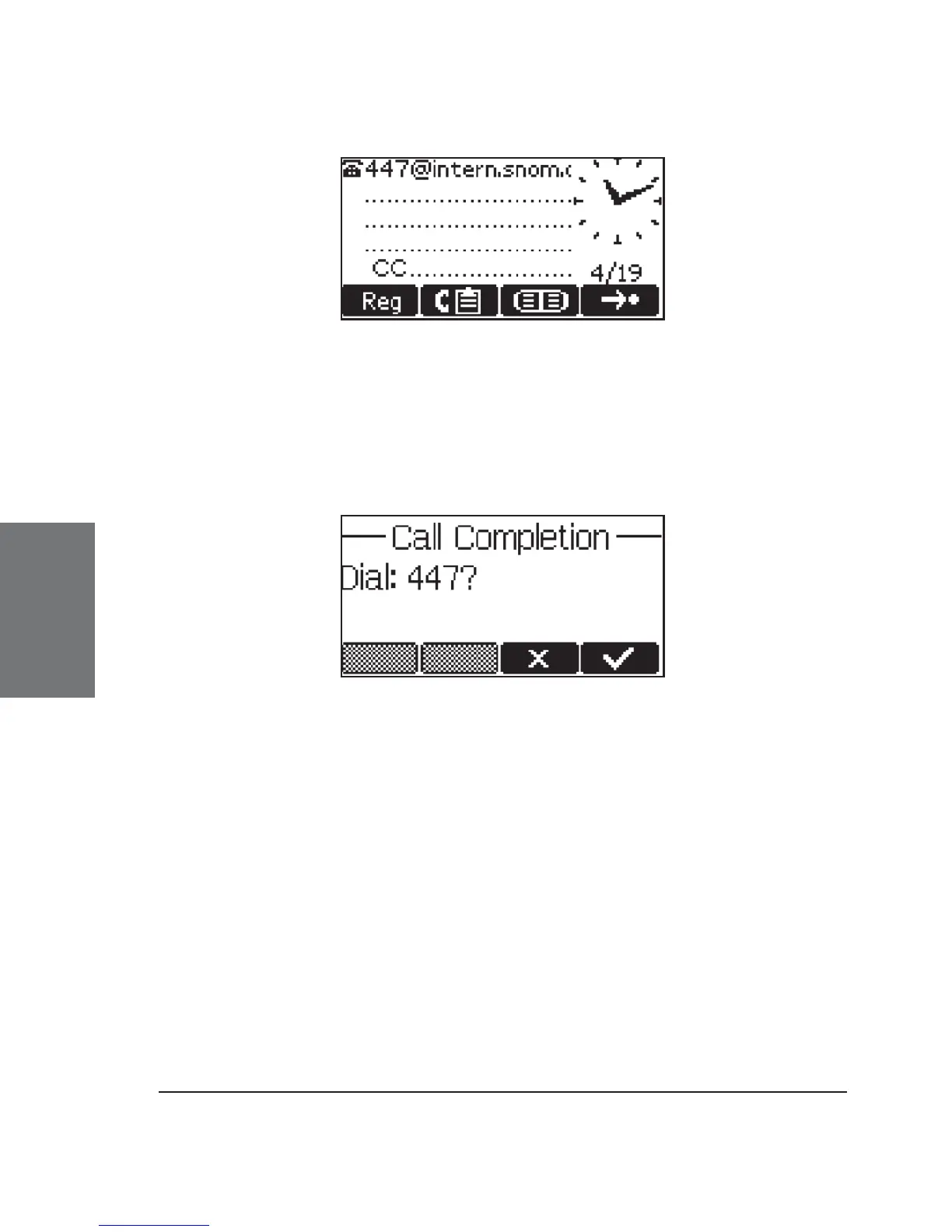
When the other side is available again, the display will prompt
you to redial the number.
Be aware that the activity detection only detects whether the
other party is using the phone. It cannot detect whether the person you
want to reach is in the room or not!
DTMF Tones
During a call, e.g., with a voicemail system, pressing the digits
0-9, *, or # will generate and send DTMF tones to the other party. The
phone supports in-band and out-of-band DTMF functionality. It prefers
out-of-band DTMF, but, if the other party does not support it, the phone
falls back to in-band DTMF.
Short Messages (SMS)
Incoming short messages are automatically indicated by a small
letter symbol on the display (when the phone is in idle state), a blinking
message LED, and, if “MWI Notifi cation” is set to “beep/reminder”, with a
short beep (Menu item “Preferences / MWI Notifi cation”).





 To Next Page