snom technology AG • 51
4
Advanced
Functions
Hold and resume
When a call is in progress, pressing puts the call on hold, i.e.,
neither party can hear the other.
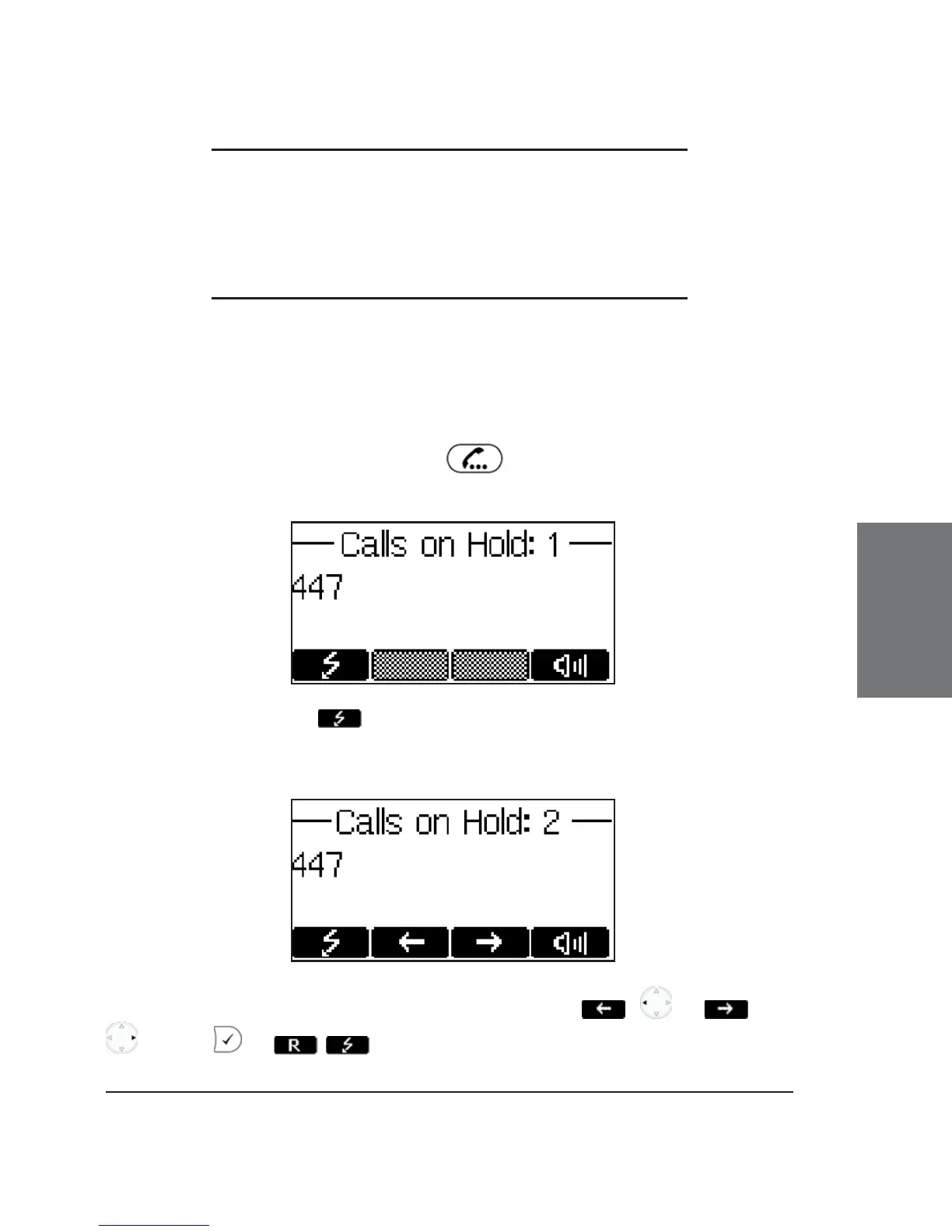
Pressing the fl ash key will resume the call. While a call is on hold,
you can establish another call by dialing the desired number.
When more than one call is on hold, the following window appears:
Select the party you wish to talk to with the keys / or /
. Press or / to get connected.





 To Next Page