34 • Basic Functions
[ SNOM 360 USER MANUAL V1.00 ]
3
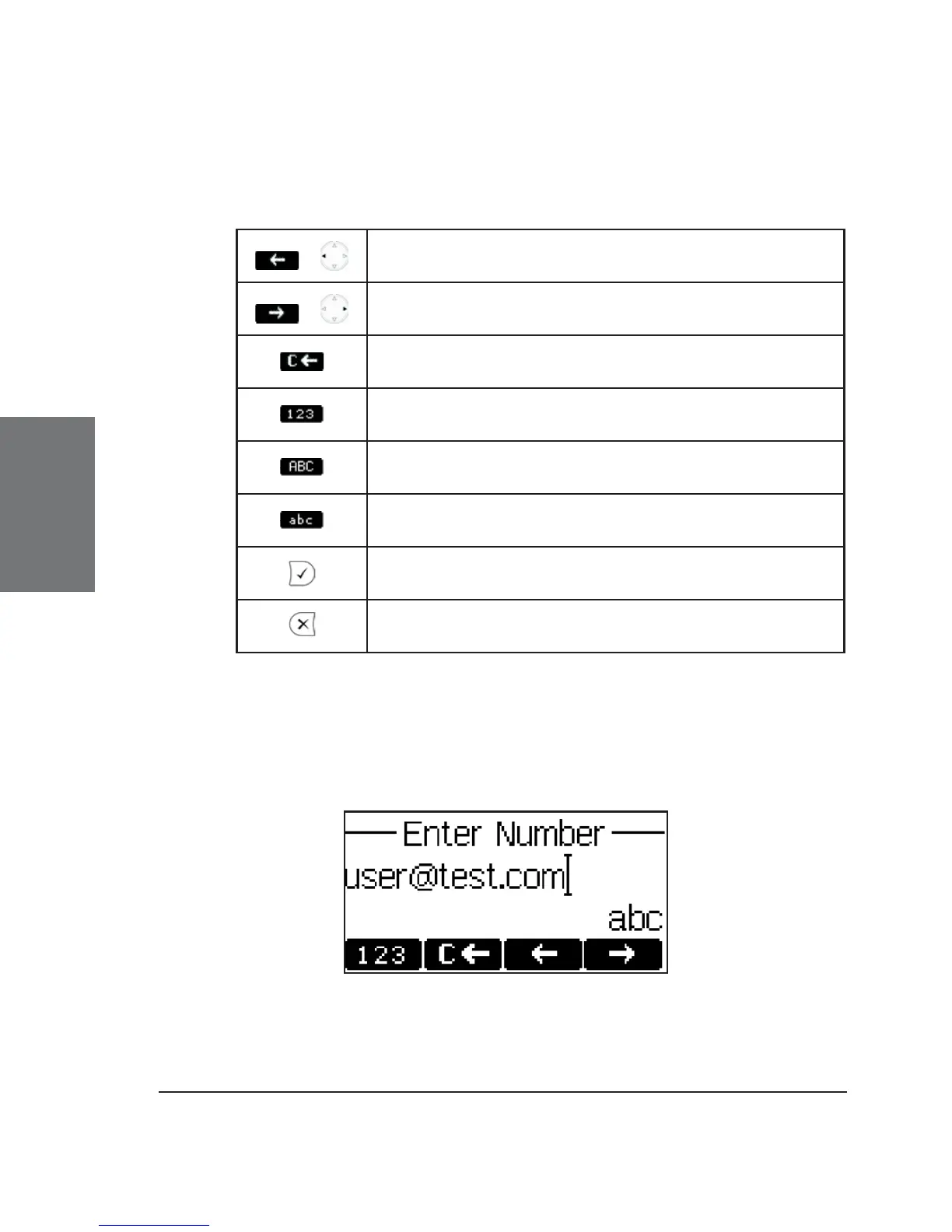
Key mapping:
/
Moves the cursor to the left
/
Moves the cursor to the right
Deletes the character to the left of the cursor
Changes input mode to numbers
Changes input mode to capital letters
Changes input mode to small letters
Dials the number
Aborts the dialing
Dialing a SIP address
Enter a SIP address via the alphanumeric block. To fi nd the “@”
symbol, press the numeric key “1” twice.





 To Next Page