32 • Basic Functions
[ SNOM 360 USER MANUAL V1.00 ]
3
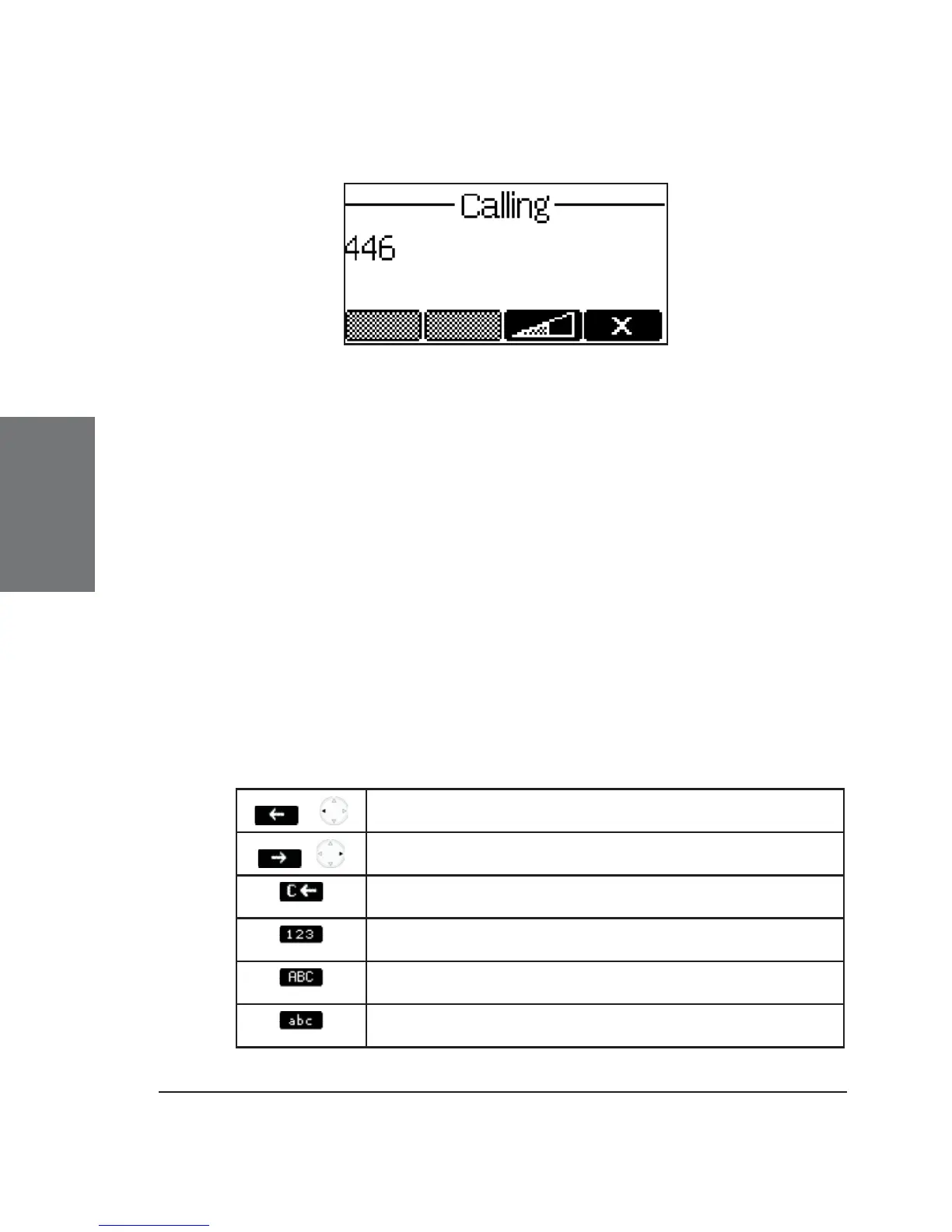
The snom 360 shows the current communication status in the
display.
Input Modes
Depending on the context, various types of inputs are possible.
The active input mode is indicated in the bottom right-hand corner of the
display:
123 Only digits can be entered.
ABC Upper case mode. Press * to activate lower case mode.
abc Lower case mode. Press * to activate upper case mode.
Key mapping for input:
/
Moves the cursor to the left
/
Moves the cursor to the right
Deletes the character to the left of the cursor
Changes input mode to numbers
Changes input mode to capital letters
Changes input mode to small letters





 To Next Page