54 • Advanced Functions
[ SNOM 360 USER MANUAL V1.00 ]
4
Conference
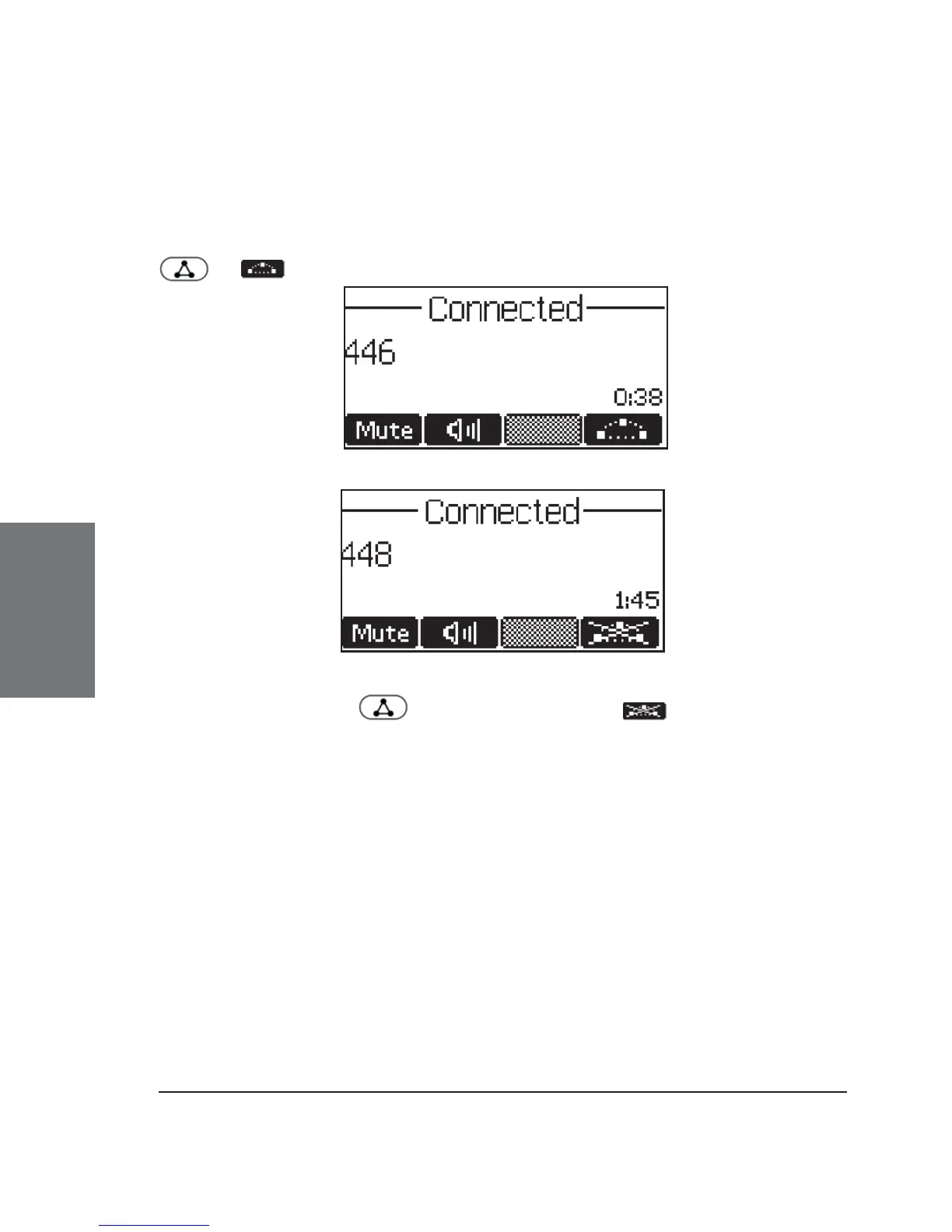
If the phone is connected with two calls, one on hold and one
active, you can connect all three phones in a conference by pressing
or .
By pressing again or by pressing , the conference is
disconnected and the calls are all put on hold.
Call Diversion
All kinds of call diversions can be set, changed, and deactivated
in the menu item “Redirection”.
Diverting all calls
By setting the option “Settings / Redirection / Redirection” to
“Always”, every incoming call is diverted immediately to the number set
in “Redirection / Redirect target” without the phone ringing.





 To Next Page