60 • Advanced Functions
[ SNOM 360 USER MANUAL V1.00 ]
4
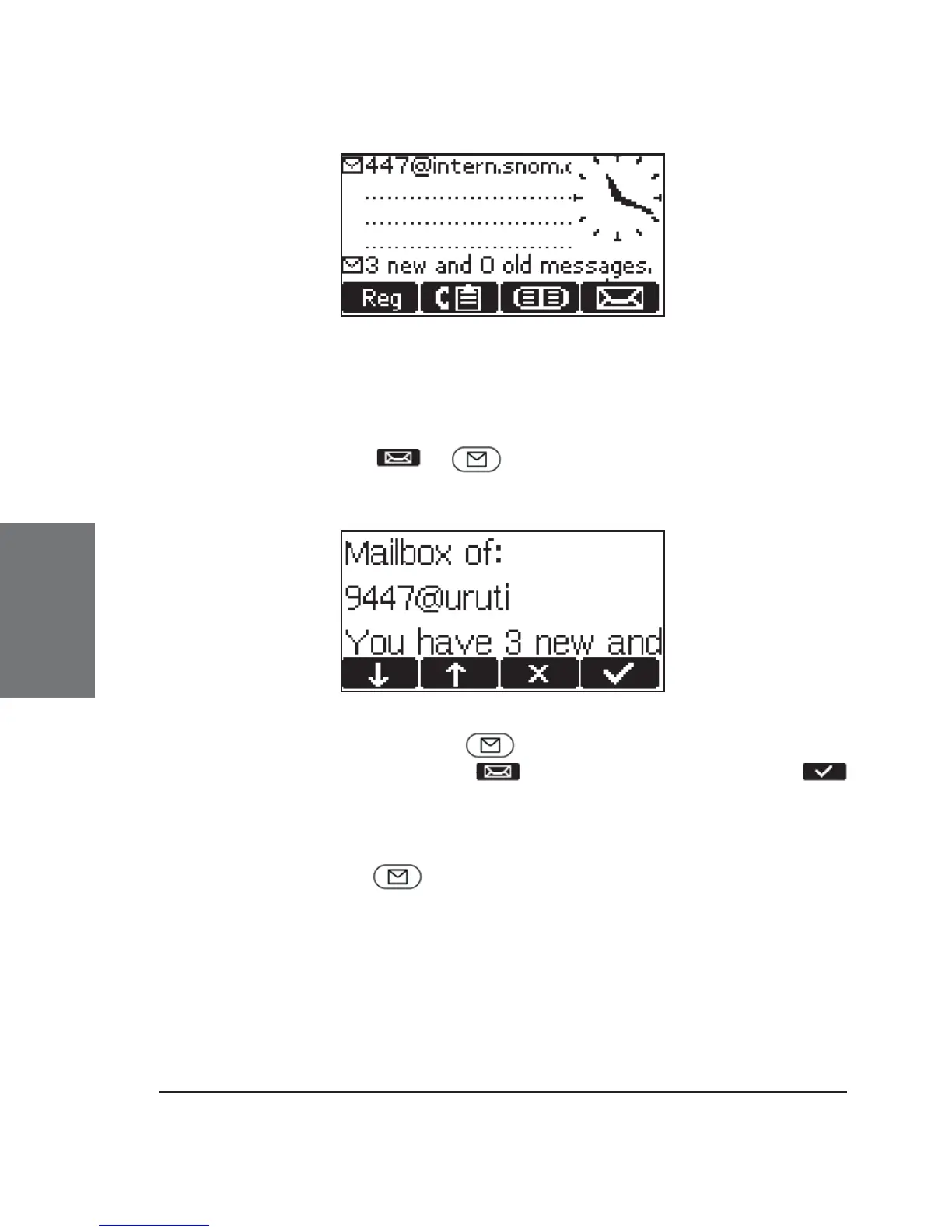
The letter icon in the left upper corner of the idle screen indicates
that the call was recorded for the SIP account listed to the right of it.
After pressing or , you will see a screen similar to the
following one with the number of new and old recorded messages:
If you have pressed , your messages will be played
immediately; if you have pressed , you must press function key
or take the handset off the hook to be connected to the mailbox and listen
to the indicated recorded messages.
If you want to connect to your mailbox independently of a new
message alert, press . This will only work, however, if you have
entered the correct number of the mailbox on the Login index card of the
web page for the corresponding line (Confi guration Line 1-7)!





 To Next Page