snom technology AG • 29
[ SNOM 360 USER MANUAL V1.00 ]
2
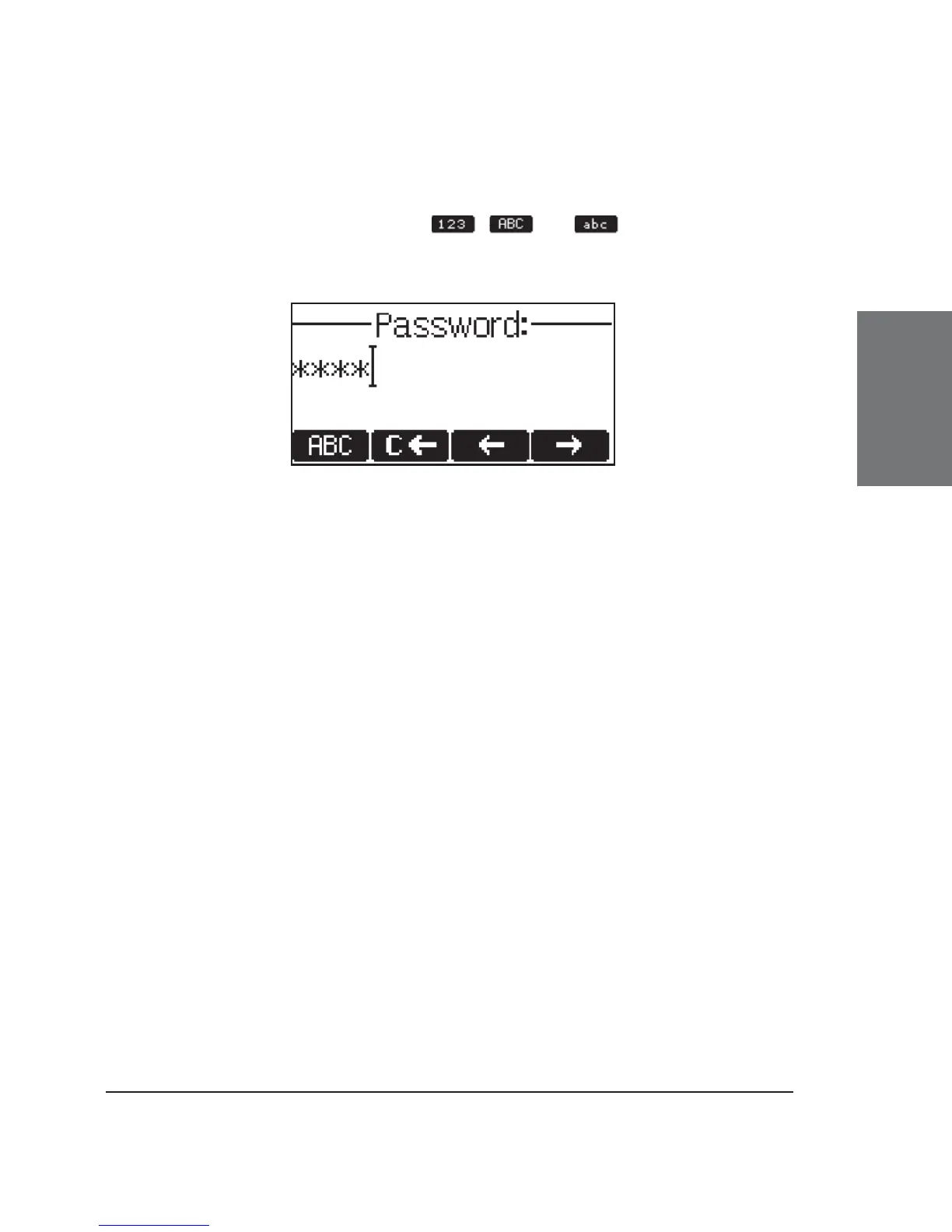
The default mode for password input is integer. You can switch
to other input modes by pressing
, , or . The password is
replaced by a series of ‘*’s to keep it hidden from prying eyes.
Repeat the same procedure for all accounts with authentication.
The challenge responses are stored in the phone and will be used at
reregistration or upon reboot. You can also edit this information via the
web interface.





 To Next Page