snom technology AG • 23
1
SIP URI so that a pure IP call can be started instead of an IP/PSTN call.
Regarding ENUM see also our white paper “ENUM on snom phones”!
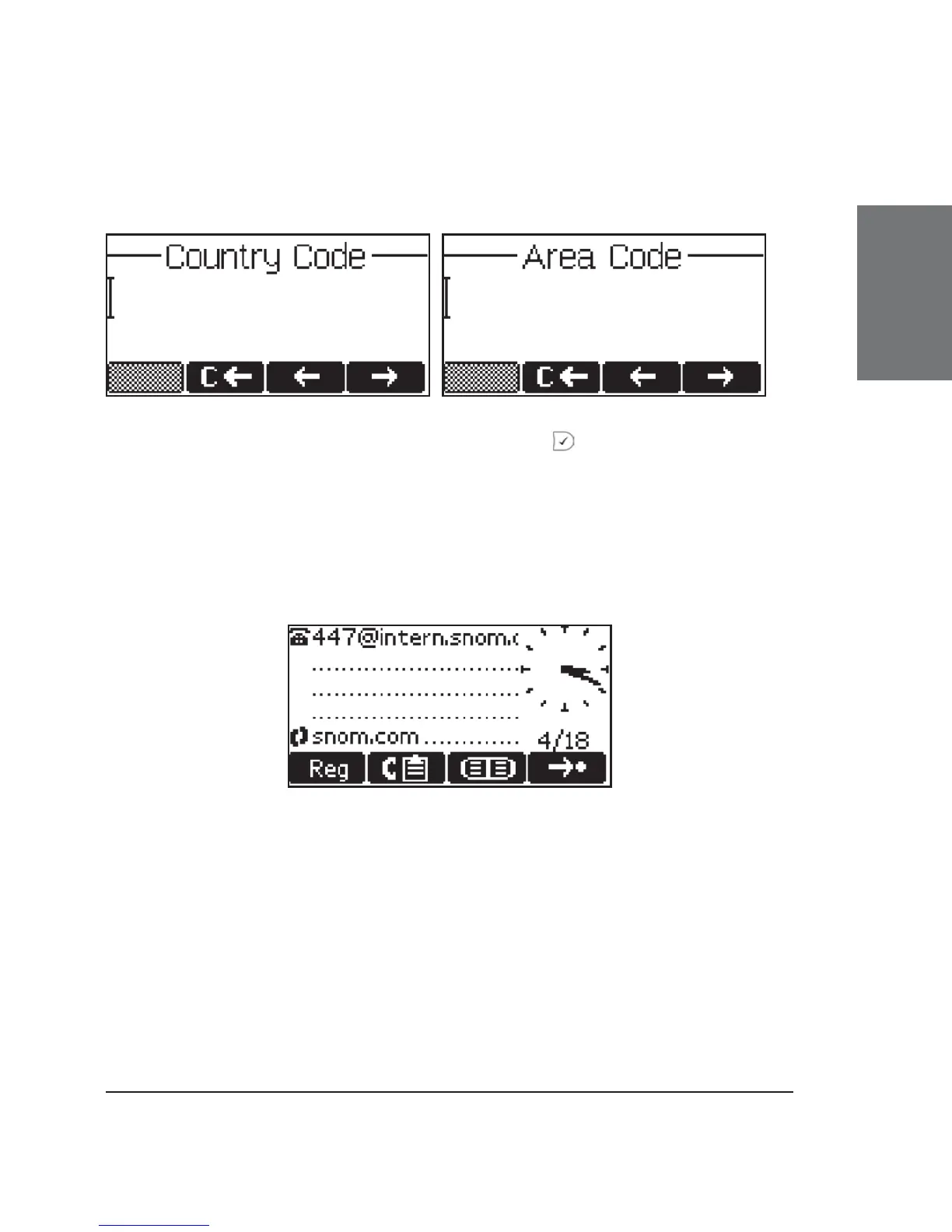
After entering each code, confi rm with .
The phone tries to register your given account name at the given
registrar. The idle screen is shown, and if no crossed box but a phone
symbol is displayed in front of the identity you have just confi gured, your
registration has been successful.
When this state has been reached, the time and date are also
shown on the display.





 To Next Page