56 • Advanced Functions
[ SNOM 360 USER MANUAL V1.00 ]
4
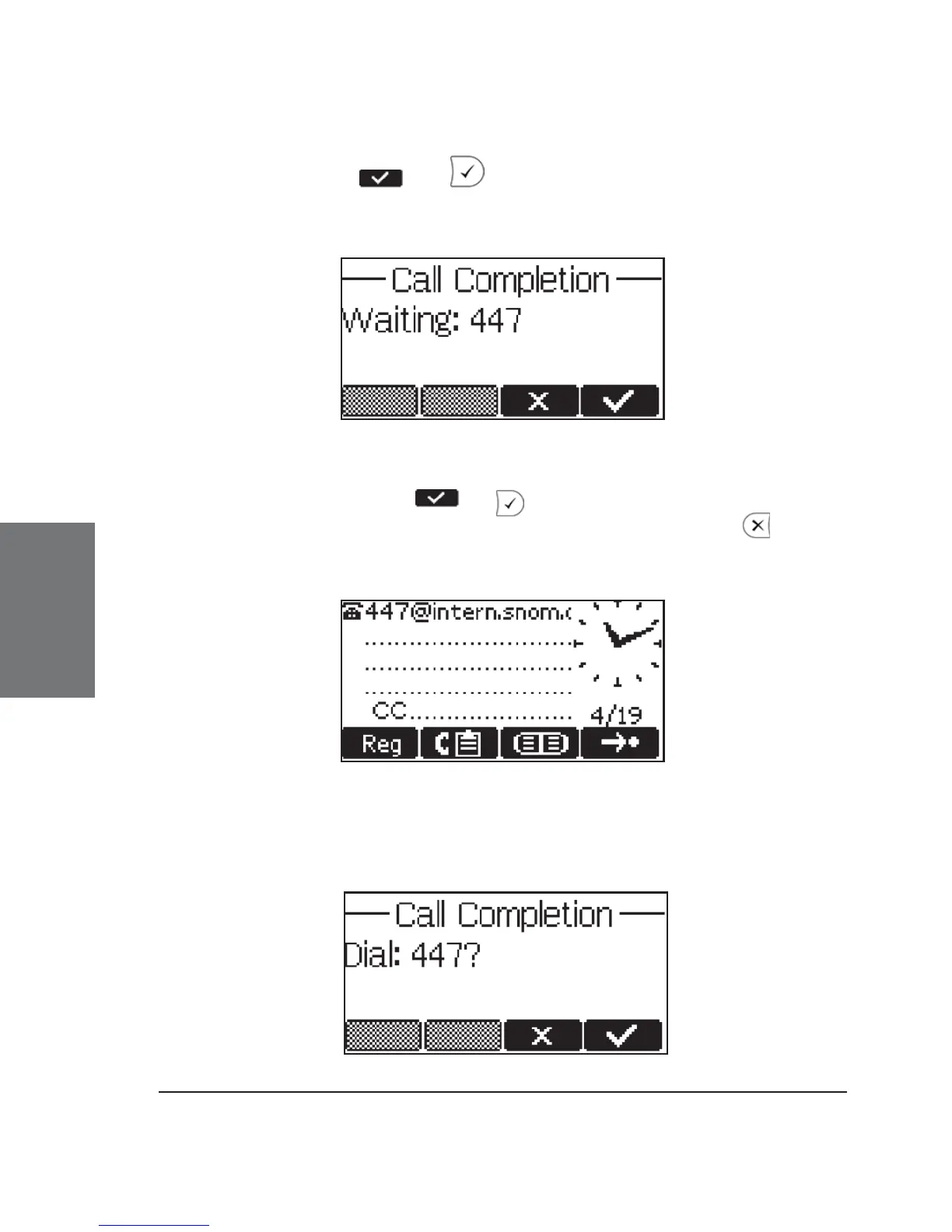
By pressing or , call completion is activated and the
phone waits for the other party to return to idle.
If you wish to receive and make calls while you are waiting for
your call completion, press or to return to the idle screen, which
now shows the letters ‘CC’ in the lower left corner. Pressing cancels
the call completion procedure.
When the other party becomes idle, the following window
appears:





 To Next Page