62 • Advanced Functions
[ SNOM 360 USER MANUAL V1.00 ]
4
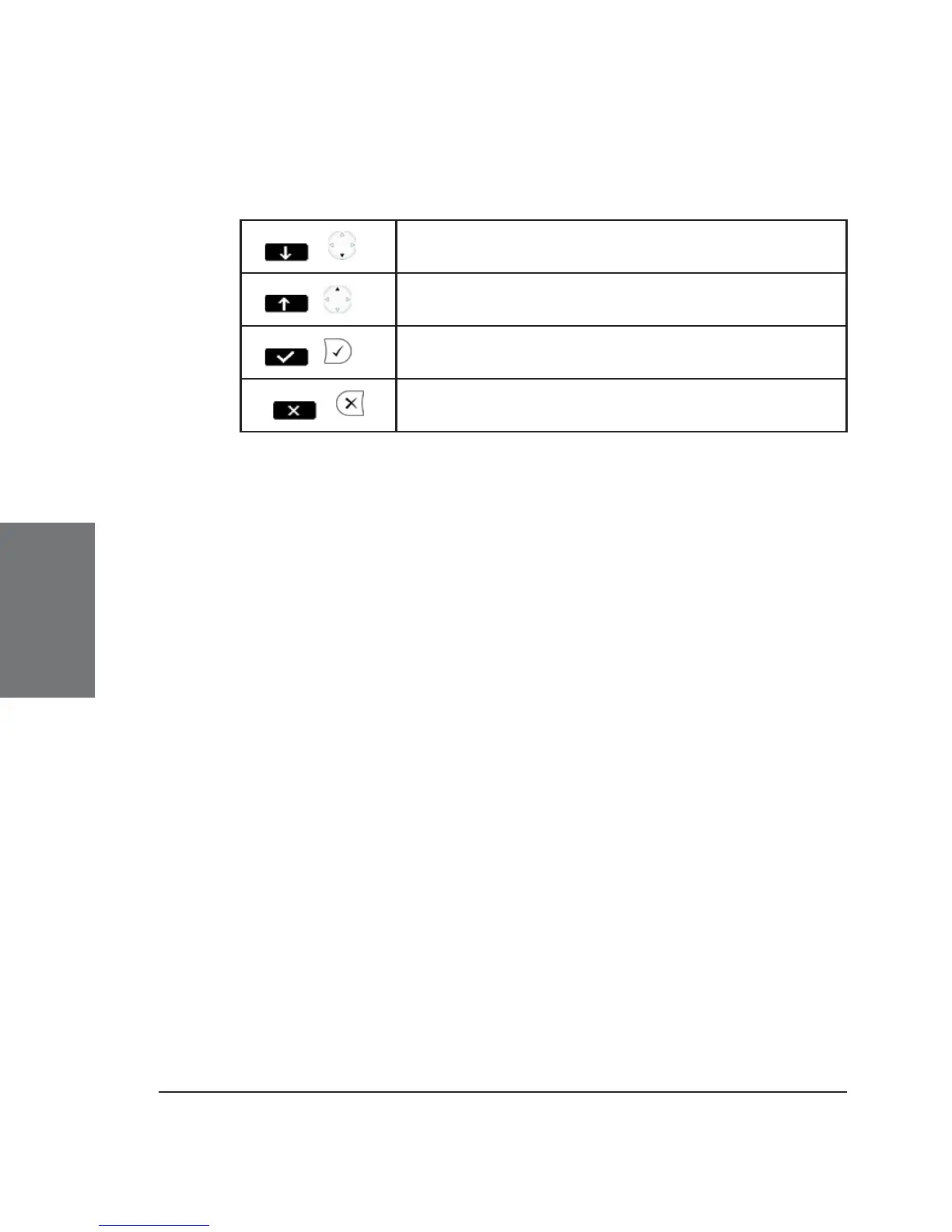
Key mapping:
/
Move the cursor down
/
Move the cursor up
/
Enter the submenu
/
Return to the previous menu
The maintenance menu has the following options:
User/Administrator Mode
Via this option you can change to User or Admin mode, respectively.
The default Admin password is ‘0000’ (four zeros). In User mode, some
settings are not accessible to the phone’s user.
Software Update
A software update is possible only when a fi rmware update is
available, as indicated by the letters ‘SW’ in the lower left corner of the
display just above the “soft key” line of the idle screen. See section
Conducting a software update, below.
Net Info
This option displays live the number of IP packets sent and
received via the phone.
Mem Info
Here, the amount of total and free memory space of the phone
is displayed.
Reboot
Use this option if you want to reboot your phone.
Reset Values





 To Next Page