72 • Call Register
[ SNOM 360 USER MANUAL V1.00 ]
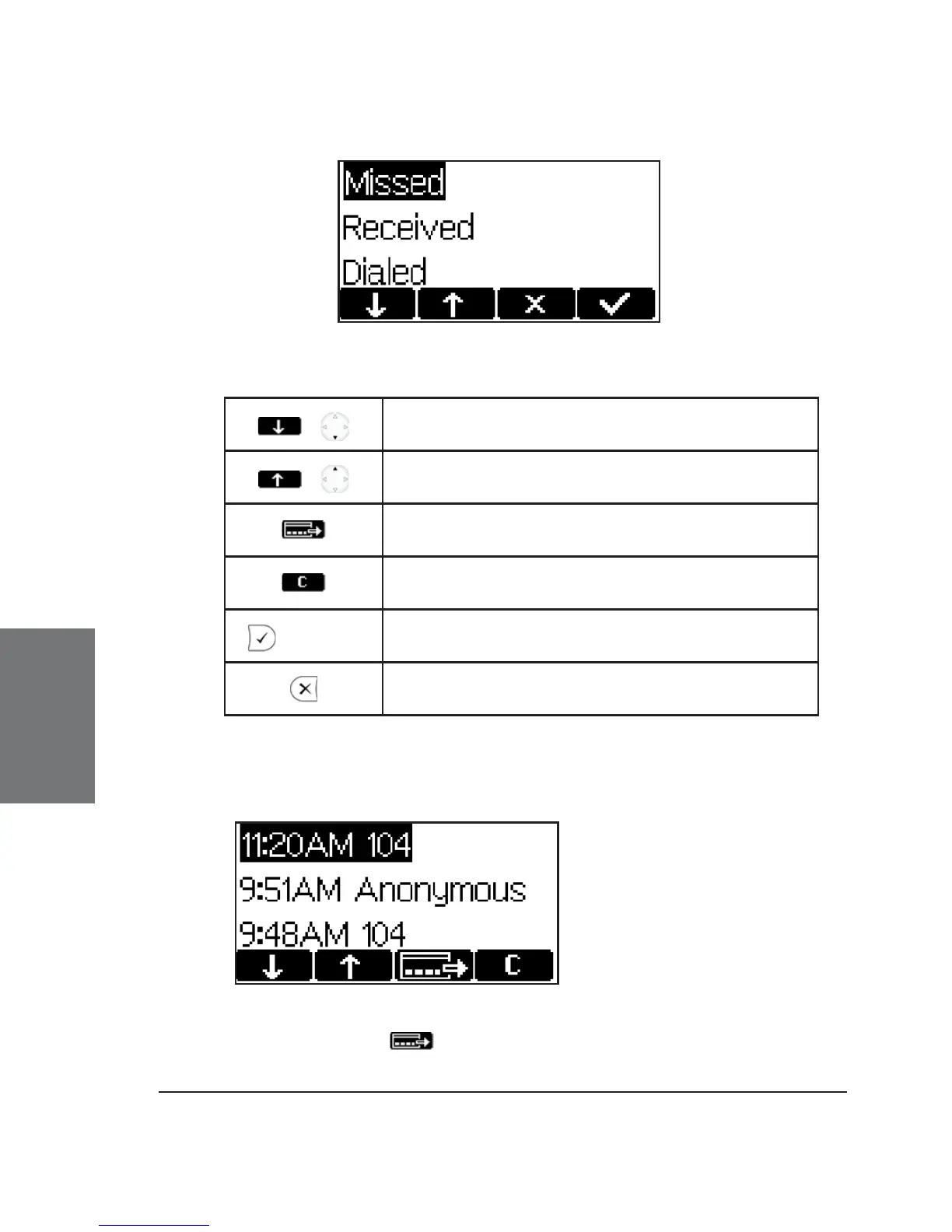
Key mapping:
/
Scroll to the next call
/
Scroll to the previous call
Show details of this call
Delete the current entry
/ off hook
Dial the number of the current entry
Return phone to idle state
For example, after choosing the missed calls, the most recent missed
call is displayed fi rst.
By pressing the key, you can get details about this missed
call: “To”, “From”, “Time”, and “Missed” (number of missed calls).
5





 To Next Page