84 • Settings
[ SNOM 360 USER MANUAL V1.00 ]
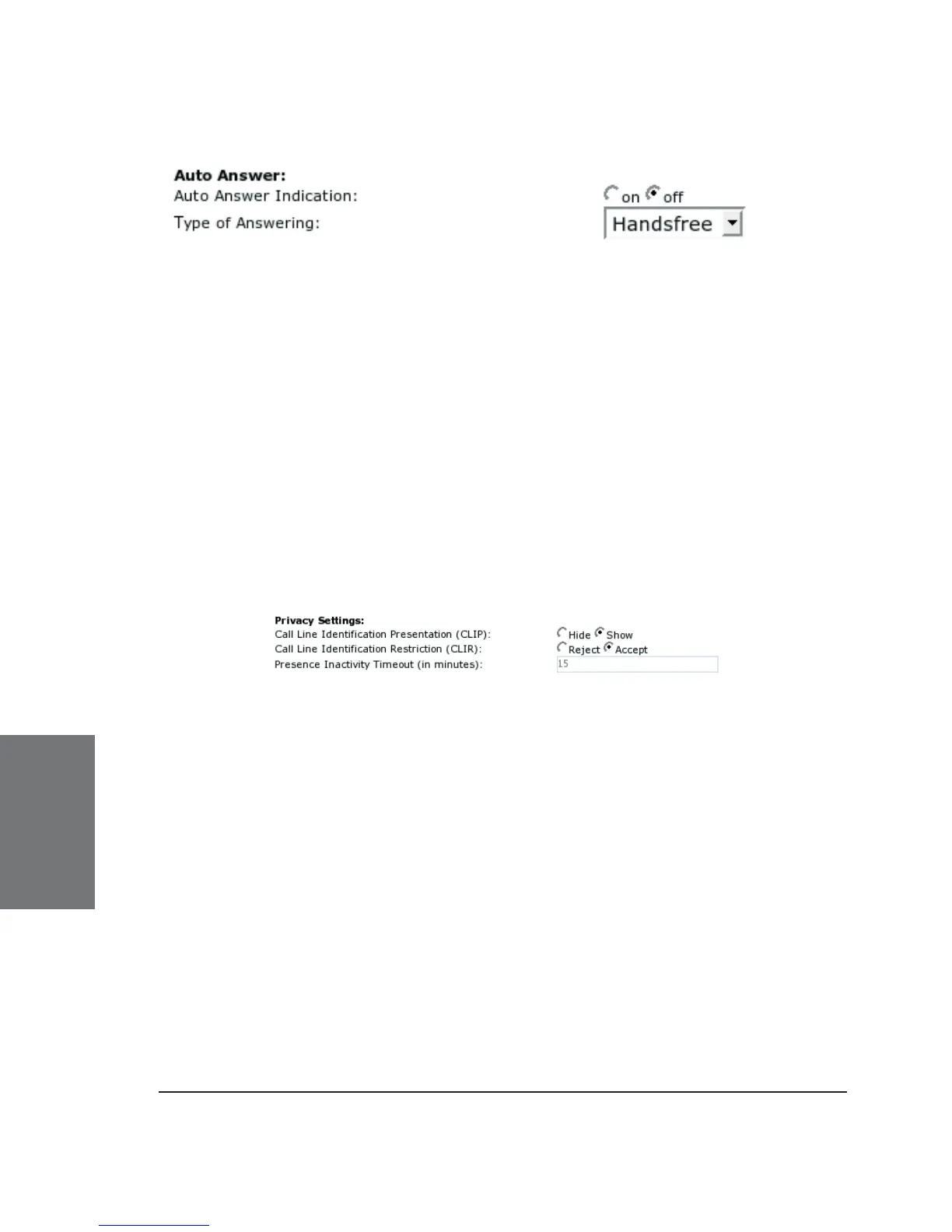
Auto answer for the seven lines on your phone is turned on or off
on the “Confi guration Line 1-7” pages, tab “SIP”. “Auto answer indication”
and “type of answering” will only affect your phone when auto answer is
on.
Auto Answer Indication: If you want to be informed with an
audible indication when an incoming call is automatically answered by
your phone, select “on”.
Type of Answering: Select how you want to receive the incoming
call, i.e., in handsfree mode, on the headset, or on the handset.
Privacy Settings:
Call Line Identifi cation Presentation ( CLIP): Show or hide your
own phone number when making a call.
Call Line Identifi cation Restriction ( CLIR): Reject or accept
anonymous incoming calls.
Presence Inactivity Timeout: This is the time after which,
if there is no activity, presence is set to “closed”. The default is 15
minutes. If it is set to 0, the presence stays closed and nothing is
published at all. In other words, presence is disabled for all practical
purposes.
6





 To Next Page