4-47
DNW-A75/A75P
A000 : A001-A008 ADJ.
This menu is used to execute the adjustment menus below
automatically and continuously.
A001 : S REEL FG DUTY
A002 : T REEL FG DUTY
A003 : CAPSTAN FG DUTY
A004 : S REEL OFFSET/FRICTION
A005 : T REEL OFFSET/FRICTION
A006 : S REEL TORQUE
A007 : T REEL TORQUE
A008 : S/T TENSION OFFSET
To execute the adjustment menu
(1) Press the SET button to initiate the automatic adjust-
ment.
. The execution time is about 150 seconds.
. During the adjustment, the adjustment menu name in
execution and a message “ADJUSTING......” will be
displayed on the superimposed display, and a
message “ADJUST COMPLETE” will be momen-
tarily displayed on completing each adjustment.
Only the menu number will be displayed in a time
data display area.
. If the auto adjustment fails, a message “# ADJUST
INCOMPLETE #” will be displayed halfway. In this
case, refer to the “For Automatic Adjustment Failure
(A000 to A011)” on page 4-51.
(2) Check the adjustment result.
. When all adjustments are completed normally, the
message “ADJUST COMPLETE” is continuously
displayed .
(3) To exit the menu, press the MENU button once.
(4) To save the adjustment data into the NV-RAM of a
servo system, execute the SAVE SERVO ADJUST
DATA in A012 : NV-RAM CONTROL menu.
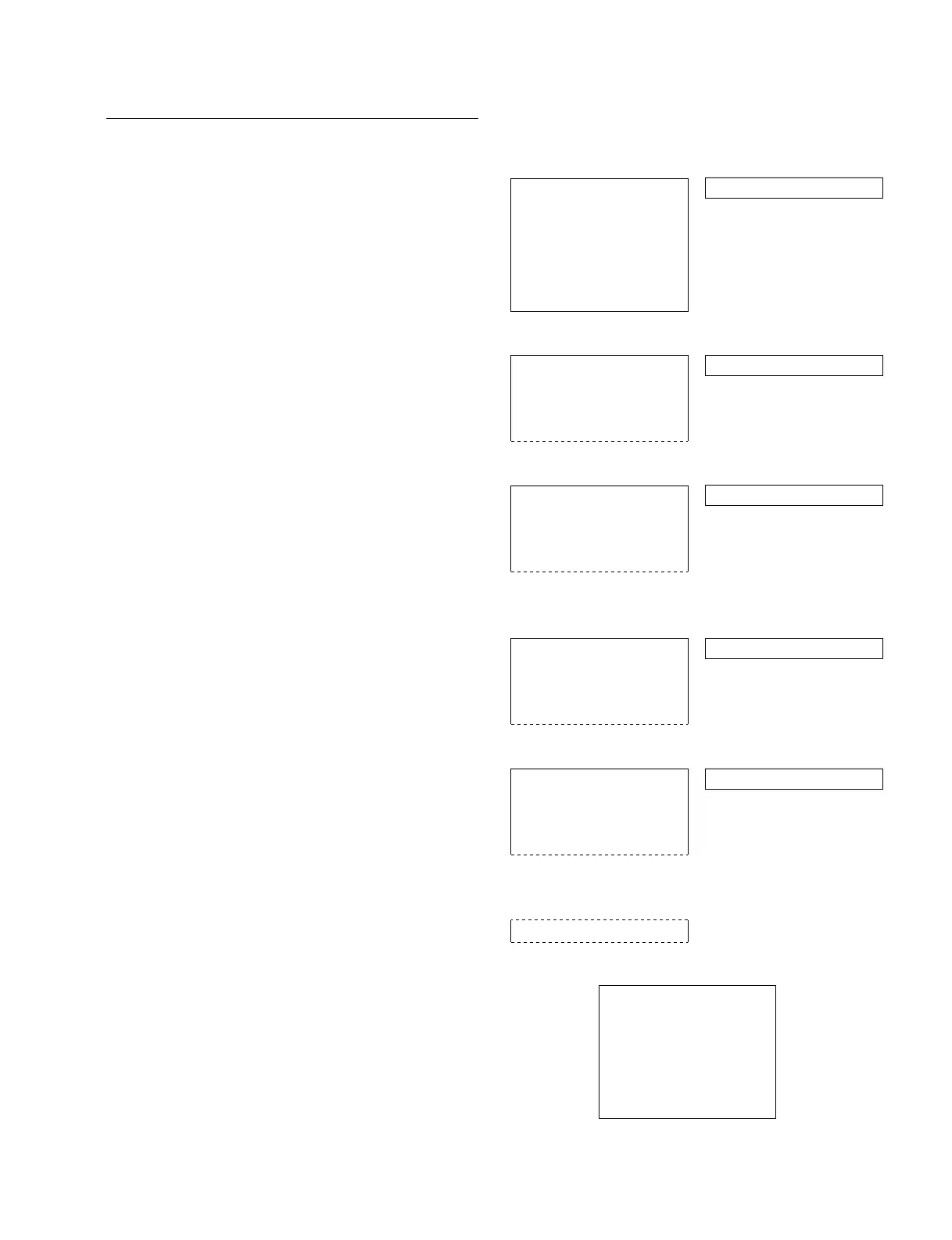
Example of display and operation
4-2. TAPE Maintenance Mode (M0)
4-2-7. SERVO ADJUST Mode (A00-01)
A000
A001
A002
A000
A008
SERVO ADJUST
A001-008:AUTO ADJUST
(1)
0
[SET]
SERVO ADJUST
A001-008:AUTO ADJUST
A001:S REEL FG DUTY
ADJUSTING......
0
SERVO ADJUST
A001-008:AUTO ADJUST
A002:T REEL FG DUTY
ADJUSTING......
0
(omitted)
0
SERVO ADJUST
A001-008:AUTO ADJUST
A008:S/T TENSION OFFSET
ADJUSTING......
*
0
SERVO ADJUST
A001-008:AUTO ADJUST
A008:S/T TENSION OFFSET
ADJUST COMPLETE
A012:NV-RAM CONTROL
SERVO ADJUST
A001-008:AUTO ADJUST
A006:S REEL TORQUE
# ADJUST INCOMPLETE #
# S REEL TROUBLE #
Superimposed display Time data display area
(2)
(3)
(4)
0
0
0
Check
[MENU]
Data save
Ex.: When failing the automatic adjustment



 To Next Page