4-86
DNW-A75/A75P
4-4-4. RS-232C STATUS Display Menu (M32)
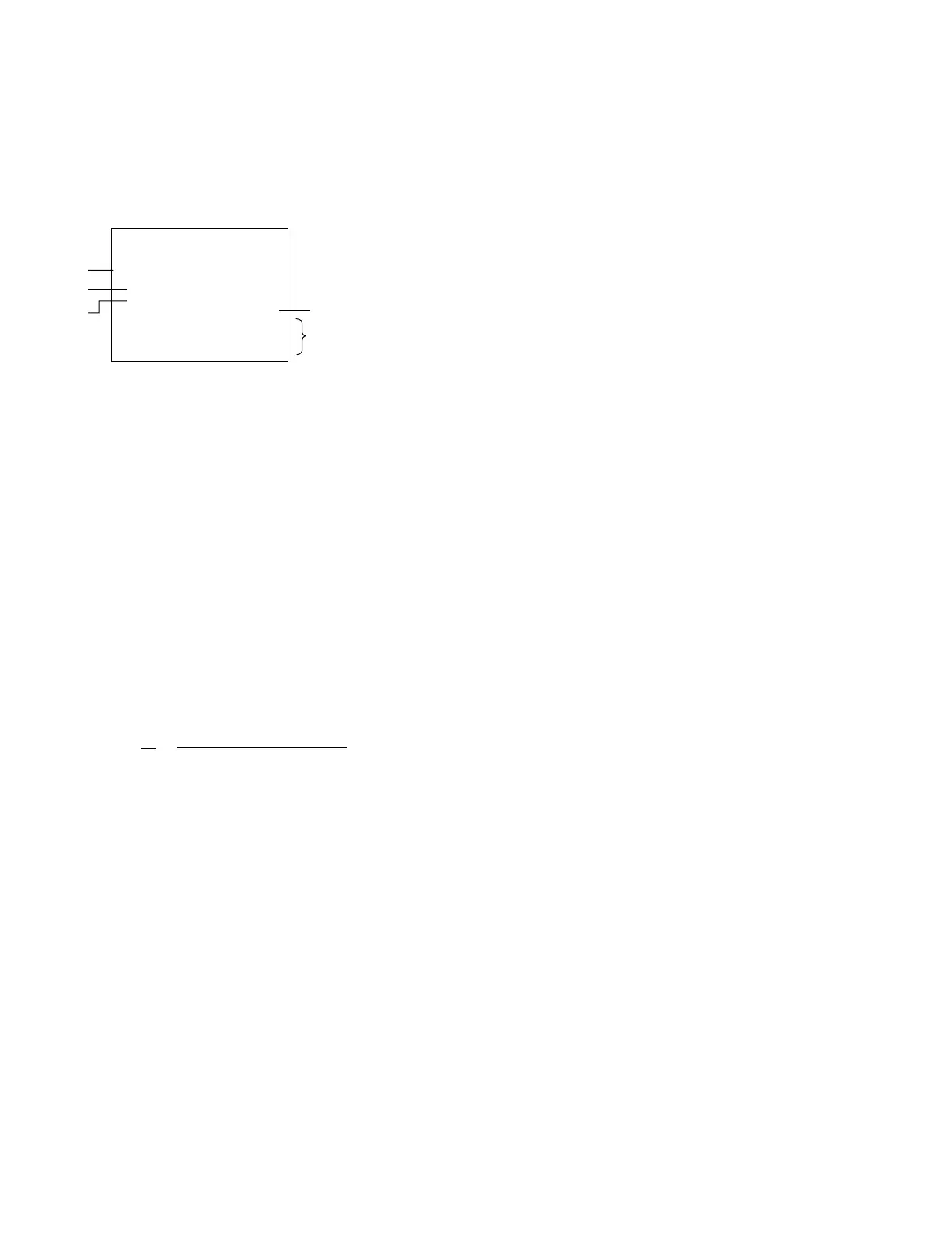
This menu displays the communication state of an RS-
232C interface. The communication baud rate can also be
changed in this menu.
n
Only the information of the communication baud rate is
displayed in the time data display area.
Description of superimposed display
1 The communication baud rate is displayed on the
superimposed display. The baud rate can be selected
from among the followings. (The factory setting is
19.2 K.)
1200, 2400, 4800, 9600, 19.2K (bps)
n
In a time data display area, 19.2K is displayed as
“19 2K”.
2 The status of an ISR protocol is displayed on the
superimposed display.
ISR x [yyyy...........]
ab
a Displays the protocol status of this unit.
A: ACK send
N: NAK send
T: ATN (OPC or QRESP) send
W: ACK wait
X: XOFF receive, XON wait
b Displays the last ISR command that was received
properly. (The preceding command is displayed
until ACK transmission is completed.)
If no object for communication is connected to the RS-
232C connector, items a and b become blank.
3 The device ID is displayed on the superimpose picture.
The device ID is set using the DEVICE command of
an ISR protocol. This setting is maintained (even if
the power is turned off) until it is changed by the
DEVICE command. The device ID becomes blank
when it is not set.
4 The number of errors below that occur during recep-
tion is displayed on the superimposed display.
PE: Parity error
FE: Framing error
OE: Overrun error
If no object for communication is connected to the RS-
232C connector, each error is not displayed as a time
count, but as “00”.
5 The numeral number in parentheses is the pin number
of the RS-232C connector.
TXD/RXD displays the number of data (number of
bytes) properly sent/received in this unit in four digits
(hexadecimal). Others display the connection state of
the RS-232C connector in “ON” (+3 V or more) and
“OFF” (_3 V or less). When the object for communi-
cation is connected to the RS-232C connector, they
display as “ON”. If no object for communication is
connected to the RS-232C connector, the TXD and
RXD are displayed as “0000” and the DSR and DCD
become undefined state.
Setting of communication baud rate
(1) Turn the search dial while pressing the JOG button and
display the desired baud rate.
. On changing the setting, a message “Push SET
Button” will be displayed on only the superimposed
display.
. To cancel the setting, press the MENU button to
terminate this menu.
(2) Press the SET button to save the setting.
. On pressing, a message “Saving ...” will be dis-
played on only the superimposed display. If no
abnormality is found, the display changes to “Save
Complete” after a few seconds.
To turn off “Save Complete”, turn the search dial.
n
A white square is displayed in the upper-right position of
the superimposed display when the SET button is pressed
except during communication baud rate setting. This unit
then enters the ordinary operation state (in which the
ordinary operation of this unit except a menu system can
be performed).
However, the character information (time code or opera-
tion status) superimposed during ordinary operation is not
displayed.
To return to the former state, press the MENU button.
4-4. OTHERS CHECK Mode (M3)
4-4-4. RS-232C STATUS Display Menu (M32)
M3:OTHERS
M32:RS-232C STATUS
BAUD RATE 19.2K
UPLOAD CMD COMPRESS
ISR [
ID [
PE 00 FE 00 OE 00
TXD(3)0000 RXD(2)0000
RTS(7) ON
DSR(6) ON DCD(1) ON
DTR(4) ON
*
]
]
1
2
3
5
4



 To Next Page