4-46
DNW-A75/A75P
4-2-7. SERVO ADJUST Mode (A00-01)
The A00-01 : SERVO ADJUST menu is used to adjust the
servo system.
n
In the SERVO ADJUST mode, only the menu number is
displayed in a time data display area. (A00-01 is displayed
as A00.)
n
When the unit has a cassette tape, the cassette tape is
automatically ejected on shifting to any lower-level menu
from the A00-01 : SERVO ADJUST menu.
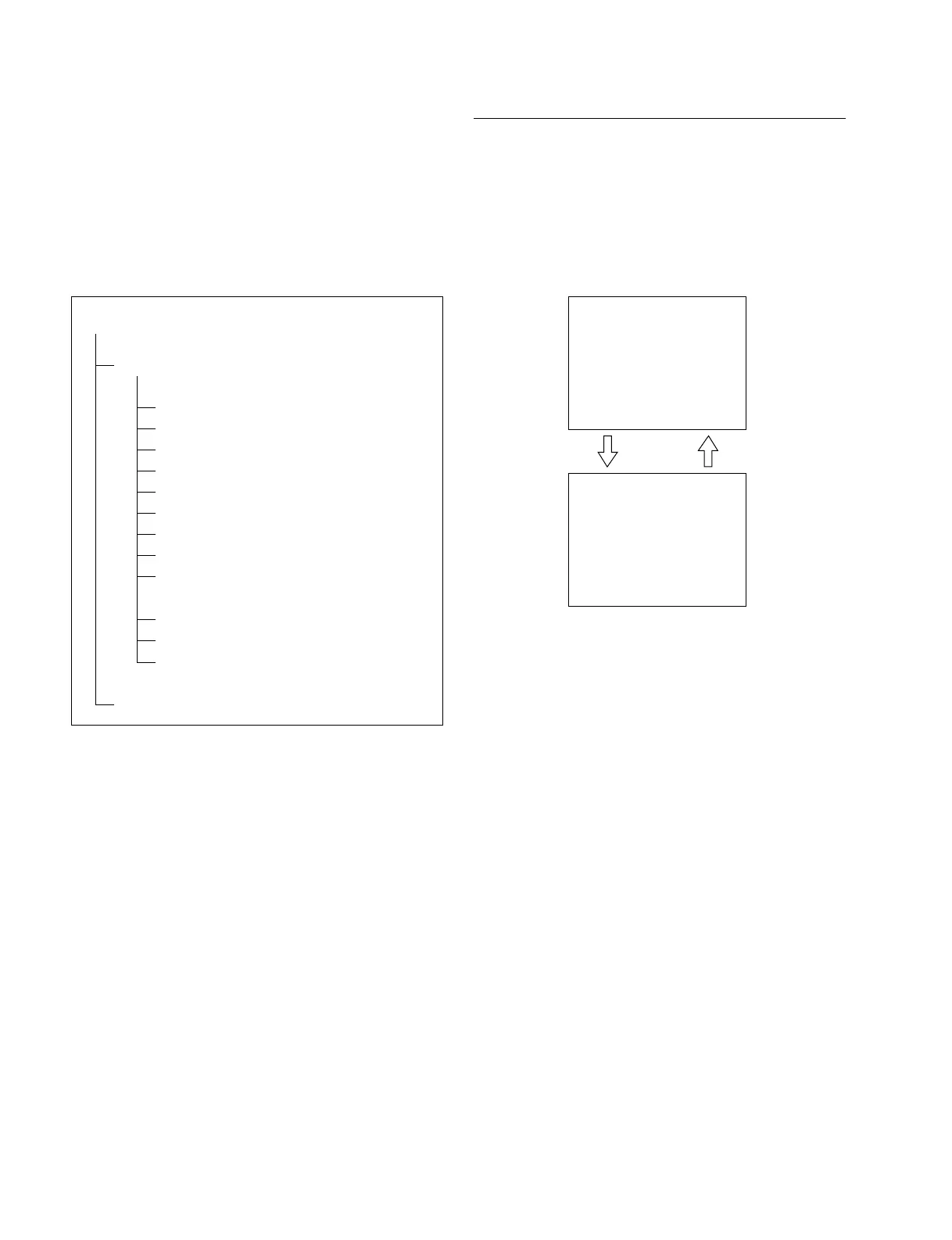
A00-01 : SERVO ADJUST
In the A00-01 : SERVO ADJUST menu, the whole menu
cannot be displayed on the superimposed display at a time.
Therefore, the display is divided into the menu selection
screen of A000 to A008 and the menu selection screen of
A010 and later. The menu selection screen is automatical-
ly switched when the search dial is turned.
n
The menu title of A010 may be displayed as “CAPSTAN
SPEED”.
4-2. TAPE Maintenance Mode (M0)
4-2-7. SERVO ADJUST Mode (A00-01)
A0 : SERVO/DT ADJUST
A00-01 : SERVO ADJUST
A000 : A001-A008 ADJ.
A001 : S REEL FG DUTY
A002 : T REEL FG DUTY
A003 : CAPSTAN FG DUTY
A004 : S REEL OFFSET/FRICTION
A005 : T REEL OFFSET/FRICTION
A006 : S REEL TORQUE
A007 : T REEL TORQUE
A008 : S/T TENSION OFFSET
A010 : CAPSTAN FREE SPEED
A011 : RF SWITCHING POSITION
A012 : NV-RAM CONTROL
A02 : ANALOG DT ADJUST (Describes in Section 4-2-8.)
SERVO ADJUST
A000:A001-A008 ADJ.
A001:S REEL FG DUTY
A002:T REEL FG DUTY
A003:CAPSTAN FG DUTY
A004:S REEL OFFSET/FRIC
A005:T REEL OFFSET/FRIC
A006:S REEL TORQUE
A007:T REEL TORQUE
A008:S/T TENSION OFFSET
CONTINUE
*
*
DIAL
(3)
SERVO ADJUST (CONTINUED)
PREVIOUS
A010:CAPSTAN FREE SPEED
A011:RF SWITCHING POS.
A012:NV-RAM CONTROL
DIAL
(2)



 To Next Page