4-27
DSR-70/70P
4-3-5. Electrical Adjust
Executes the electrical adjustment.
Operating procedure
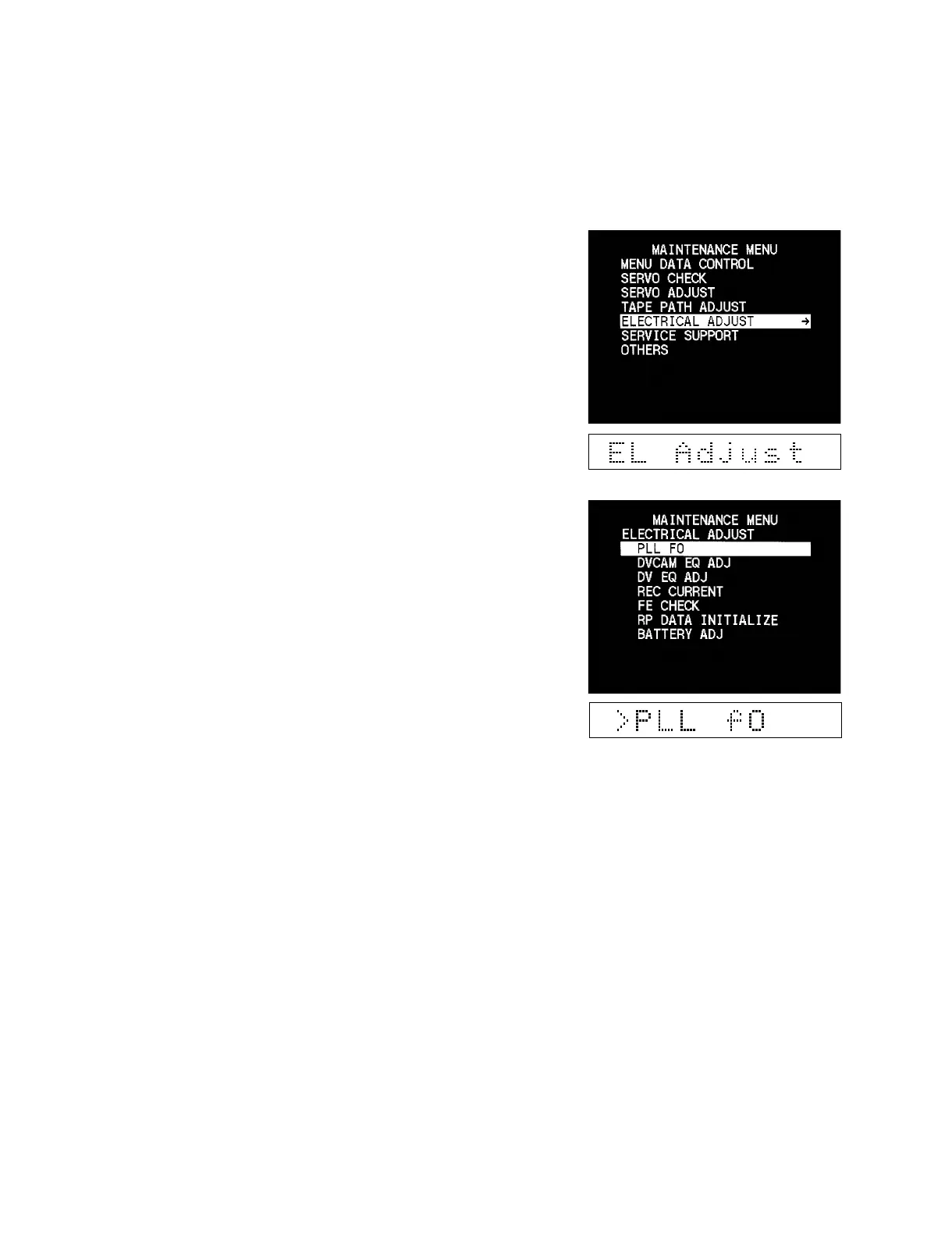
1. Enter the maintenance menu.
2. Move the cursor to “ELECTRICAL ADJUST” which is
displayed with a white background using the [ENTRY] (↑),
[AUTO|EDIT] (↓) keys.
3. Press the [OUT] (→) key.
“ELECTRICAL ADJUST” is selected and its lower-layer
submenu appears.



 To Next Page