2-39
DSR-70/70P
D101
D201
D203
D102
D106
D105
D104
D601
D103
D101
D102
SDI-39 board
(Install this board in the same slot
as the SDI-38 board.)
SDI-38 board
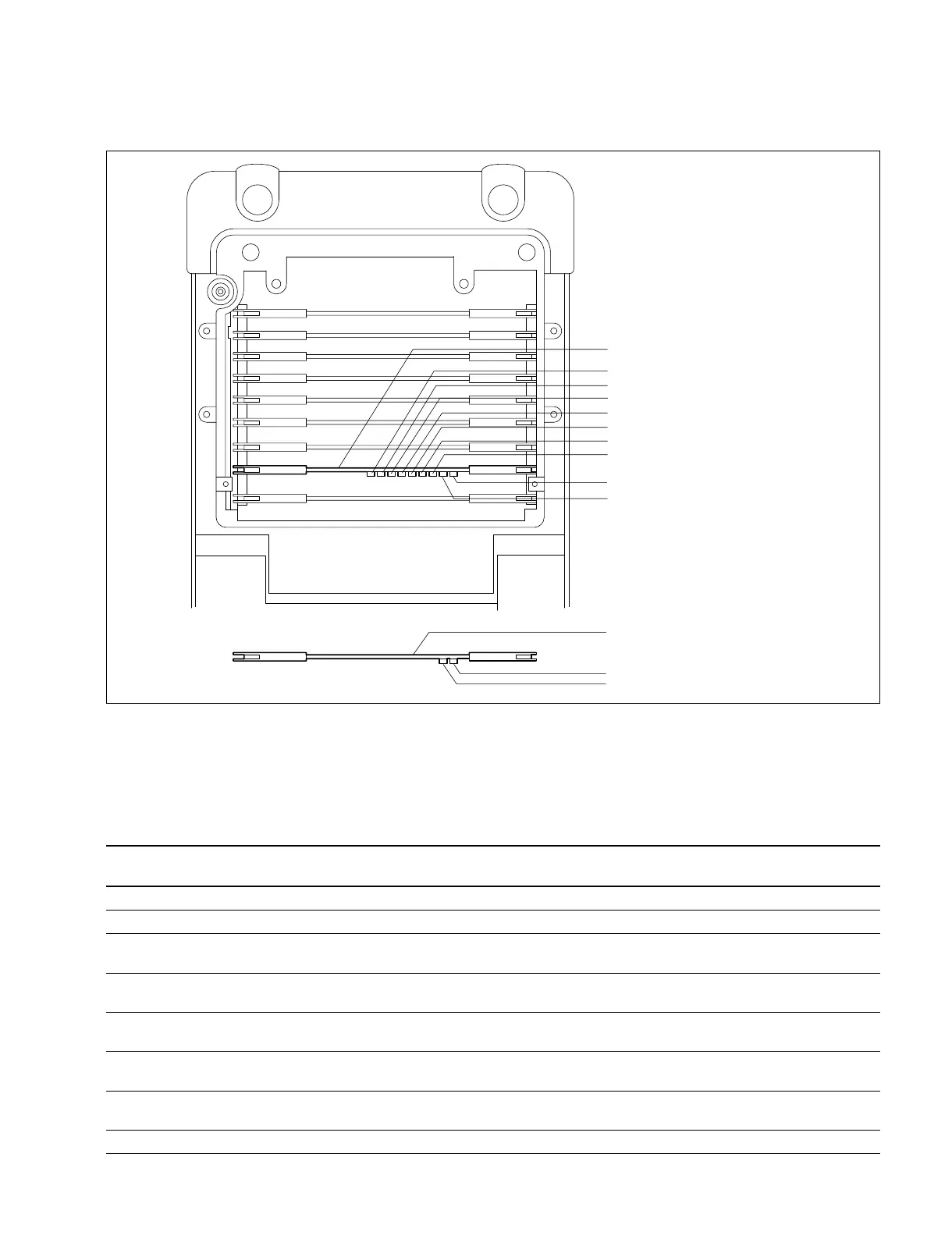
2-10. ON-BOARD INDICATOR DESCRIPTION
SDI-38 Board
Note : Indicators D103 through D106 function normally when the received signal support EDH
**
**
*
.
Receiving side
*EDH : Error Detection and Handling
Ref No. Name Illuminating Description Condition in
Color Normal Operation
D101 SDI INPUT EXIST green Turns on when the SDI format signal is input to the SDI IN connector. Turns on.
D102 RX EDH VALIDITY green Turns on when the signal that is input to the SDI IN connector supports EDH. Turns on.
D103 RX EDH OTHER orange Turns on when the signal that is input to the SDI IN connector has Turns off.
ANC ERROR the other ancillary data in its EDH block.
D104 RX EDH ACTIVE red Turns on when the EDH error of active picture is detected from the Turns off.
PICTURE ERROR signal that is input to the SDI IN connector.
D105 RX EDH FULL red Turns on when the EDH error of full field is detected from the signal Turns off.
FIELD ERROR that is input to the SDI IN connector.
D106 RX EDH ANCILLARY red Turns on when the EDH error of ancillary data is detected from the Turns off.
DATA ERROR signal that is input to the SDI IN connector.
D201 TRS ERROR red Turns on when the frame output that is created from the signal that is Turns off.
input to the SDI IN connector, performs the fly-wheel operation.
D203 AUDIO ERROR red Turns on when the audio IC (IC204) of the SDI IN side detects an error. Turns off.



 To Next Page