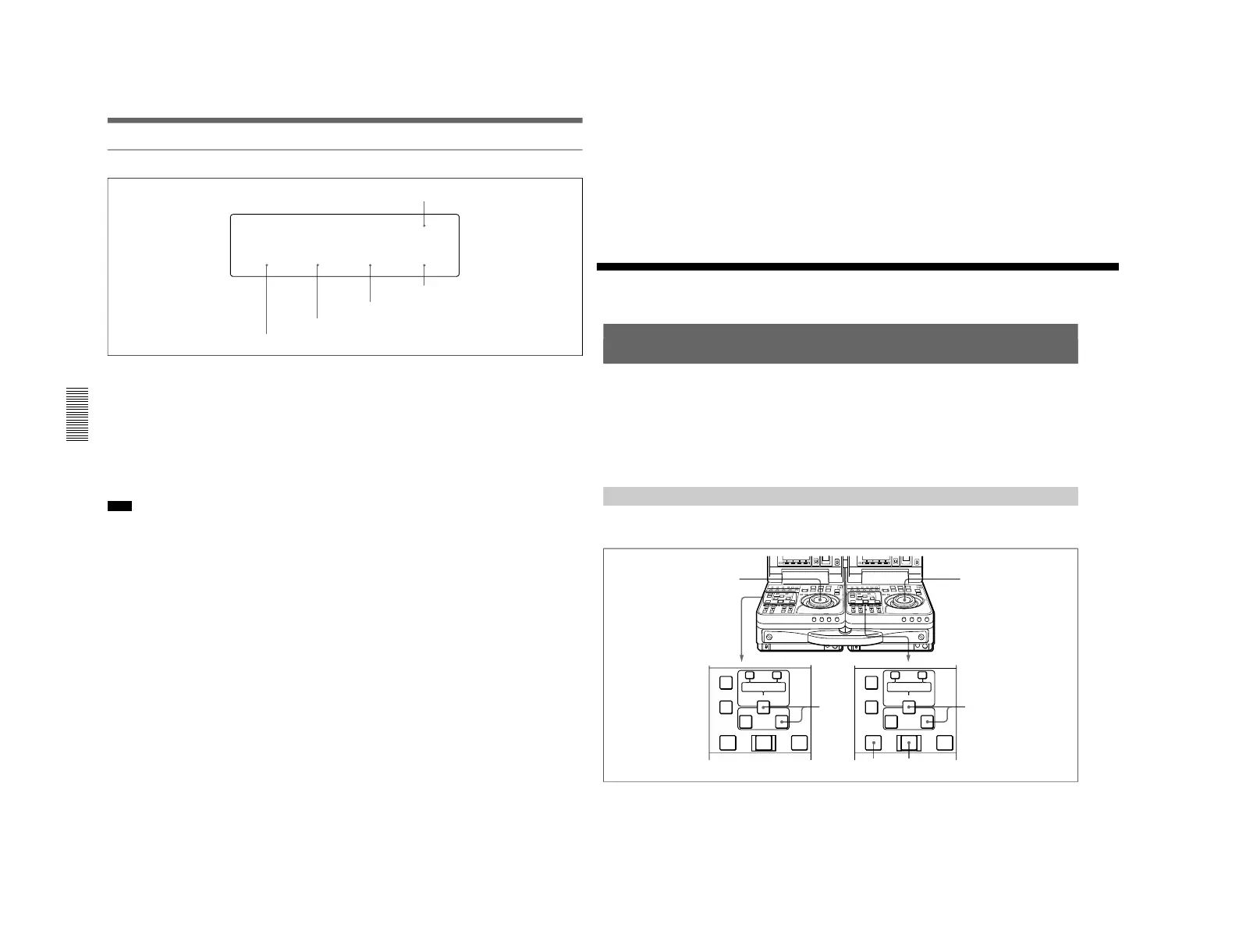
General settings page (2)
3 BAT-END setting
4 BAT-NE setting
5 LIGHTSW setting
1 BACKLGT (back light) setting
Set to HIGH to increase the brightness of the LCD
monitor back light.
2 BAT-TYP (battery type) setting
Set the type of the battery used.
AUTO: The battery type is automatically checked.
Ni: BP-90/90A
Li: BP-L60/L60A/L90/L90A
ANTON: Anton Bauer Magnum battery
Note
To use the Anton Bauer Magnum battery, you require
a special battery mount to be attached to this unit.
For more information about the special battery mount,
contact an Anton Bauer agent or your Sony dealer.
2 BAT-TYP setting
1 BACKLGT setting
3 BAT-END (battery end) setting
Set a voltage value to indicate the shutdown voltage of
this unit.
4 BAT-NE (battery near end) setting
For alarms that alert you when the end of power as
specified in the battery end setting 3 is near, specify a
voltage that at which to begin the alarm display.
5 LIGHTSW (backlight control switch) setting
Controls back light power of the LCD monitor and sub
LCD.
SUBMAIN: The both are controlled by the LIGHT
switch.
MAIN: The LCD monitor backlight power is
controlled by the LIGHT switch. The sub LCD
backlight power is continually on.
SUB: The sub LCD backlight power is controlled by
the LIGHT switch. The LCD monitor backlight
power is continually on.
General Settings Pages of the Sub LCD Menu
This section explains the following kinds of editing.
•Quick editing
•Continuous editing
•Manual editing
In the subsequent explanation of operations in this
chapter, illustrations of a pair of DSR-70/70P units
(player and recorder) combined using the optional
BKNW-225 Docking Kit are used (see page 125) . In
each illustration, as viewed from the front, the unit on
the left is the player and the unit on the right is the
recorder.
Quick Editing
After selecting the edit mode, you can work more
efficiently by using quick editing, which allows you to
set edit points and preview at the same time.
Proceed as follows.



 To Next Page