Selecting an Edit Mode
Chapter 3 Editing
48
Chapter 3 Editing
Insert Editing
In insert editing, you insert video, audio, and timecode at desired positions
on an already recorded tape. You can insert all three types of data at the
same time, or insert one of the types separately.
Note
Before you use an unrecorded tape in insert editing, video signal such as
black signal and timecode must be recorded on all over the tape.
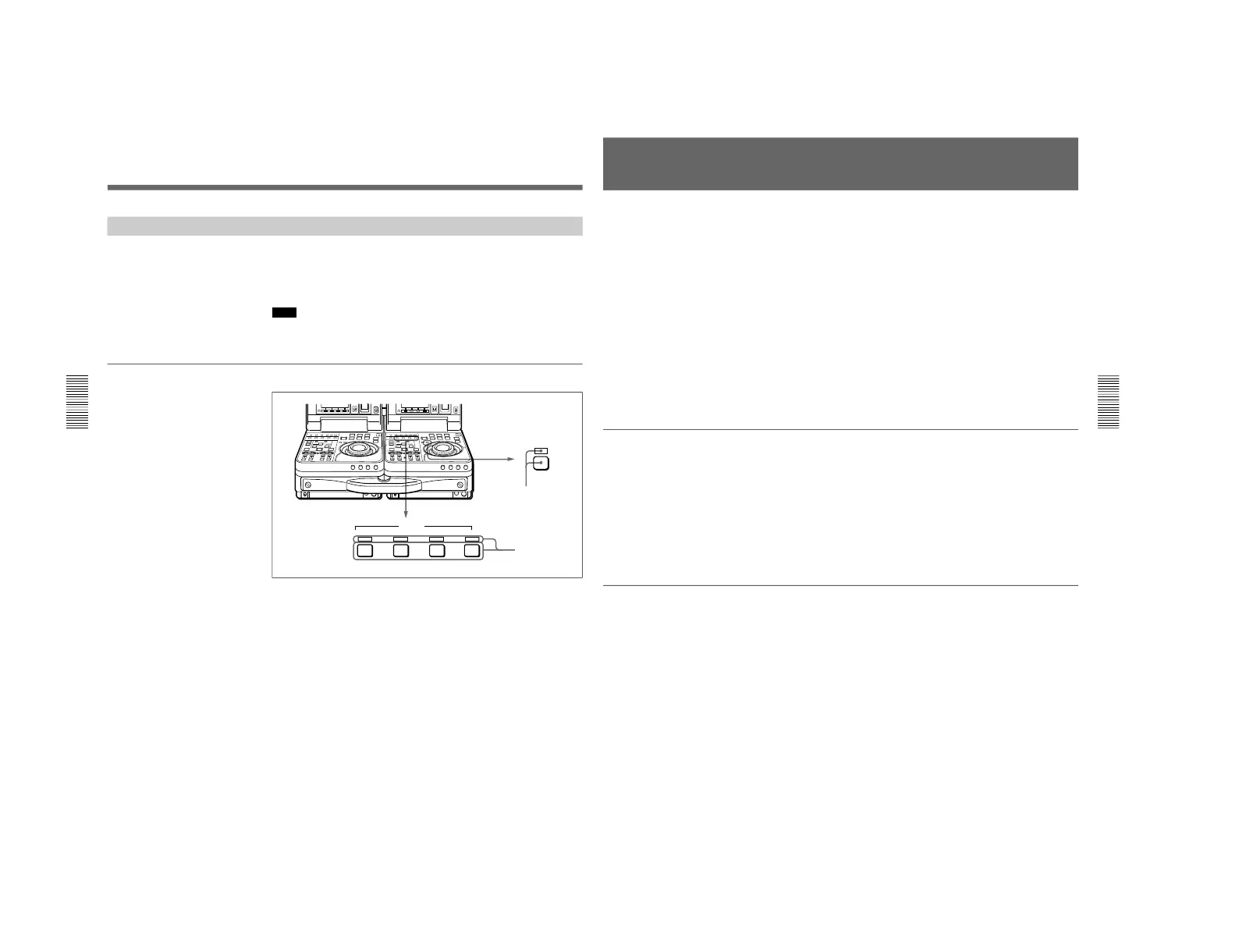
Selecting insert mode
1
Press the RECORDER button on the recorder control panel.
The RECORDER indicator lights.
2
Press one or more of the INSERT buttons on the recorder control panel
to select the signals you want to insert.
The corresponding INSERT indicators light.
To cancel insert mode
Press the lit INSERT buttons again to turn the corresponding indicators
off. Selection of a signal is canceled when its indicator goes out.
Chapter 3 Editing
Chapter 3 Editing
49
Finding Edit Points —Search
Playback in search mode using the jog and shuttle dials allows finding edit
points quickly.
Jog mode
Playback speed is determined by the rotation speed of the jog dial between
±1 times normal speed. Rotate the dial in the clockwise direction to search
in the forward direction, and rotate the dial in the counterclockwise
direction to search in the reverse direction.
Shuttle mode
Playback speed is determined by the rotation angle of the shuttle dial
between ±32 times normal speed (21 steps). Click points allow playback
at ±5 times normal speed.
Rotate the dial in the clockwise direction to search in the forward
direction, and rotate the dial in the counterclockwise direction to search in
the reverse direction.
Switching between each mode
Lighting the JOG or SHUTTLE indicator shows the corresponding mode
is selected.
Switching from jog to shuttle mode
Rotate the shuttle dial.
Switching from shuttle to jog mode
Press the jog dial or rotate the jog dial while setting the shuttle dial at still
position.
To switch between normal playback and search modes
Press the PLAY and search buttons alternately.
As factory default setting, rotating the jog or shuttle dial switches to search
mode at any time except during recording and editing.
If you change the setting of setup menu item 101, the above function will
be disabled and switching to search mode will be possible only when the
search button is pressed.
For details about setting, see item 101 on page 106.



 To Next Page