1-60
DSR-70/70P
Chapter 8 Connections and Settings
118
Chapter 8 Connections and Settings
Connections for Sequential Recording Using Two
Units
The following shows connections for sequential
recording using two DSR-70/70P units. You can carry
out two-unit sequential recording by inputting analog
composite video signals and analog audio signals in
the following two ways.
In the following, the controlling unit is referred to as
the recorder and the controlled unit as the player.
For information about how to carry out two-unit sequential
recording, see the section “Sequential Recording Using Two
Units” on page 80.
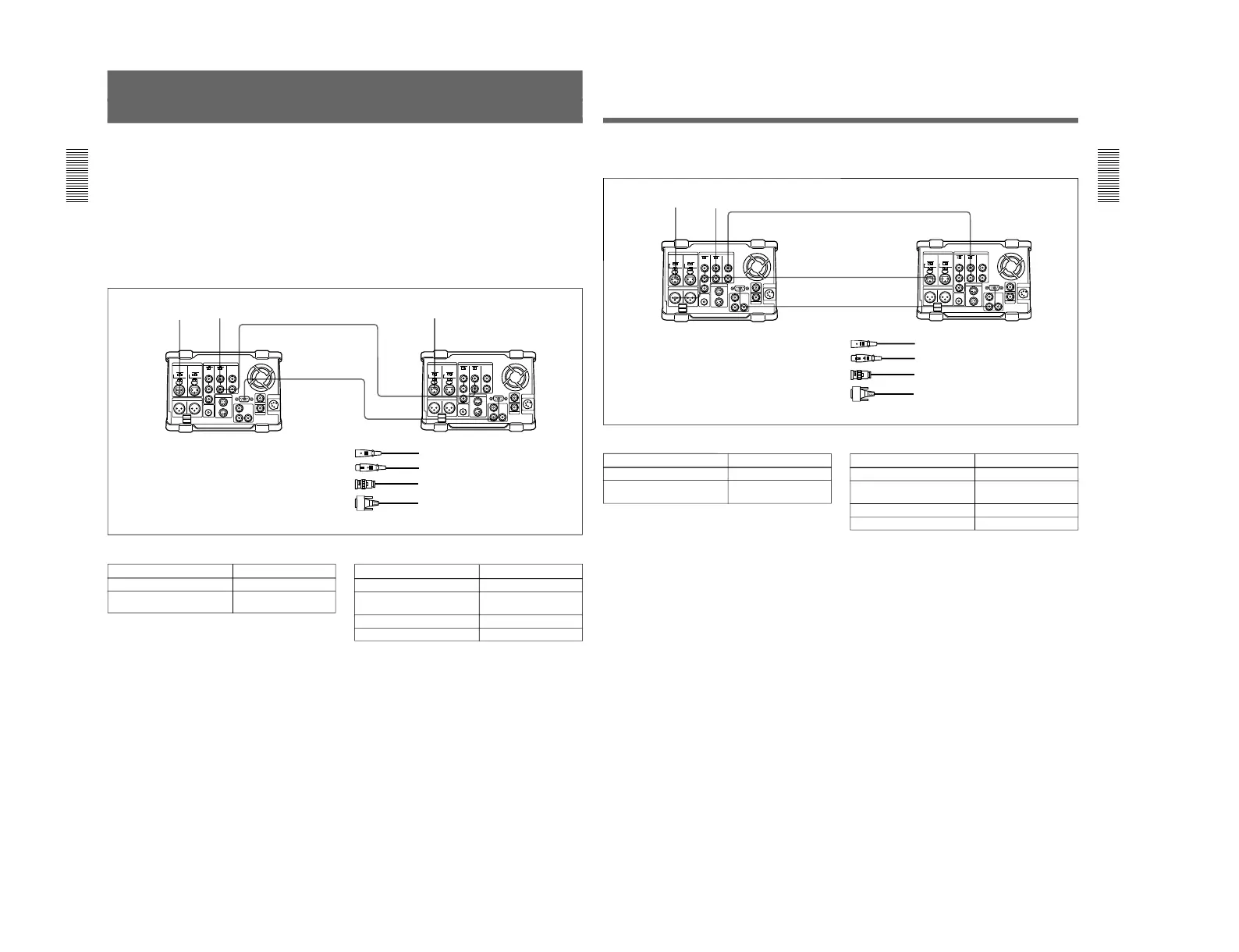
Connections for sequential recording made by inputting external video and audio signals to both
the player and recorder
AUDIO
INPUT
CH-1
AUDIO
INPUT
CH-1
VIDEO
INPUT
VIDEO
INPUT
VIDEO
INPUT
REMOTE
REMOTE
Audio signal Video signal
DSR-70/70P (player) DSR-70/70P (recorder)
Video signal
1 XLR cable (not supplied)
2 75 Ω coaxial cable (not supplied)
3 RCC-5G/10G/30G 9-pin remote control
cable (length 5 m (16 ft)/10 m (33 ft)/30 m
(98 ft), not supplied)
Player settings
Switch/menu
Setting
VIDEO INPUT 75 Ω termination
switch
REMOTE/LOCAL switch REMOTE
OFF
Recorder settings
Switch/menu
Setting
VIDEO INPUT 75 Ω termination
switch
REMOTE/LOCAL switch LOCAL
ON
Setup menu item 014 Other than OFF
Setup menu item 912 PARALLEL
12
2
3
1
Chapter 8 Connections and Settings
Chapter 8 Connections and Settings
119
Connections for sequential recording made by inputting external video and audio signals to the
player and inputting the video and audio signals output from the player to the recorder
AUDIO
INPUT
CH-1
VIDEO
OUTPUT 1
AUDIO
OUTPUT 1/3
VIDEO
INPUT
VIDEO
INPUT
AUDIO
INPUT
CH-1
REMOTEREMOTE
Audio signal Video signal
DSR-70/70P (player)
DSR-70/70P (recorder)
Player settings
Switch/menu
Setting
VIDEO INPUT 75 Ω termination
switch
REMOTE/LOCAL switch REMOTE
ON
Recorder settings
Switch/menu
Setting
VIDEO INPUT 75 Ω termination
switch
REMOTE/LOCAL switch LOCAL
ON
Setup menu item 014 Other than OFF
Setup menu item 912 CASCADE
1
2
2
1
3
1 XLR cable (not supplied)
2 75 Ω coaxial cable (not supplied)
3 RCC-5G/10G/30G 9-pin remote control
cable (length 5 m (16 ft)/10 m (33 ft)/30 m
(98 ft), not supplied)



 To Next Page