Handling Casettes
Chapter 3 Editing
46
Chapter 3 Editing
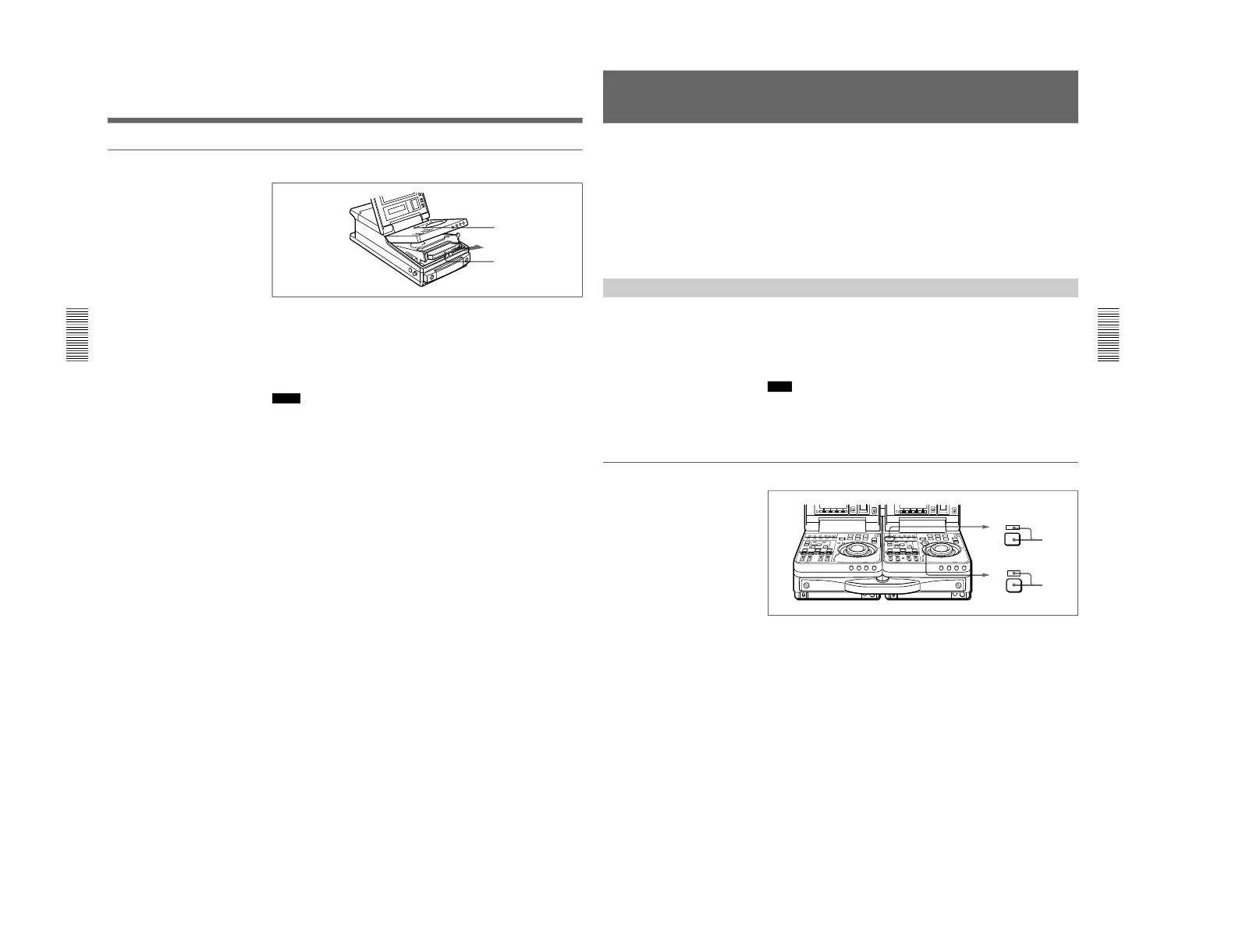
To eject the cassette
1
With the unit powered on, press the EJECT button.
The control panel lifts up and the cassette compartment opens.
2
Remove the cassette and close the control panel.
Notes
• Do not shut the display panel while the control panel is still open. Doing
so may damage the lock mechanism of the display panel.
• The EJECT cannot be used to eject a cassette when battery power falls to
below about 9 V. Connect an external power supply.
For information about the remaining battery power, see the section “5
Remaining battery power display” on page 67.
Chapter 3 Editing
Chapter 3 Editing
47
Selecting an Edit Mode
When you use two DSR-70/70P units, you can do two types of editing:
assemble editing and insert editing. This section provides an outline of
each type and explains how to select an edit mode.
In the subsequent explanation of editing operations in this chapter,
illustrations of a pair of DSR-70/70P units (player and recorder) combined
using the optional BKNW-225 Docking Kit are used (see page 125). In
each illustration, as viewed from the front, the unit on the left is the player
and the unit on the right is the recorder.
Assemble Editing
In assemble editing, you record video and audio materials in order from
the start of the tape. In addition to video and audio, timecode is also
recorded. If timecode is already recorded on the tape, the new timecode is
recorded so as to form a continuous sequence with the existing timecode.
Assemble editing is convenient when you are recording on a new tape.
Note
Before you begin assemble editing for the first time with a new tape, video
signal such as black signal and timecode must be recorded on the tape in
advance of the recorder IN point for a length equal to or greater than the
preroll time.
Selecting assemble mode
1
Press the RECORDER button on the recorder control panel.
The RECORDER indicator lights.
2
Press the ASSEMBLE button on the recorder control panel.
The ASSEMBLE indicator lights.
To cancel assemble mode
Press the ASSEMBLE button again to turn the ASSEMBLE indicator
off.



 To Next Page