Selecting an Edit Mode
Chapter 3 Editing
54
Chapter 3 Editing
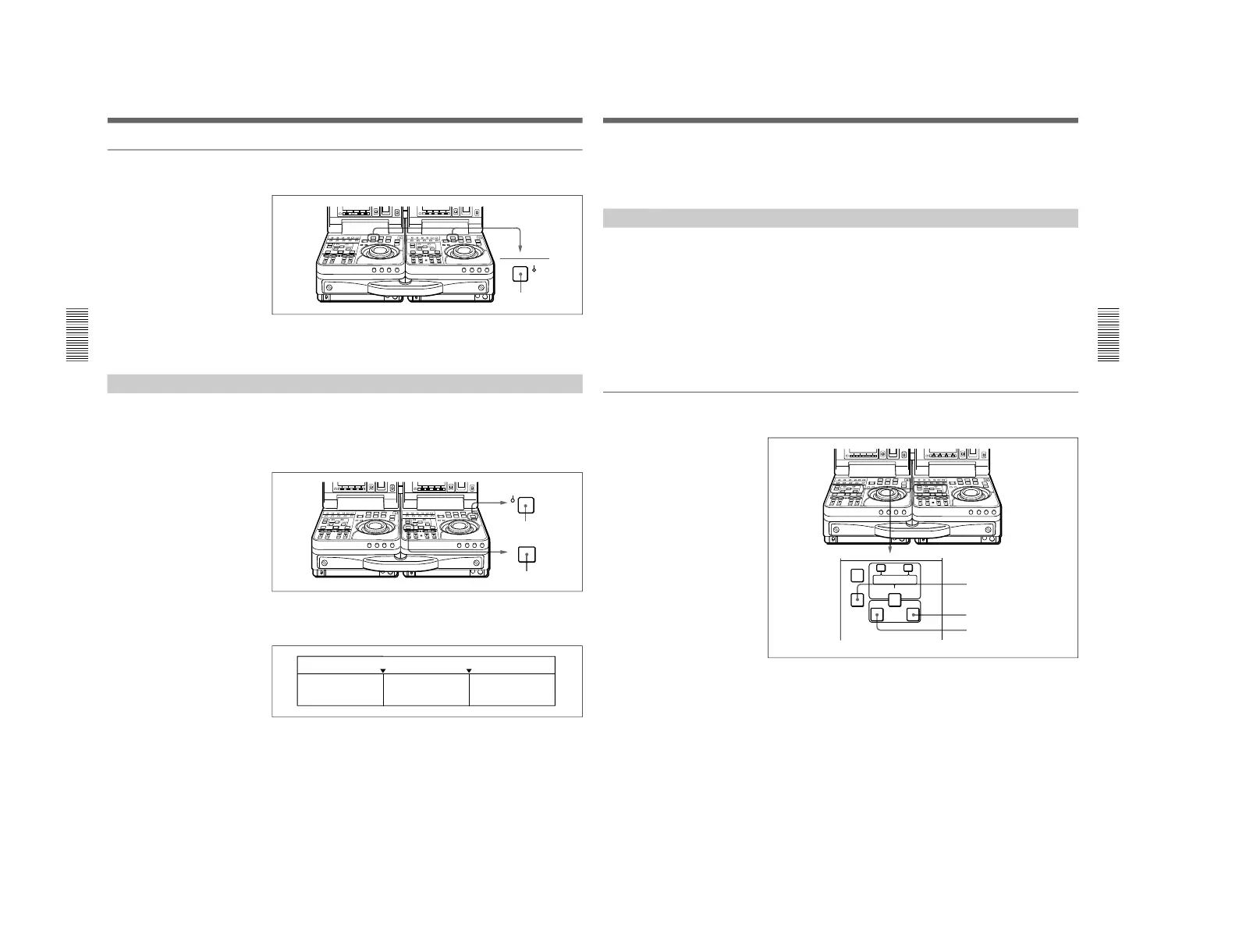
To preroll the tape
Press the recorder side or player side PREROLL button.
The tape runs to the preroll point, located in advance of the edit start point
by the specified amount of time, and then stops.
Previewing Edit Results
When you finish setting the edit points, the PREVIEW button flashes to
indicate that you can conduct a preview.
To conduct a preview, press the recorder side PREVIEW button, turning it
on.
During the preview, you can see the video in the recorder side LCD
monitor and listen to the audio through the recorder side speaker. The
figure below shows the video and audio signals which can be monitored.
After the preview, modify, delete, or reset edit points as required.
For more information about modifying edit points, see “Modifying Edit Points”
on page 55.
Chapter 3 Editing
Chapter 3 Editing
55
To stop a preview
Press the STOP button on the recorder.
The tape stops when the button was pressed.
Modifying Edit Points
Once you set edit points, you can delete them or modify them as required
in units of one frame.
When edit points have been set incorrectly, for example when an OUT
point is located before an IN point or when the durations of editing
segments on the player and recorder do no match, the DELETE buttons
flash to alert you that a preview or edit cannot be conducted. Correct the
edit points as required.
To turn a flashing DELETE button off without deleting an edit
point
Press the DELETE button.
To delete an edit point
Proceed as follows.
Press the flashing DELETE button together with the IN button or the OUT
button.
The DELETE button stops flashing, and the edit point is deleted.



 To Next Page