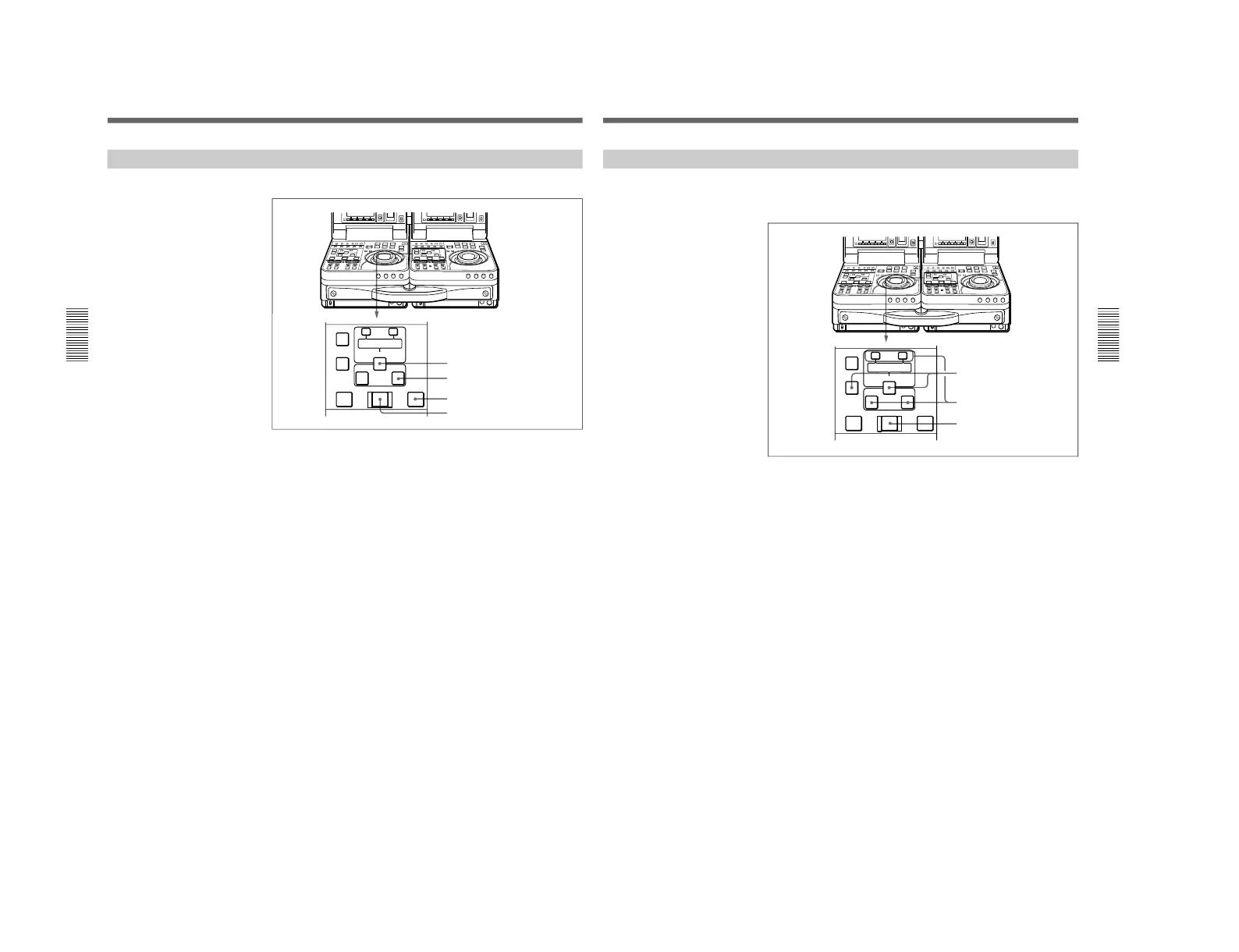
Executing an Edit
Chapter 3 Editing
58
Chapter 3 Editing
Starting an Edit
To start an edit, press the AUTO EDIT button.
The AUTO EDIT button is lit during an edit. It goes out when the edit
finishes.
To stop an edit
Press the ENTRY/SHIFT button together with the OUT button.
The edit ends, and the point where you pressed the buttons becomes the
OUT point.
To abort an edit
Press the STOP button on the recorder.
To review the edit results
Press the REVIEW button.
When the review ends, the tape returns to the OUT point and stops.
Chapter 3 Editing
Chapter 3 Editing
59
Redoing an Edit
Edit point data is retained even after you execute an edit, until you set new
edit points.
You can redo an edit after modifying the edit point data.
1
Press the recorder side DELETE button together with the ENTRY/
SHIFT button.
2
Modify the edit points.
See “To Modify edit points slightly” (page 56) for the procedure.
3
Press the AUTO EDIT button.



 To Next Page