Audio 1-1
Audio 2-1
Audio 1-2
Audio 1-3
Home
Home
Video
Home
IN
OUT
General settings (1)
a) When the unit is first powered on, and when you
return to the home page, none of the items on the
page are highlighted.
b) You can return to the home page by keeping the
PAGE button pressed for more than one second.
Sub LCD Menu Basic Operations
Home page
a)
Sub LCD Menu Display and Settings – Making Operating Mode and Video/Audio Signal Settings
In addition to the home page, the sub LCD menu has
pages that allow you to make settings for input and
output of video and audio signals, and other general
settings.
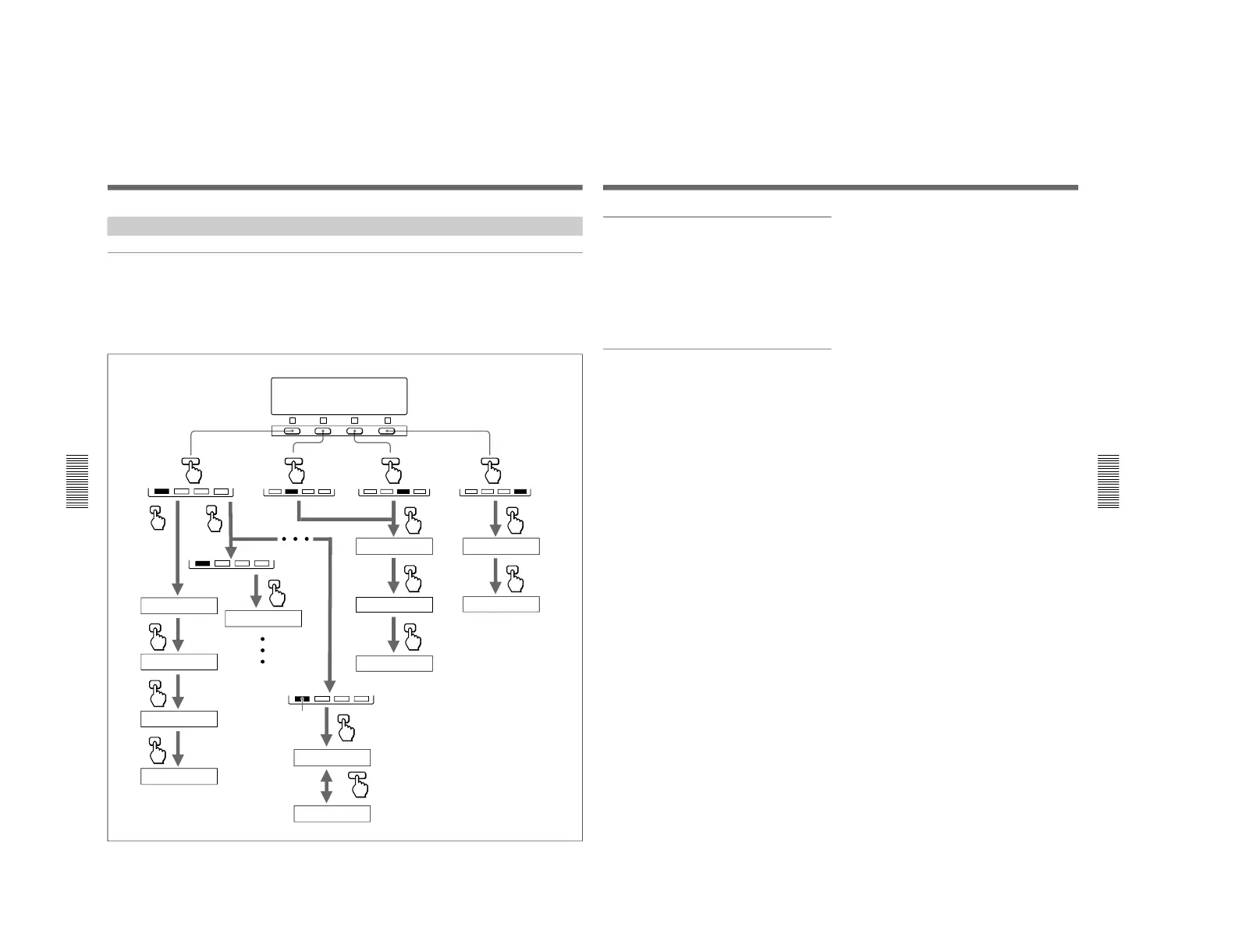
You can switch between pages by pressing the buttons
shown in the figure below.
For more information about the video and audio settings
pages, see the section“Sub LCD Menu Display and
Settings” on page 66.
To switch between menu pages
General settings (2)
Chapter 4 Time Data and Sub LCD Menu
Chapter 4 Time Data and Sub LCD Menu
69
To select an item
Display the page that contains the item you want to
select, then press F1 to F4, that is located in the same
column as the item.
The selected item is highlighted.
Press the button repeatedly until the item that you want
to select is highlighted.
To change a setting
With the item that you want to change highlighted,
press the UP or DOWN button repeatedly until the
item is set to the value that you want.



 To Next Page