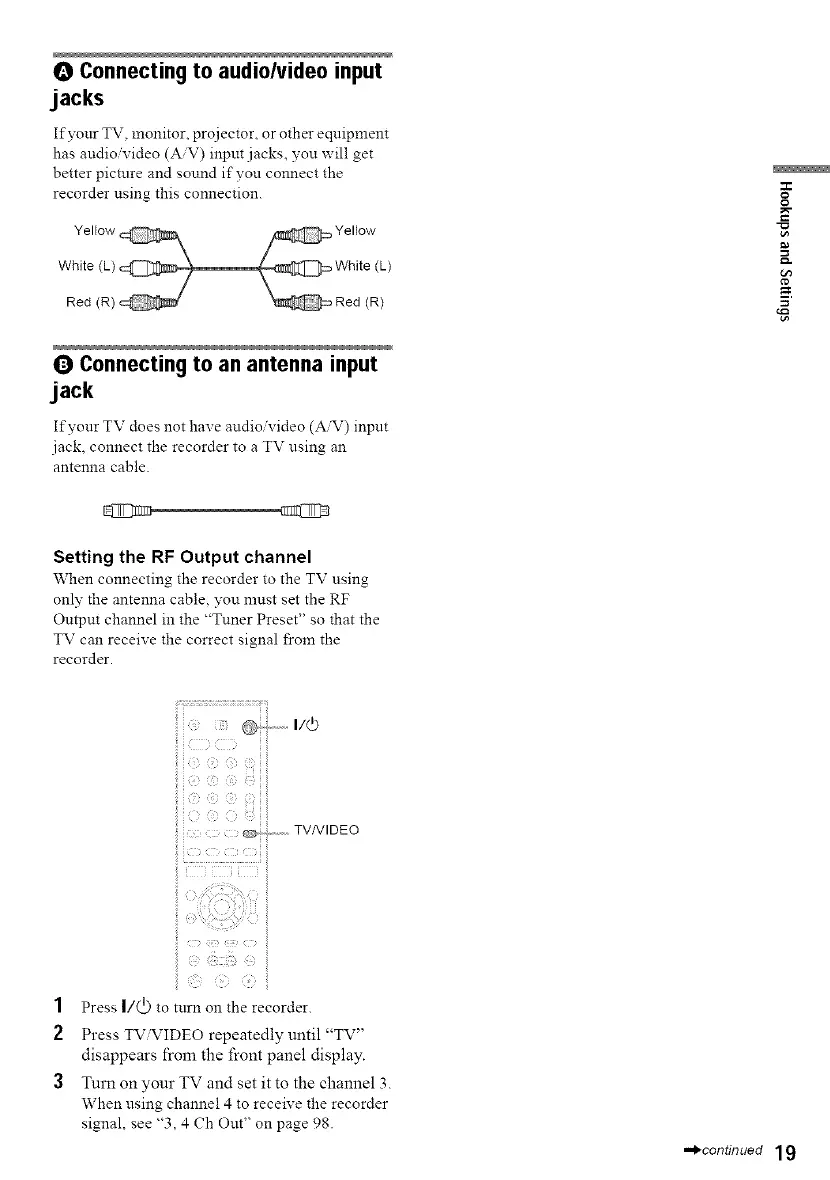
O Connectingto audio/video input
jacks
Ifyonr TV, monitor, projector, or other eqnipment
has attdio'video (A,V) input.jacks, you will get
better picture and sound if you connect the
recorder using this connection.
Q Connectingto an antenna input
jack
Ifyonr TV does not have audio'video (A'V) inpnt
.jack, connect the recorder to a TV nsing an
antenna cable.
Setting the RF Output channel
When connecting the recorder to the TV nsing
only the antenna cable, you must set the RF
Output channel in the "Tuner Preset" so that the
TV can receive the correct signal from the
recorder.
ii_i!_¸_¸¸¸¸¸¸¸¸¸¸¸_¸¸¸¸¸¸¸¸_¸¸¸¸¸¸¸¸¸¸¸................................T_
@-i" -' u4)
i!i (_}C¸¸i} _;ii¸iii
@+ ............TVNIDEO
O
g
1
2
{;}
Press I/(_) to turn on the recorder.
Press TViVIDEO repeatedly until "TV"
disappears from the front panel display.
Turn on your TV and set it to the channel 3.
When using channel 4 to receive the recorder
signal, see "3, 4 Ch Out" on page 98.
,,,,_continued 19



 To Next Page