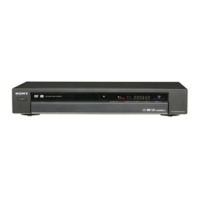
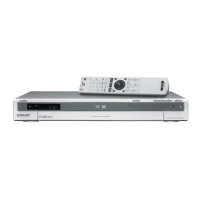
1 PressDVDto control the DVDrecorder.
2 Press _--OPEN/CLOSE,and place a
recordabledisconthe disctray.
rt
,5 Press A OPEN/CLOSE to close the disc
tray.
Wait until "LOAD" disappears from the front
panel display.
Unused DVD-RWs are formatted in VR mode
automatically.
To format in Video mode, see page 43.
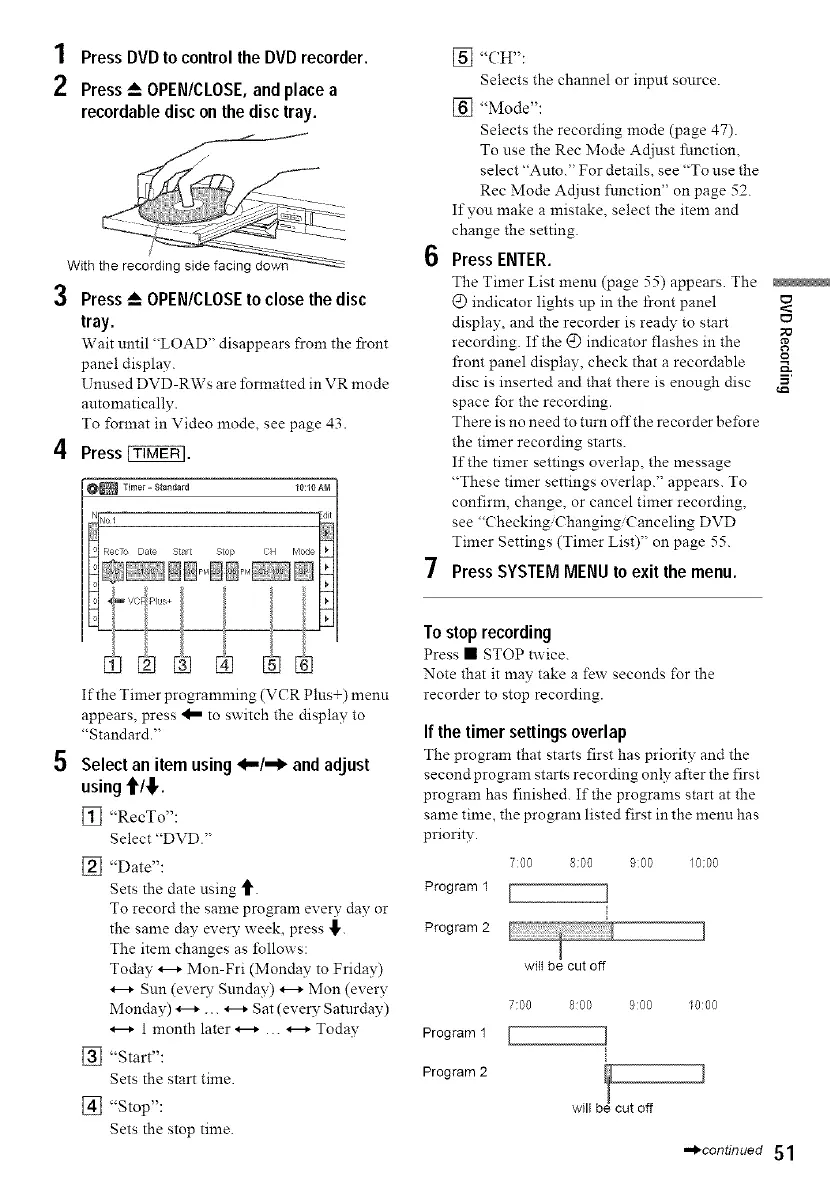
4 Press _.
[] "(;H":
Selects the channel or input source.
[] "Mode":
Selects the recording mode (page 47).
To use the Rec Mode Adiust function,
select "Auto." For details, see "To use the
Rec Mode Adjust function" on page 52.
If you make a mistake select the item and
change the setting.
6 Press ENTER.
The Timer List memt (page 55) appears. The
@ indicator lights up in the front panel
display, and the recorder is ready to start
recording. If the @ indicator flashes m the
front panel display, check that a recordable
disc is inserted and that there is enough disc 5'
space for the recording.
There is no need to turn offthe recorder before
the timer recording starts.
If the timer settings overlap, the message
"These timer settmgs overlap." appears. To
confirm, change, or cancel timer recording,
see "Checking,Changing,Canceling DVD
Timer Settings (Timer List)" on page 55.
7 Press SYSTEM MENU to exit the menu.
If the Timer programming (VCR Plus+) menu
appears, press 'I_ to switch the display to
"Standard."
5 Select an item using 4..,/--1_ and adjust
using 'till,.
[_ "RecTo":
Select "DVD."
[_] "Date":
Sets the date using _.
To record the same program every day or
the same day every week, press _,.
The item changes as lbllows:
Today _-+ Mon-Fri (Monday to Friday)
*--+ Sun (ever?- Sunday) _-+ Mon (every
Monday) _-+ ... _-+ Sat (every Satnrday)
_-+ 1 month later _-+ ... _-+ Today
[] "Start":
Sets the start time.
[] "Stop":
Sets the stop time.
To stop recording
Press • STOP twice.
Note that it may take a few seconds for the
recorder to stop recording.
If the timer settings overlap
The program that starts first has priority and the
second program starts recording only after the first
program has finished. If the programs start at the
same time, the program listed first in the menu has
priority.
7:00 8:00 900 10:00
Program 1 [ ]
Program2 ]
witt be cut off
7:00 8:00 9:00 10:00
Program 1 [ ]
Program2 ! ]
will b cut off
,,,,_continued 51


 To Next Page