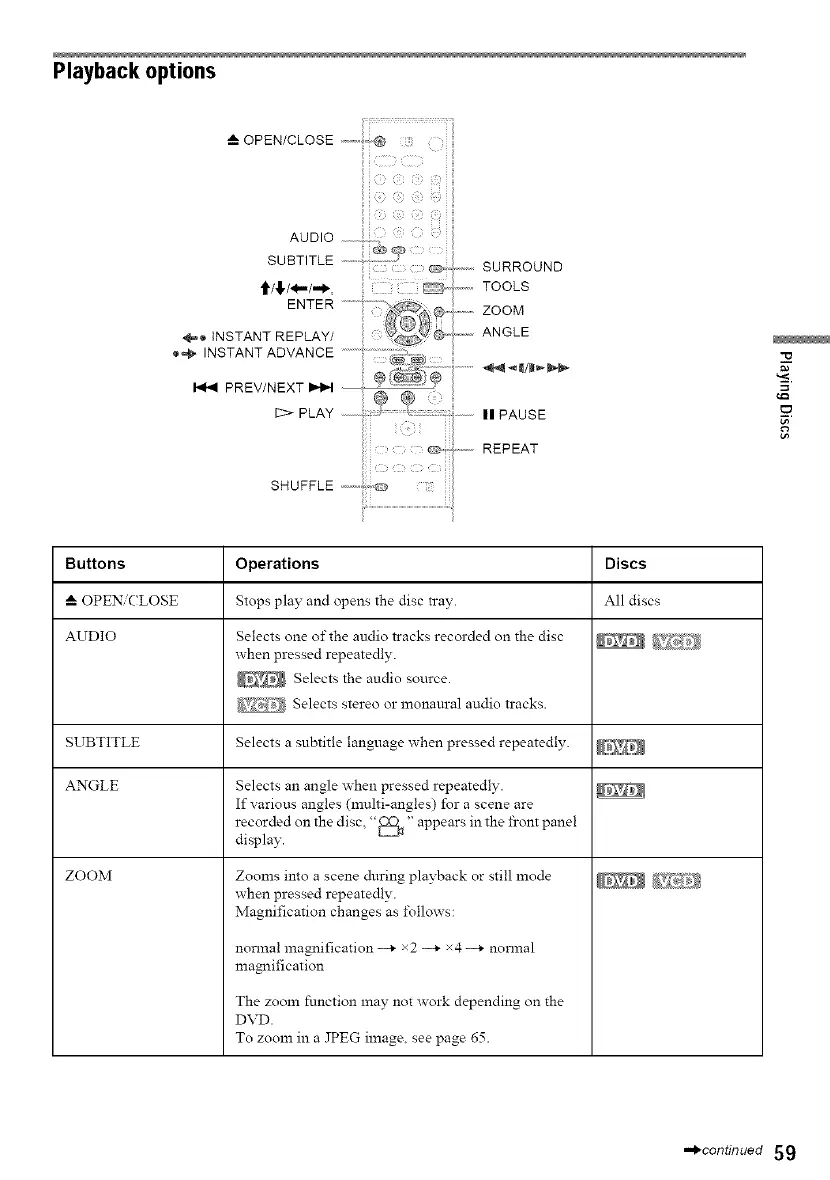
Playback options
iiij!i;!iiiiii!iilf_!ili_{ililiiili
AUDIO__ _/_ 2;
SUBTITLE
,,,,,,, SURROUND
'_/,_,/(I,,,/-,)_, _ .............TOOLS
ENTER .......... @....... ZOOM
÷0),STANTREPLAYJ"J;_'-_'_
ANGLE
,.STANTADVANOE
PREV/NEXT _ : --_ _ _i/_'_
c>PLA'< _ 2 ,,PAUSE
o,
REPEAT
SHUFFLE,,,,-,_,,o
Buttons Operations Discs
--_ OPEN/CLOSE Stops play and opens the disc tray. All discs
AUDIO Selects one of the audio tracks recorded on the disc
when pressed repeatedly.
Selects the audio source.
Selects stereo or monaural audio tracks.
SUBTITLE Selects a subtitle language ahen pressed repeatedly, g;_
ANGLE Selects an angle _hen pressed repeatedly.
If various angles (multi-angles) for a scene are
recorded on the disc, "_1_" appears in the front panel
display.
ZOOM
Zooms into a scene during playback or still mode
_hen pressed repeatedly.
Magnification changes as ±\)llows:
normal magnification --_ ×2 --_ ×4 --_ normal
magnification
The zoom function may not work depending on the
DVD.
To zoom in a JPEG image, see page 65.
,.,)continued 59



 To Next Page