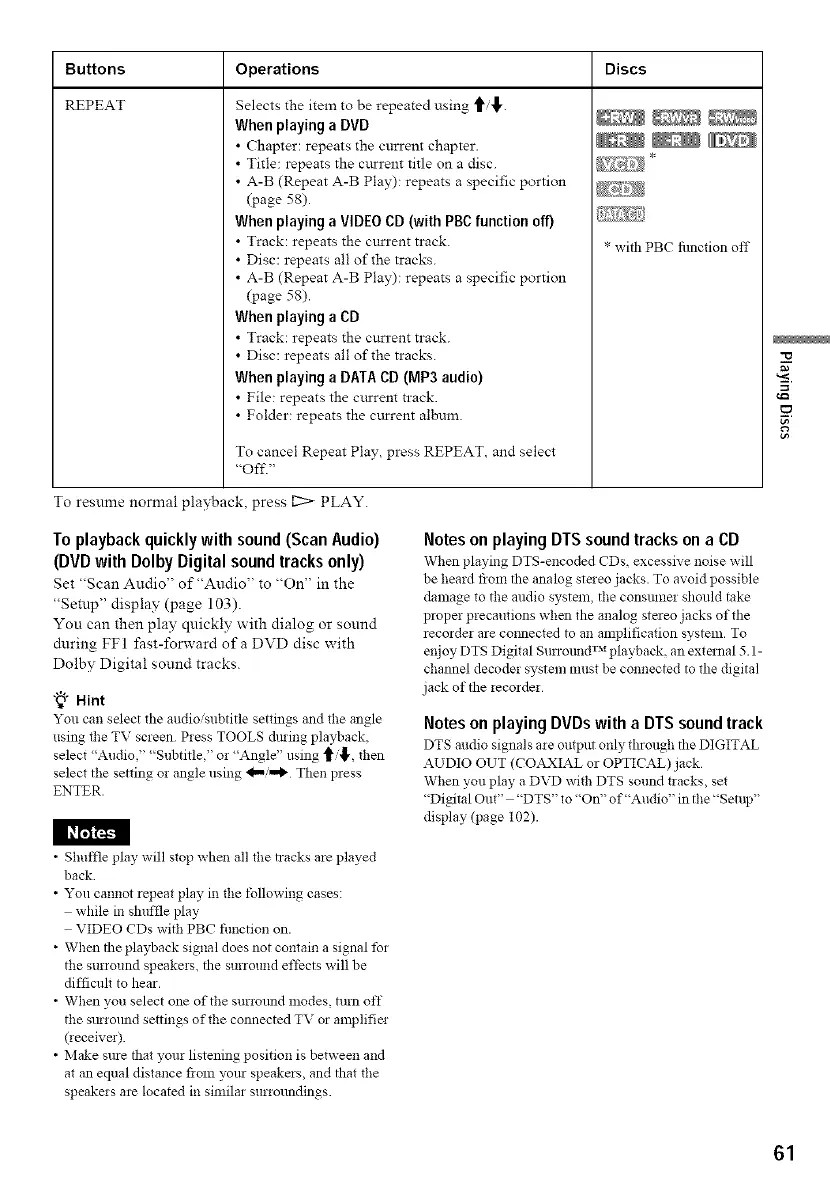
Buttons Operations
REPEAT
Selects the item to be repeated using t_'.
When playing a DVD
• Chapter: repeats the current chapter.
• Title: repeats the current title on a disc.
• A-B (Repeat A-B Play): repeats a specific portion
(page 58).
When playing a VIDEO CD (with PgC function off)
• Track: repeats the current track.
• Disc: repeats all of the tracks.
• A-B (Repeat A-B Play): repeats a specific portion
(page 58).
When playing a CD
• Track: repeats the current track.
• Disc: repeats all of the tracks.
When playing a DATA CD (MP3 audio)
• File: repeats the current track.
• Folder: repeats the current album.
To cancel Repeat Play, press REPEAT, and select
"Off."
Discs
* with PBC fimction off
To resume normal playback, press I2> PLAY.
To playback quickly with sound (Scan Audio)
(DVD with Dolby Digital sound tracks only)
Set "Scan Audio" of "Audio" to "On" in the
"Setup" display (page 103).
You can then play quickly with dialog or sound
during FF1 fast-lbrward ofa DVD disc with
Dolby Digital sound tracks.
"_° Hint
You can select the audio,'subtitle settings and the angle
using the TV screen Press TOOLS dmnig playback,
select "Audio," "Subtitle," or "Angle" using t'_, then
select the setting or angle using _.../...1_ Then press
ENTER.
Notes on playingDTSsound tracks on a CD
When playing DTS-encoded CDs excessive noise will
be heard flora the analog staeo jacks. To avoid possible
damage to the audio system, the consttmer should take
proper precautions when the analog stereo jacks of the
recorder are co:mected to an amplification system. To
enjoy DTS Digital Surrotllld TM playback, an external 5.1-
channel decoder system must be connected to the digital
jack of the recorder
Notes on playingDVDswith aDTSsoundtrack
DTS m:dio signals me output only through the DIGITAL
AUDIO OUT (CO,_XIAL or OPTICAL)jack
When you play a DVD with DTS sound t:acks, set
"Digital Out" "DTS" to "On" of"Audio" in the "Setup''
display (page 102).
• Shuffle play will stop when all the tracks are played
back
• You cannot repeat play in the tbllowing cases:
while in shuffle play
VIDEO CDs with PBC flmction on.
• When the playback signal does not contain a signal Ibr
the surround speakers, the stlrrotlnd effects will be
difficult to hear.
• When you select one of the surround modes, turn off
the surromld settings of the connected TV or amplifie:
(receive:).
• Make sme that your listening position is between and
at an equal distance rio::: yore speake:s, and that the
speakers are located in similar surroundings.
=
61



 To Next Page