Oxygen Analyzer
2–4 4900002239 rev. G 3-4-16
Connecting Electrical Power to the Analyzer
The OXY5500 is able to interface with either AC or DC power connections.
AC Connection
AC power is connected to the AC Power Supply at L1, N and GND. Refer to
Figure 1–1 for the Analyzer Power Port location and Figure A–2 for the wiring
connection diagram.
DC Connection
DC power is connected to the DC Power Supply at VI+ and –. Refer to Figure
1–1 for the Analyzer Power Port location and Figure A–2 for the wiring
connection diagram.
The OXY5500 is available in power from 100-240 VAC or 9-36
VDC. The OXY5500 can be powered by an DC source via
connection directly to the terminal of the DC/DC converter
terminals. AC powered is wired directly to the power supply
mounted to the back plate.
Hazardous voltage and risk of electric shock. Before
attaching the wiring to the analyzer, make sure the main
breaker/power switch is off.
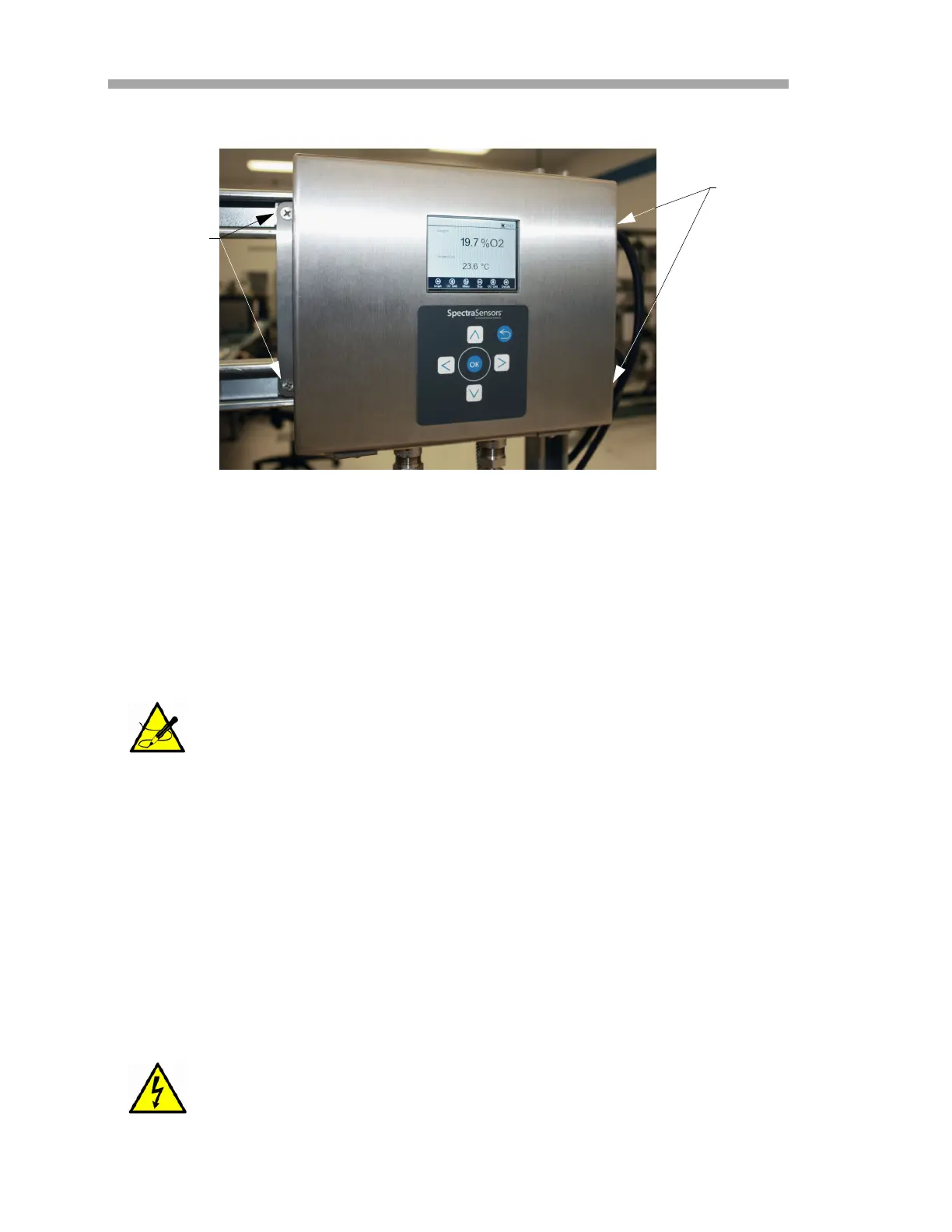
Figure 2–1 Analyzer mounting locations
MOUNTING
HOLES
MOUNTING
HOLES


 To Next Page
 Loading...