Oxygen Analyzer
3–8 4900002239 rev. G 7-11-17
Device Settings Menu
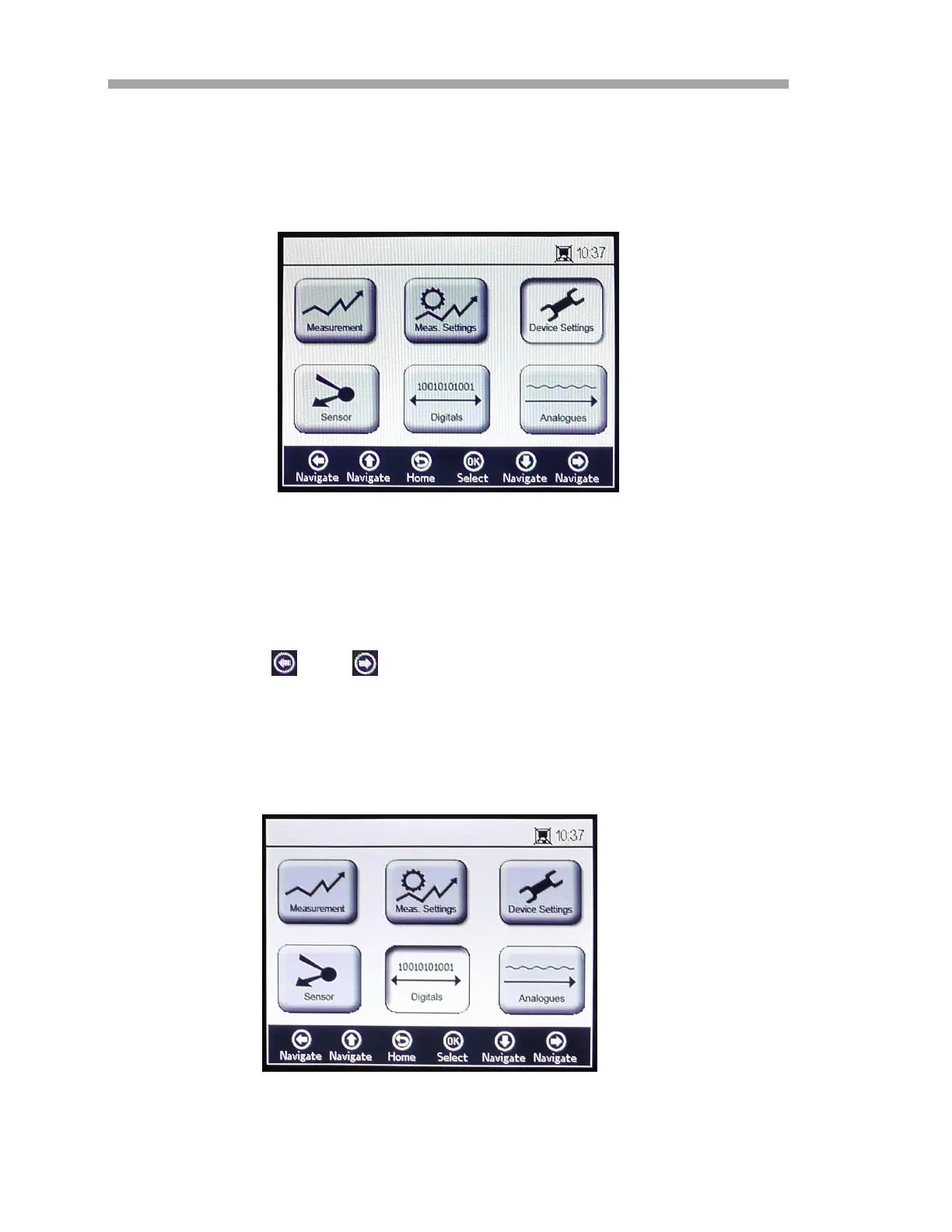
Select Device Settings from the MAIN MENU screen to display the analyzer
settings. Refer to Figure 3–10.
The DEVICE SETTINGS menu is divided into three screens: Device Settings,
Sensor Details and About. Refer to “Device Settings Options” on page 3-39
for more information on setting these options.
• Use the and buttons to switch between screens.
Digitals Menu
From the MAIN MENU, select Digitals to change the digital connection setting
of the OXY5500. Refer to Figure 3–11.
Figure 3–10 Main menu screen - Device
Settings selected
Figure 3–11 Main menu screen - Digitals
selected



 To Next Page
 Loading...