Operation
OXY5500 Operator’s Manual 3
–7
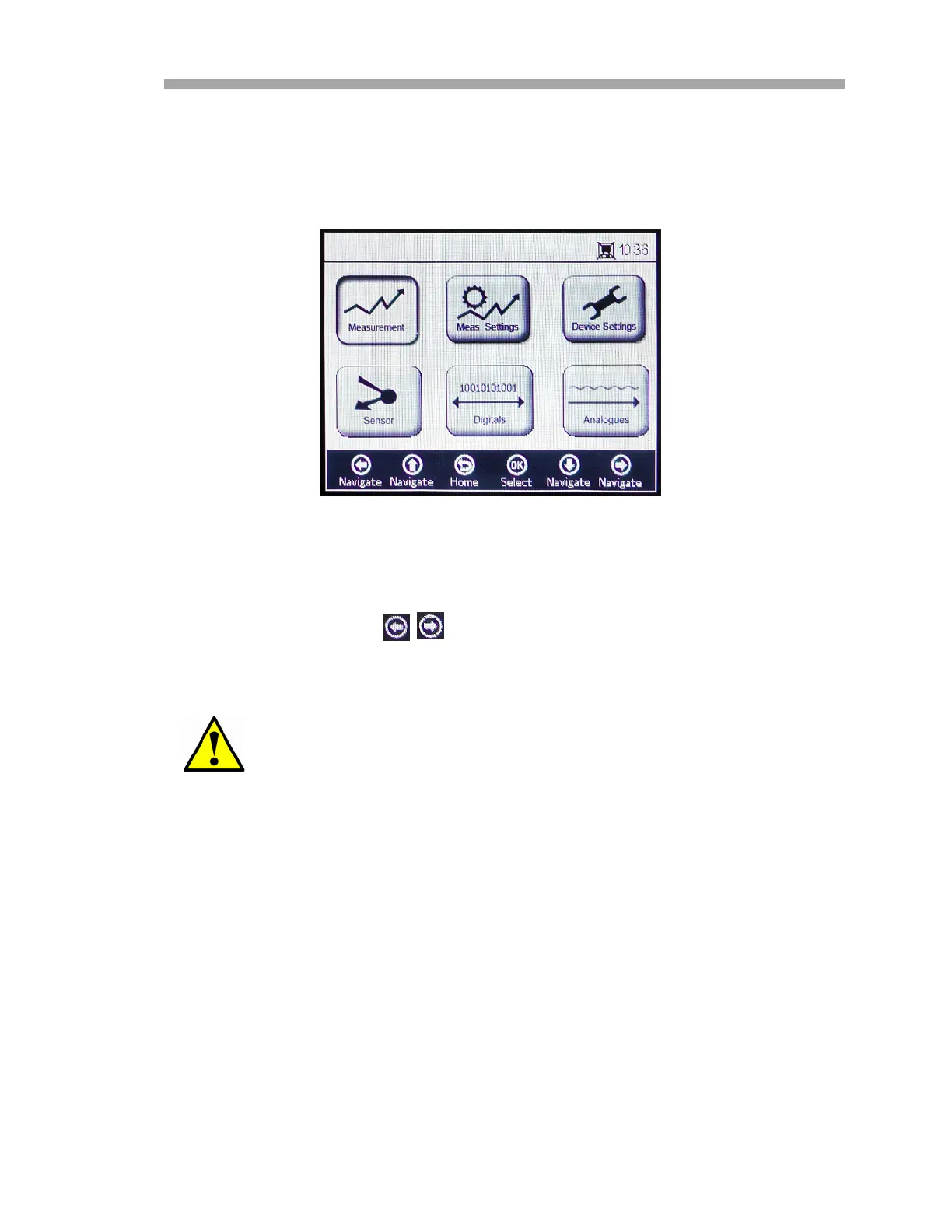
Measurement Menu
Selecting Measurement from the MAIN MENU screen displays the currently
measured values and measurement settings. Refer to Figure 3–9.
Views can be selected for simple, detailed or graphical presentations of the
measurements. Use the buttons to switch between screens. Refer to
“Measurement Options” on page 3-33 for more information on accessing
screen views.
If power is disabled to the analyzer, Time and Date settings will
be set to zero. Reset Time and Date in “Device settings screen”
on page 3-39 before starting a new measurement, so that the
correct measurement time is stored with the data.
Figure 3–9 Main menu screen - Measurement
selected


 To Next Page
 Loading...