Operation
OXY5500 Operator’s Manual 3
–17
2. Change the O2-2nd value according to the value shown below the
cal2nd column in Table 3–18.
3. Click the Save button in the upper right of the screen to store the
changes and complete the manual calibration of the analyzer.
The display will automatically change to the MEASUREMENT window.
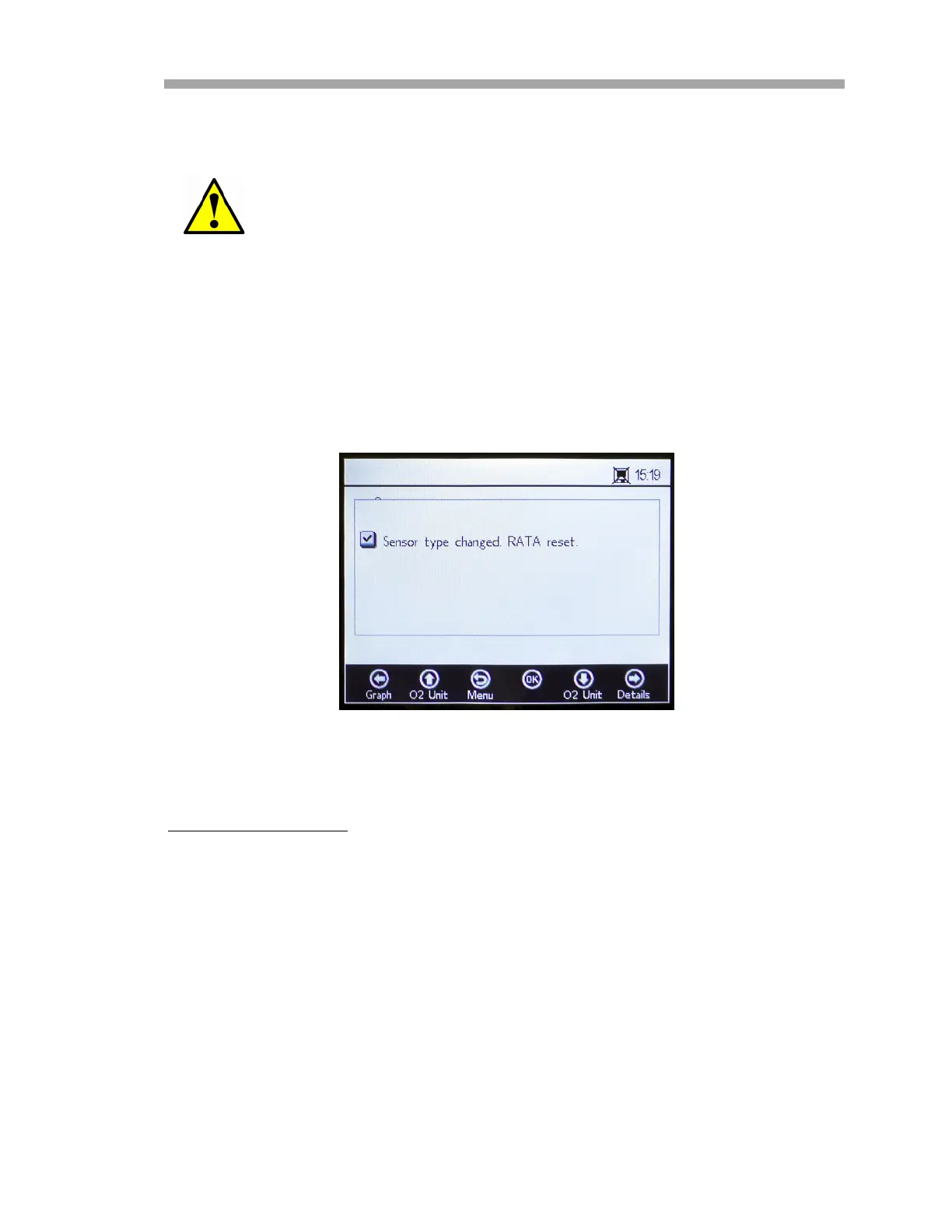
If another sensor type has been selected, a message window will
display stating that the sensor type change has reset RATA (refer to
“Relative Accuracy Test Audit (RATA)” on page 3-22). Refer to
Figure 3–21.
Two-point calibration
Use the following procedure to perform a two-point calibration with the
connected oxygen sensor.
Confirm that the correct unit for the O2-2nd and pATM values
are selected.
Figure 3–21 Message window - Sensor type
change resets RATA


 To Next Page
 Loading...