Operation
OXY5500 Operator’s Manual 3
–9
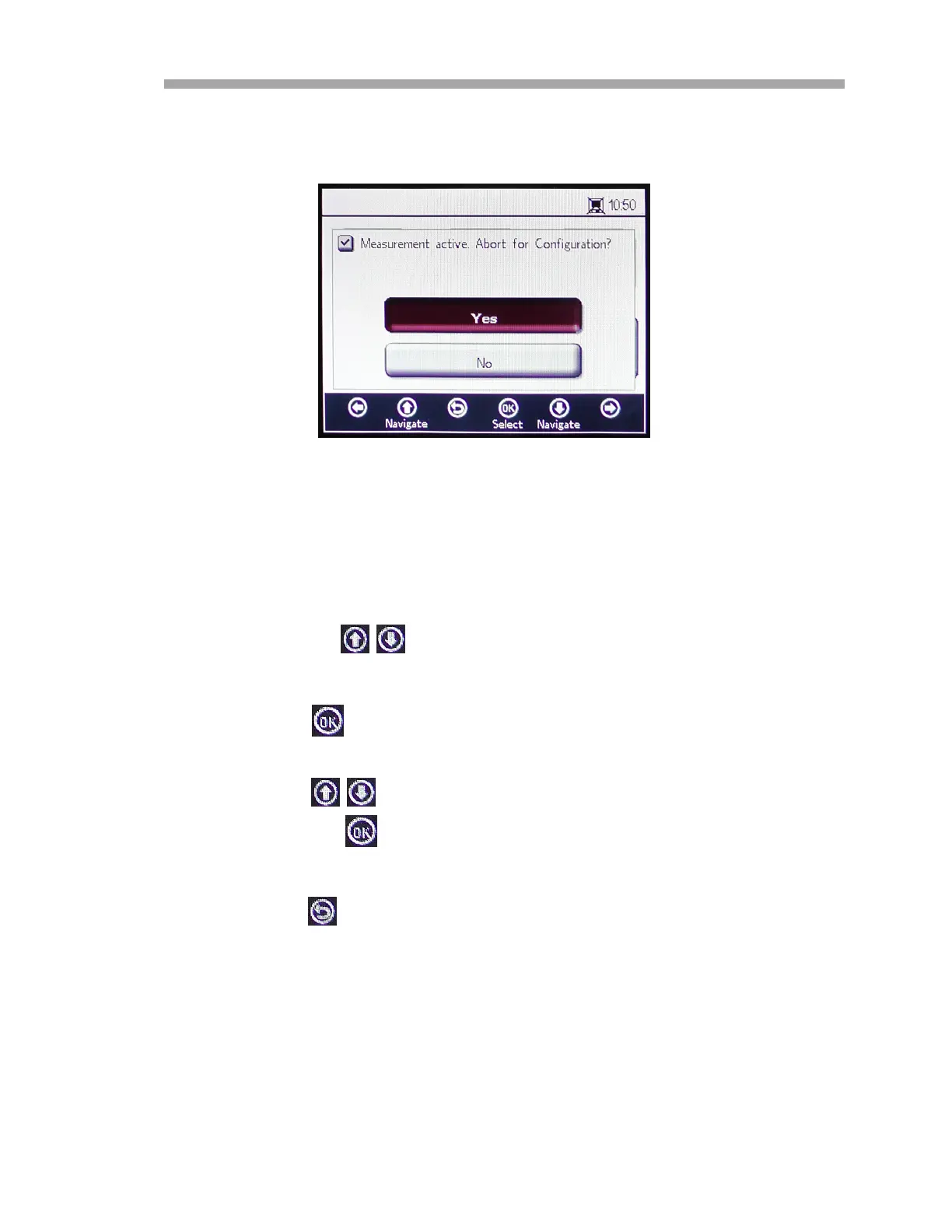
Before displaying the DIGITALS screen, a message window displays requesting
confirmation to abort the currently running operation. Refer to Figure 3–12.
Select Yes and stop the measurement to proceed with the Digitals settings.
The DIGITALS menu is divided into three screens: RS-232, RS-485 and TCP/IP
settings. Refer to “Digitals Menu Options” on page 3-42 for more
information for setting these options.
• Press the buttons to navigate between input fields.
To enter editing mode:
1. Press to enter editing mode.
a. Change the setting or value (one digit at a time) using the
buttons.
2. Press the again to save editing changes.
To exit the editing mode:
• Press to cancel and exit.
Figure 3–12 Message window - Stop
measurements during configuration


 To Next Page
 Loading...