Operation
OXY5500 Operator’s Manual 3
–41
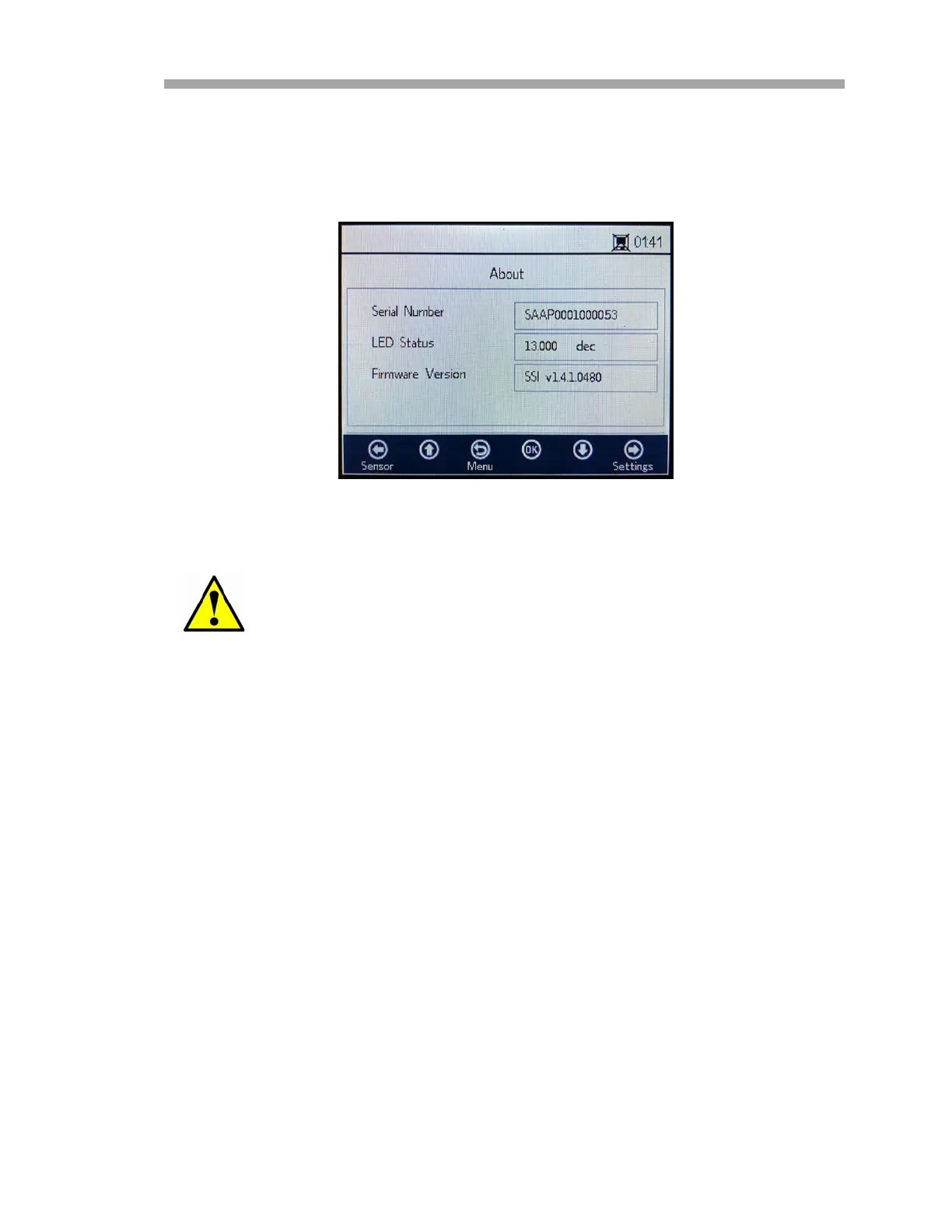
About screen
The ABOUT screen provides information for the serial number, LED status and
firmware version of the OXY5500. Refer to Figure 3–44.
Sensor details screen
Information about the currently selected sensor is available through the
SENSOR DETAILS screen. Refer to Figure 3–45. The sensor type is displayed at
the top of the screen. Below, all calibration data and sensor constants are
shown.
Have this information ready before contacting “Customer
Service” on page B-20.
Figure 3–44 About screen


 To Next Page
 Loading...